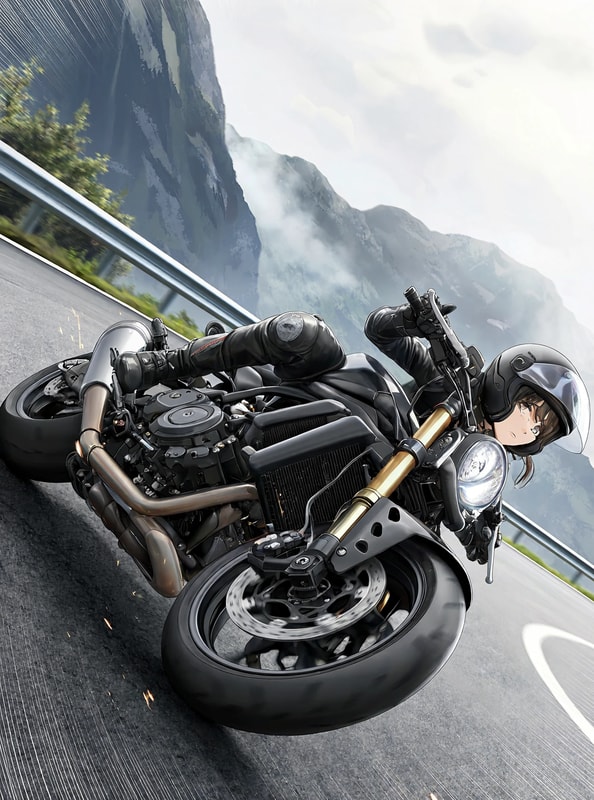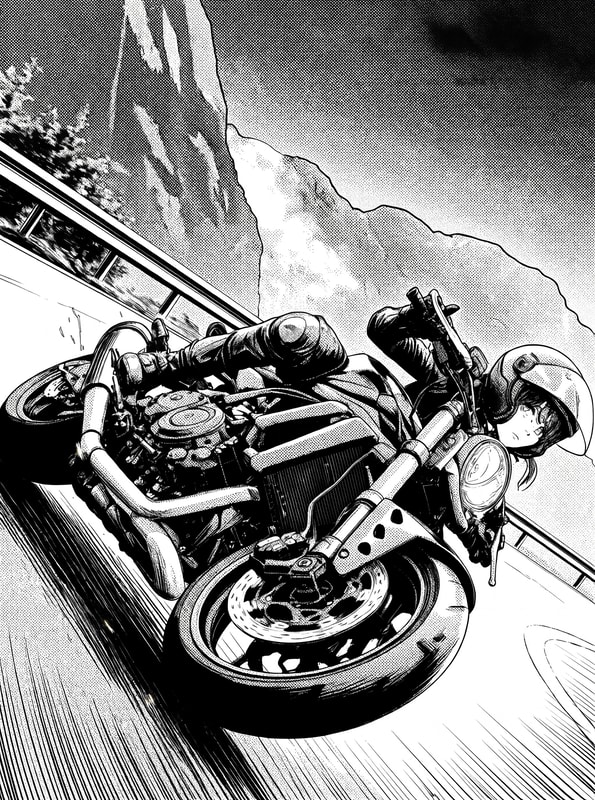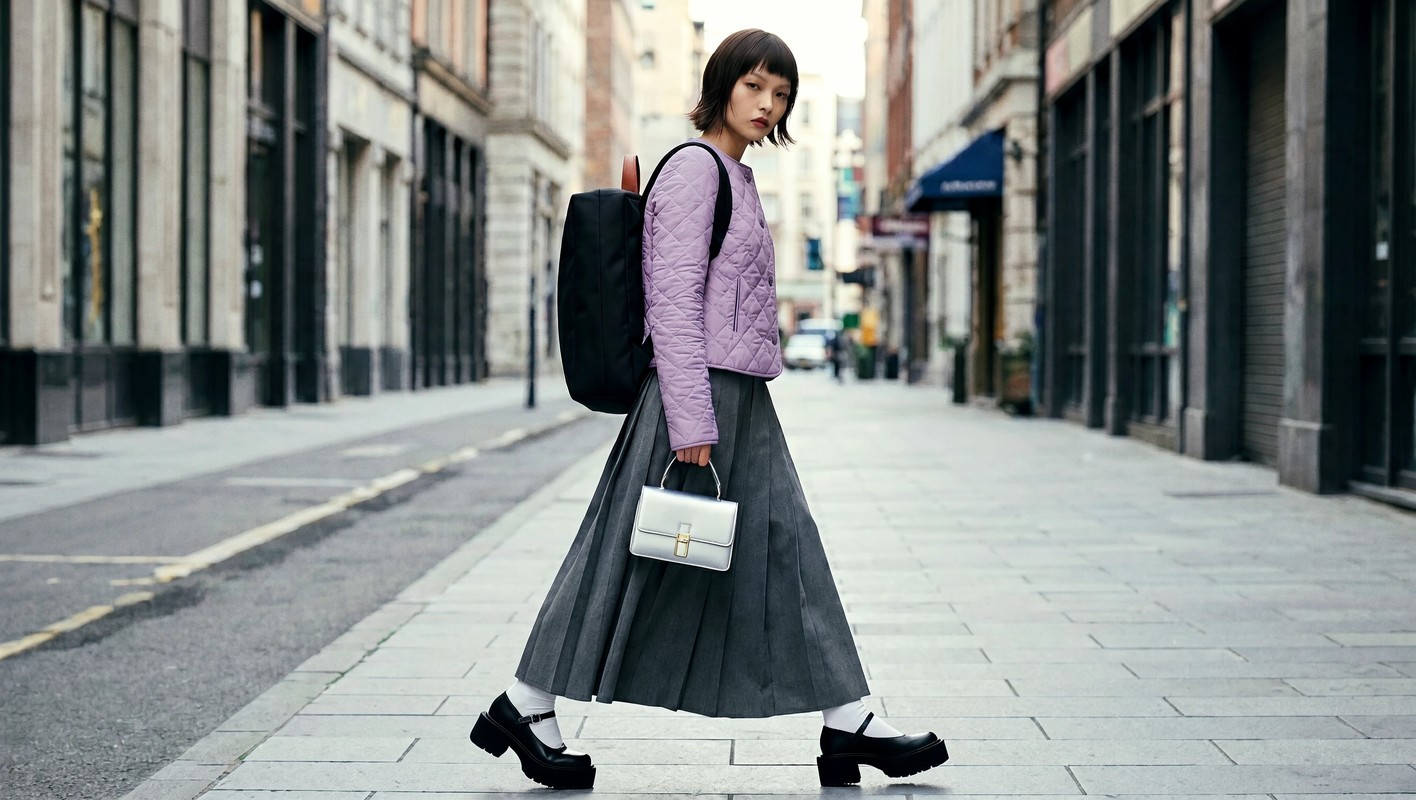
What is MiniMax H3 Image?
MiniMax H3 Image is an image generation model released by MiniMax.
It comes from the same ancestor as the video model MiniMax H3, and a single model handles both image generation and image editing.
Its standout feature is generating huge 16 MP images in one pass. Combined with its 6-step distillation, it is very fast at 4 MP.
Contains a referral link
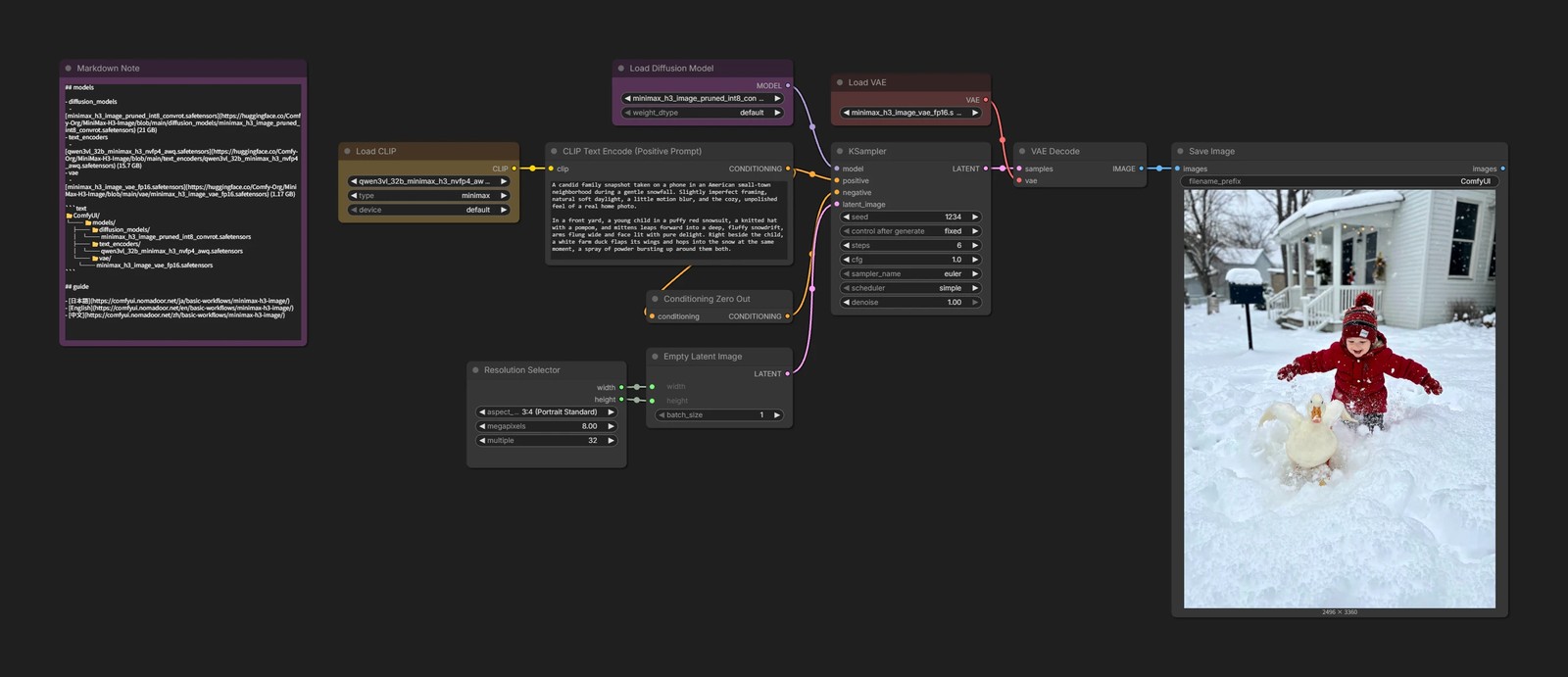
Recommended settings
- Resolution
- 4–16 MP
- For 1:1, that is 2048 × 2048 to 4096 × 4096 px
- Width and height must be multiples of 32
- 4–16 MP
It is not so much that it can generate large images as that it needs large images to work well. Below 4 MP, the output breaks down.
Downloading the models
- diffusion_models
- text_encoders
- vae
- minimax_h3_image_vae_fp16.safetensors (1.17 GB)
📂ComfyUI/
└── 📂models/
    ├── 📂diffusion_models/
    │   └── minimax_h3_image_pruned_int8_convrot.safetensors
    ├── 📂text_encoders/
    │   └── qwen3vl_32b_minimax_h3_nvfp4_awq.safetensors
    └── 📂vae/
        └── minimax_h3_image_vae_fp16.safetensors
Prompts
Below is MiniMax's official prompt guide, but compared with the MiniMax H3 video model, this one does not demand such strict prompts. Just describe what you want in your own words, in detail.
Ref2Image and image editing
The official format asks you to define things first, like <Subject 1>, but as far as I have tested, simply writing Picture 1, Picture 2 in the order the reference images are connected works fine.
Also, even for image editing, describing the finished picture seems to be more stable than giving an instruction like "change it to …".
The image shows the man from Picture 1 sitting deep in the chair from Picture 3, wearing the headphones from Picture 2.
I do not use a prompt enhancer here. With Qwen3.5 9B it adds processing time and makes quite a few mistakes, and short prompts were good enough.
text2image
Ref2Image
Generate a new image by combining reference images.
You can use up to 16 reference images.
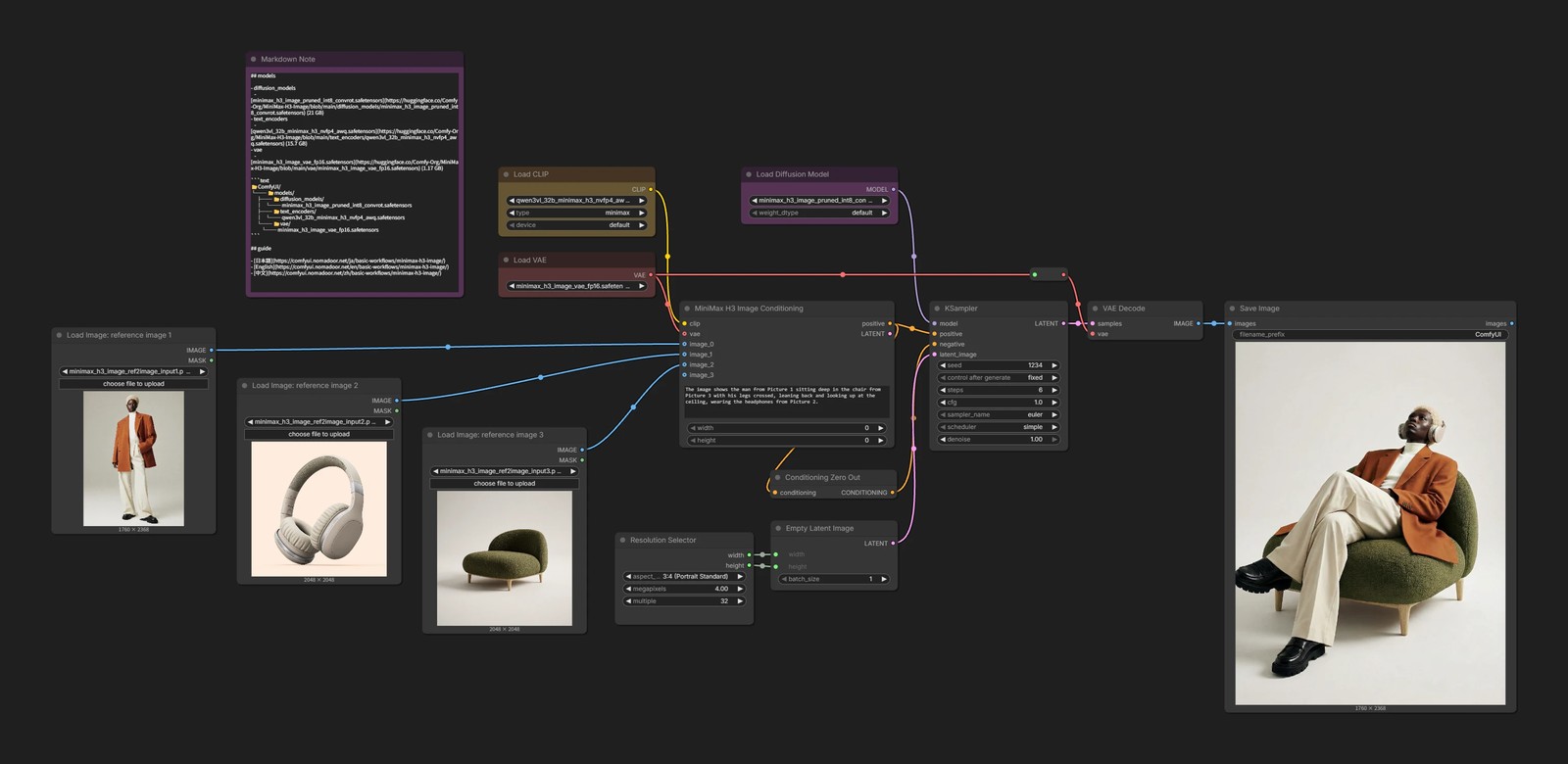
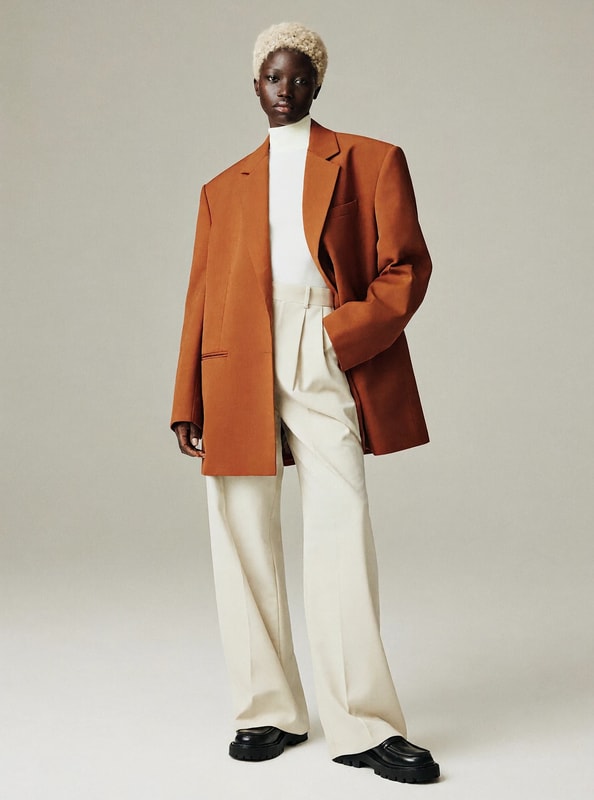
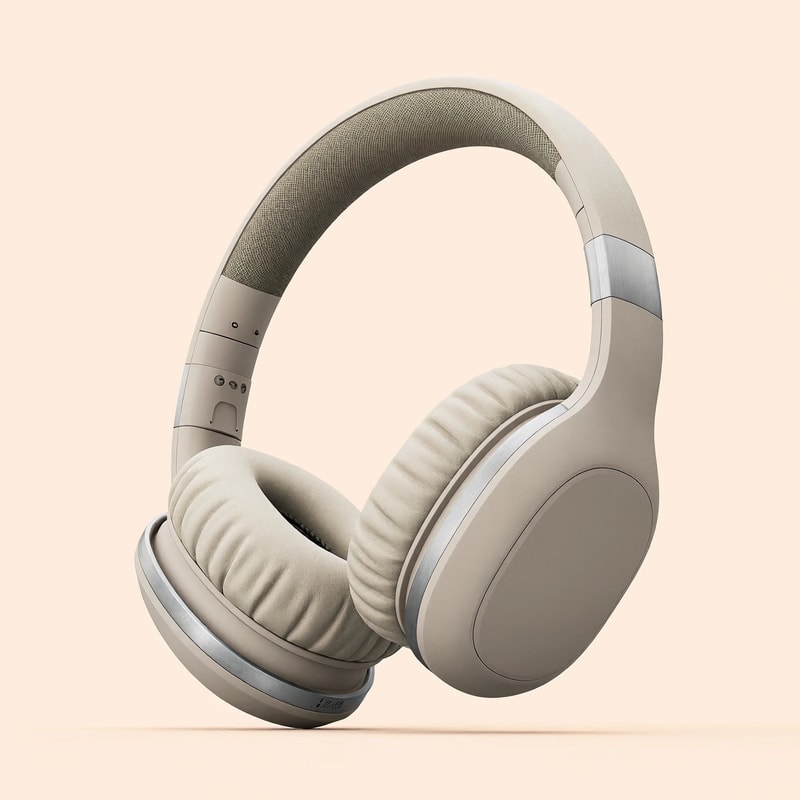
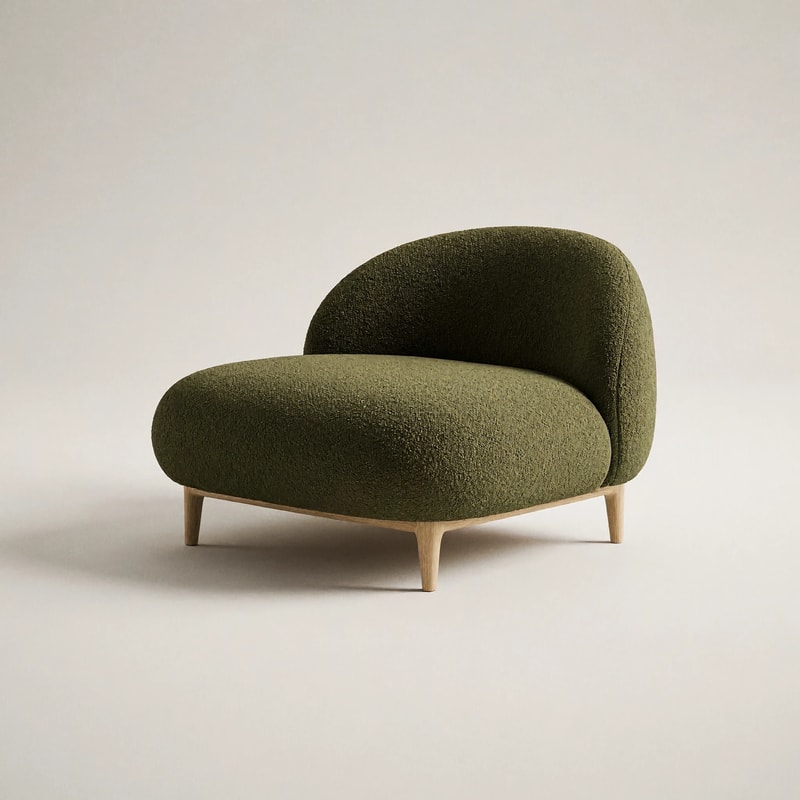
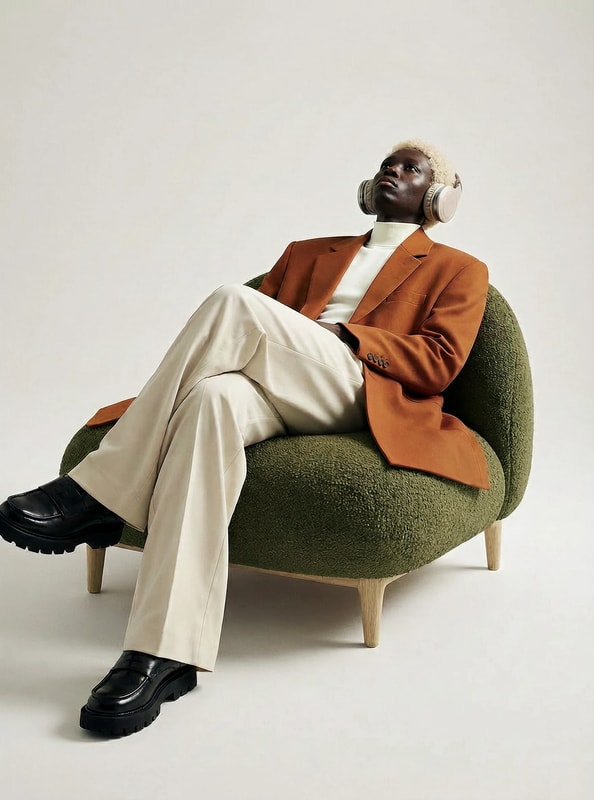
Image editing
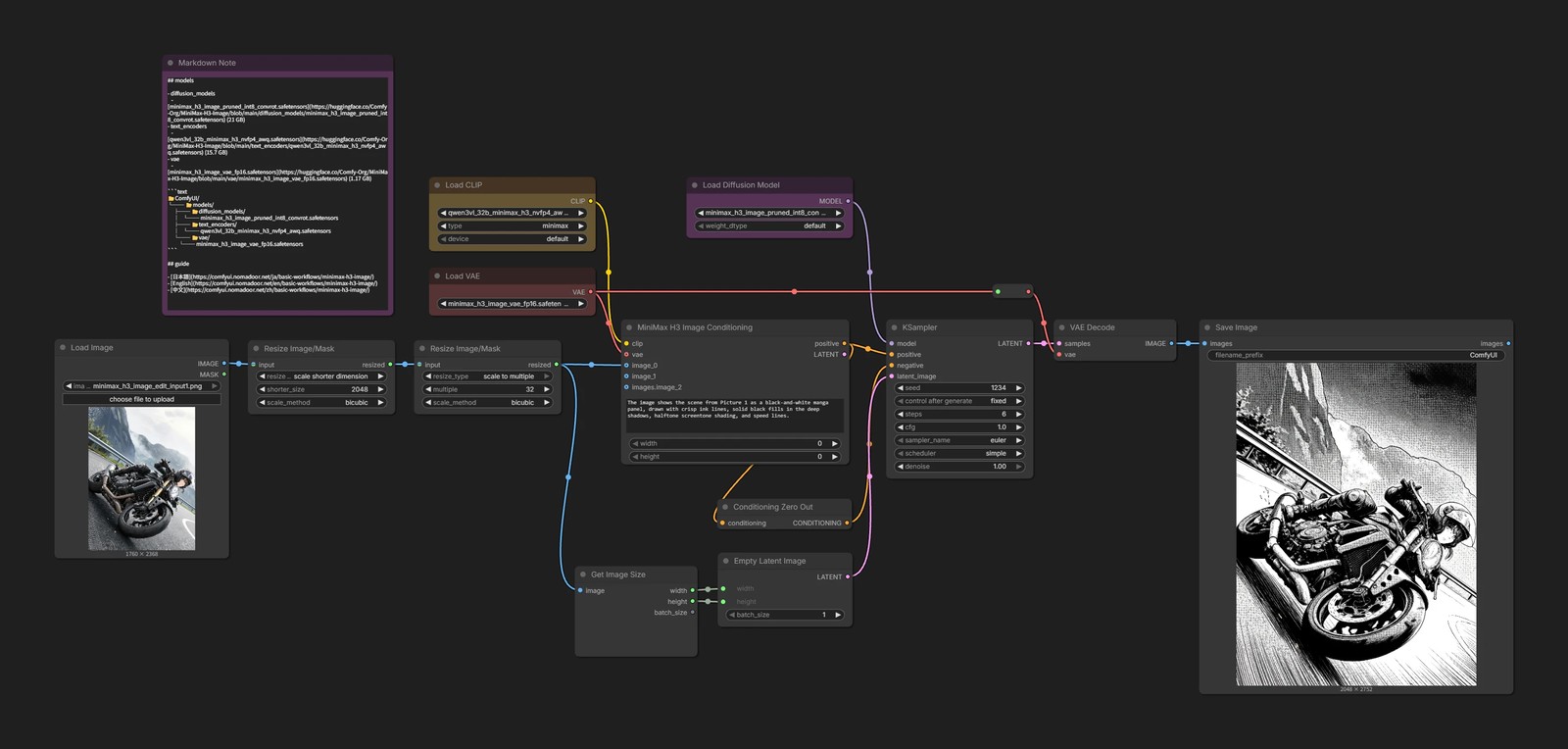
Resize Image/MaskMiniMax H3 Image Conditioninggoes ahead and resizes the input image internally so that its short side falls between 1024 and 2048 px.- To make the input and output sizes match exactly, the short side is set to 2048 px beforehand.
Sometimes the framing changes on its own, for example a full-body photo turning into a close-up. When that happens, also write what you want to keep in the prompt.
The framing, pose, and background are the same as Picture 1.