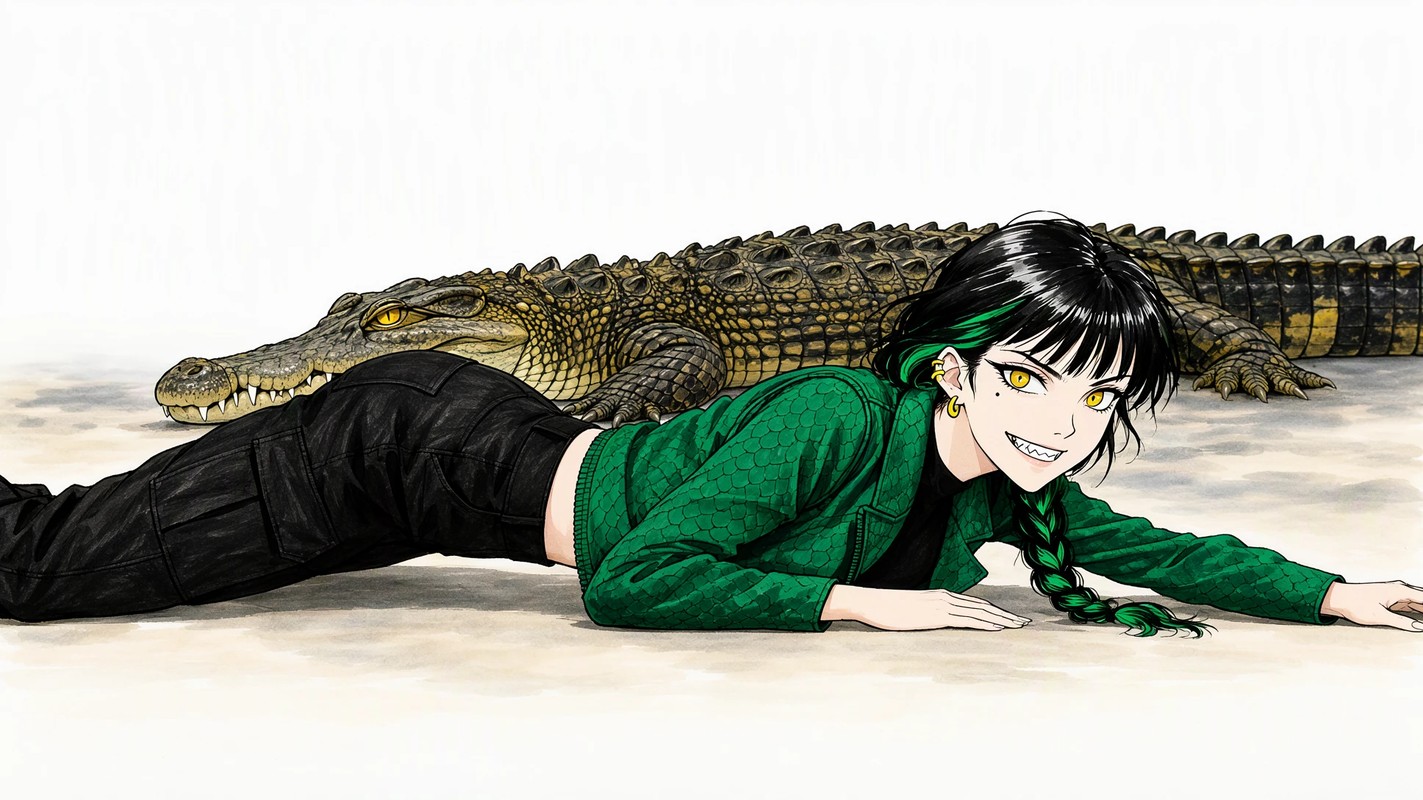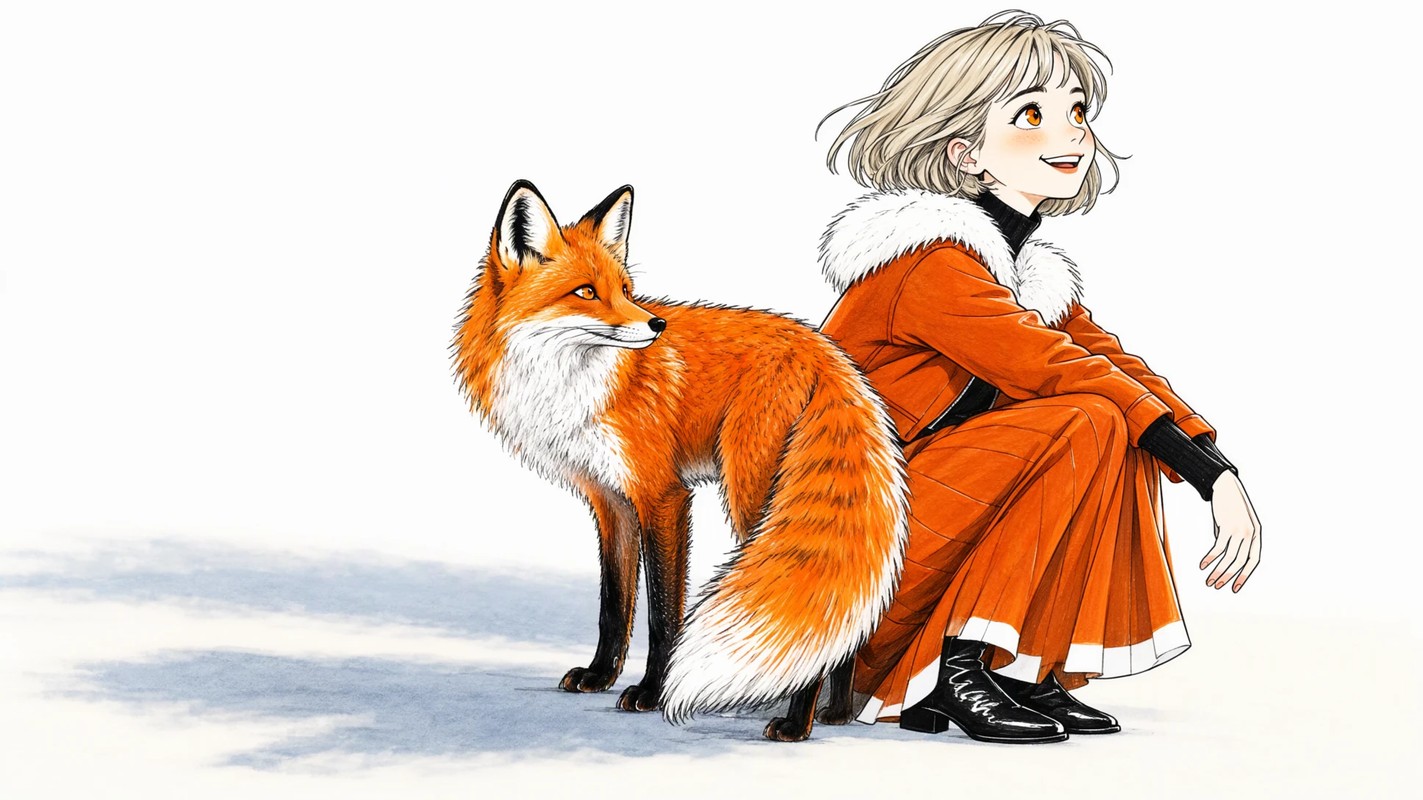
What is MOSS-Image?
MOSS-Image is a 5B image generation model pretrained from scratch on about 3.2 billion images.
What makes it interesting is that its training data was barely filtered for quality. Images with watermarks or blur weren't thrown away; they were captioned and kept in the training set.
Perhaps thanks to that, it has a very wide expressive range. Anime-style images in particular hold together so well that it's hard to find another model like it, even among the cutting-edge ones.
It also comes with a permissive license that allows commercial use, so I'm looking forward to seeing how the community grows it from here.
Contains a referral link
Recommended settings
- Resolution
- 1MP to 2MP (up to 4MP)
- Width and height must both be multiples of 16
Downloading the models
- diffusion_models
- moss_image_sft_int8_convrot.safetensors (5.41 GB)
- text_encoders
- qwen3.5_9b_int8_convrot.safetensors (9.75 GB)
- vae
- flux2-vae.safetensors (336 MB)
📂ComfyUI/
└── 📂models/
    ├── 📂diffusion_models/
    │   └── moss_image_sft_int8_convrot.safetensors
    ├── 📂text_encoders/
    │   └── qwen3.5_9b_int8_convrot.safetensors
    └── 📂vae/
        └── flux2-vae.safetensors
Prompt
Besides natural language, it also supports tag-style prompts. If you use tags, write them in the following order. It's similar to Anima.
Quality -> Score -> Meta -> Year -> Character -> Series -> Artist -> General
text2image
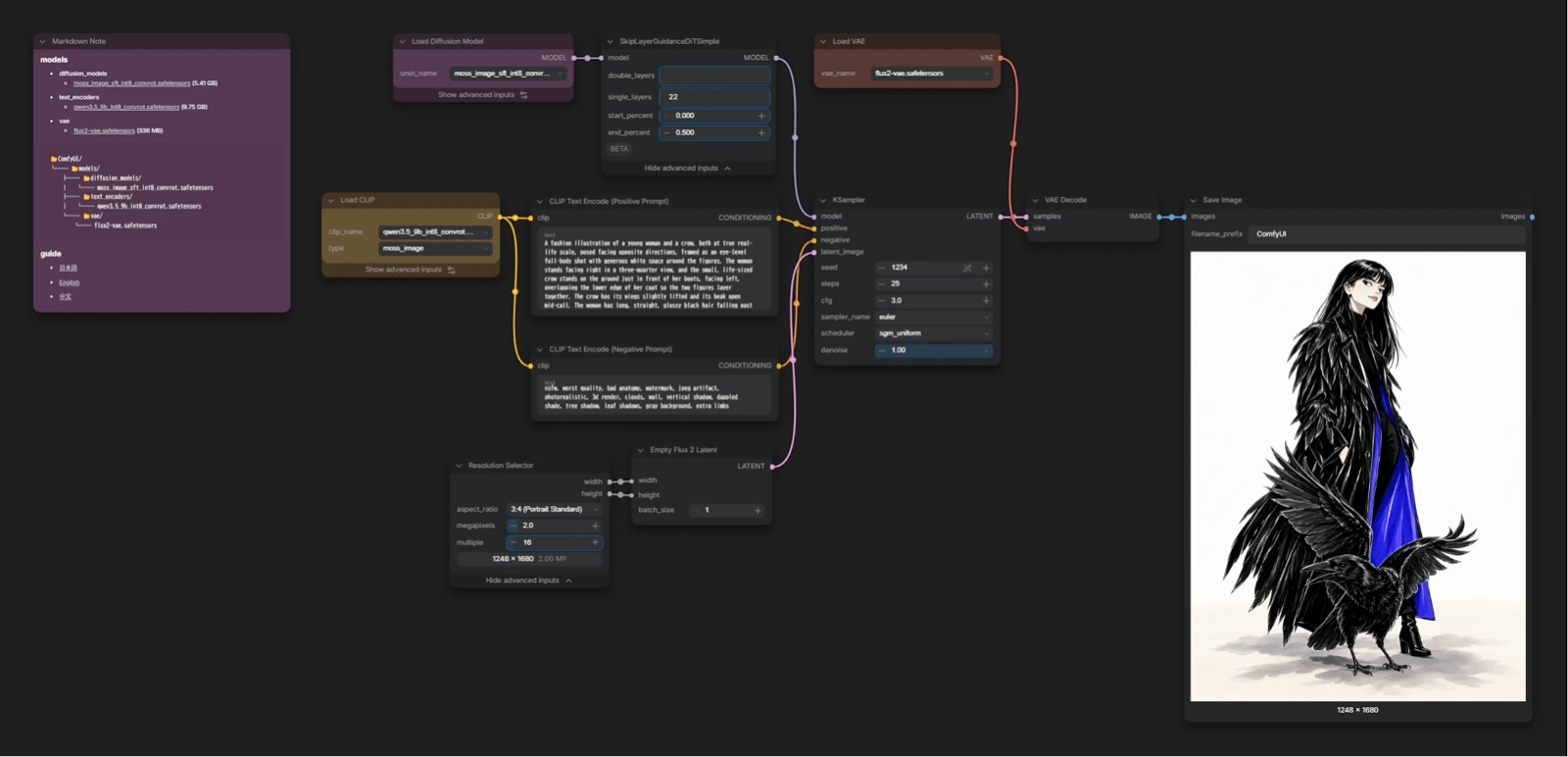
steps: 25cfg: 3.0SkipLayerGuidanceDiTSimplesingle_layers: 22end_percent: 0.5- Turning this off makes images very realistic at the cost of breaking down more easily... or so I hear. It does break down a lot when off, so here I went with 0.5 as a middle ground.
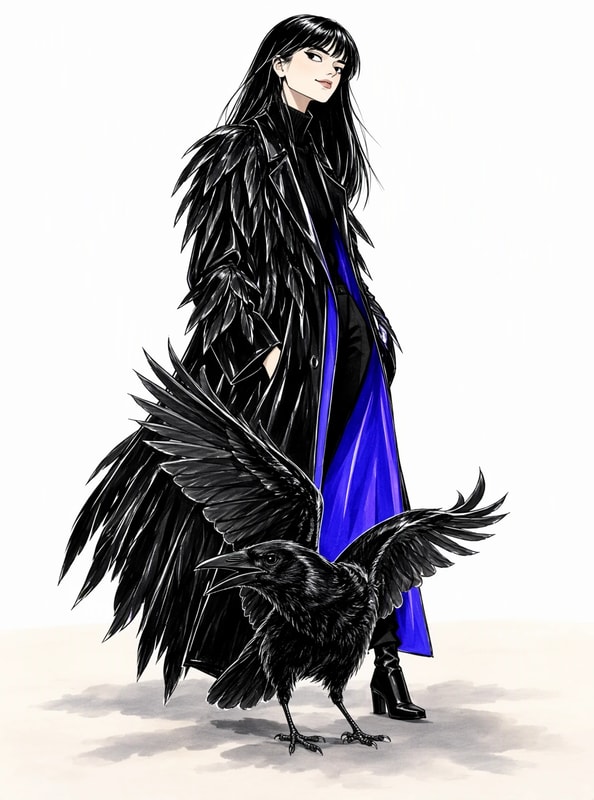
text2image with BBOX
With BBOX, you can specify what goes where.
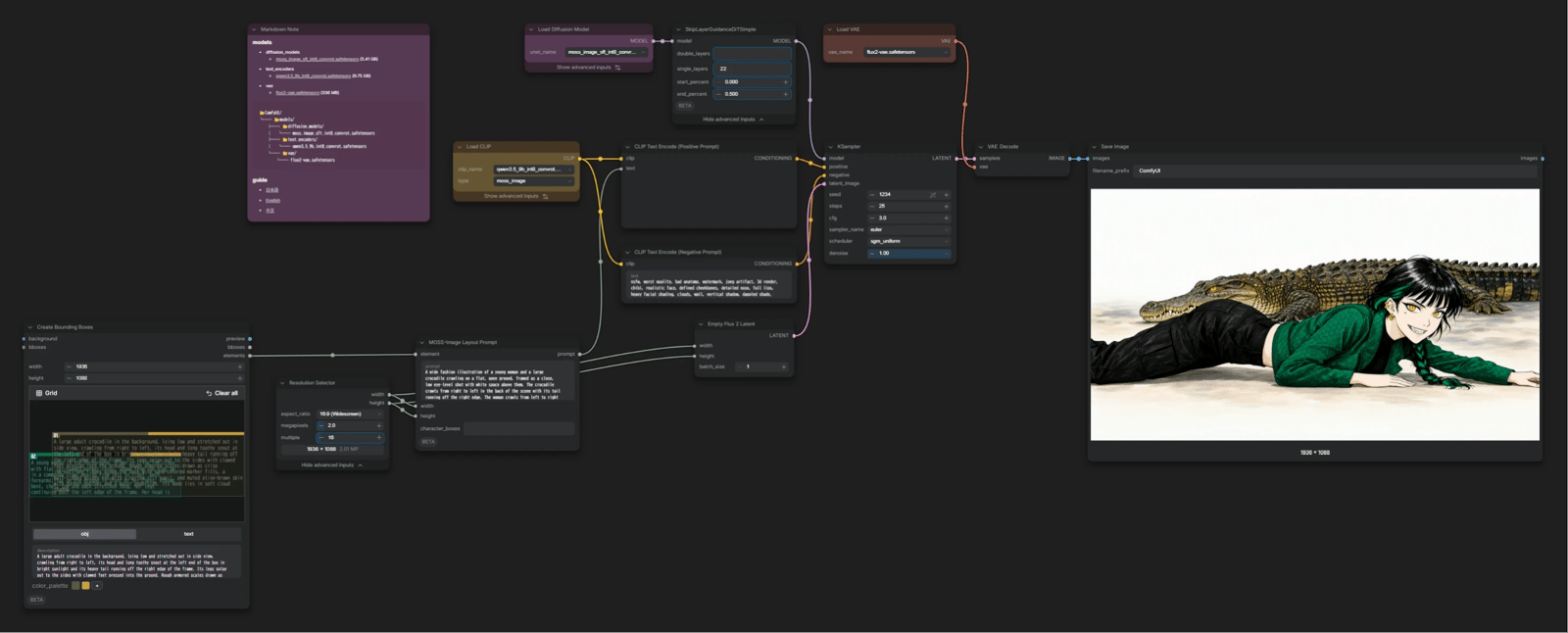
-
Create Bounding Boxes- A core node for drawing BBOXes. Drag to add a box, then describe what you want to place there.
width/heightshould match the output size (the value fromResolution Selector).
It's tempting to connect
Resolution Selectortowidth/height, but there's currently a bug: when the resolution comes in through an input, the BBOX coordinates get shifted.
Type the same values in by hand instead. -
MOSS-Image Layout Prompt- Write the prompt for the whole image here.
- It combines the box information and the prompt into the JSON format MOSS-Image was trained on.