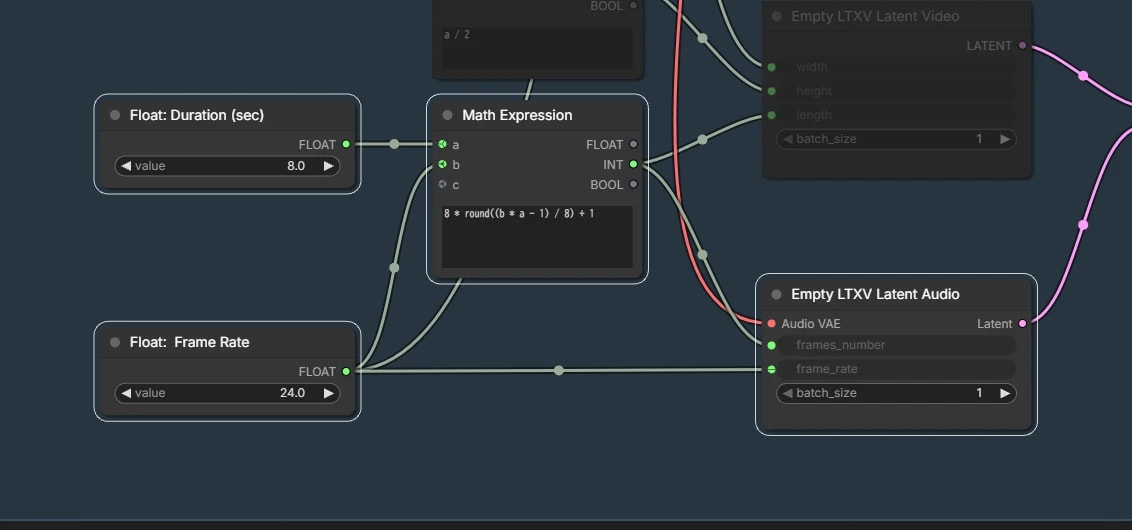
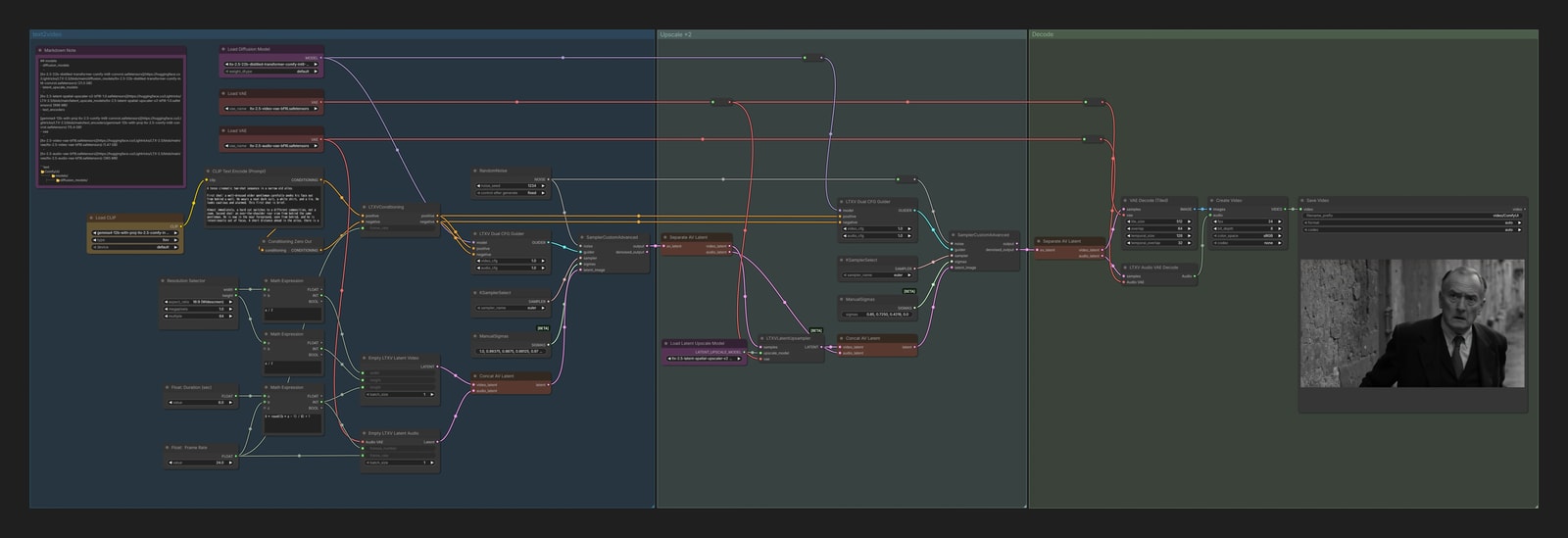
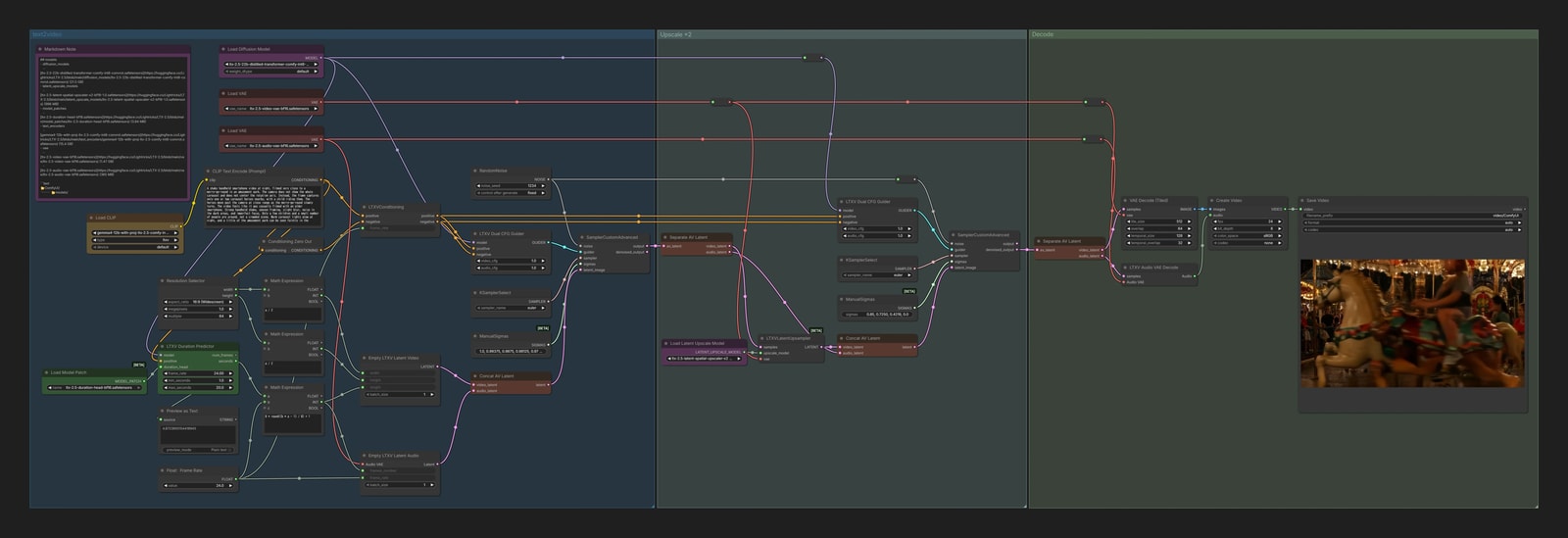
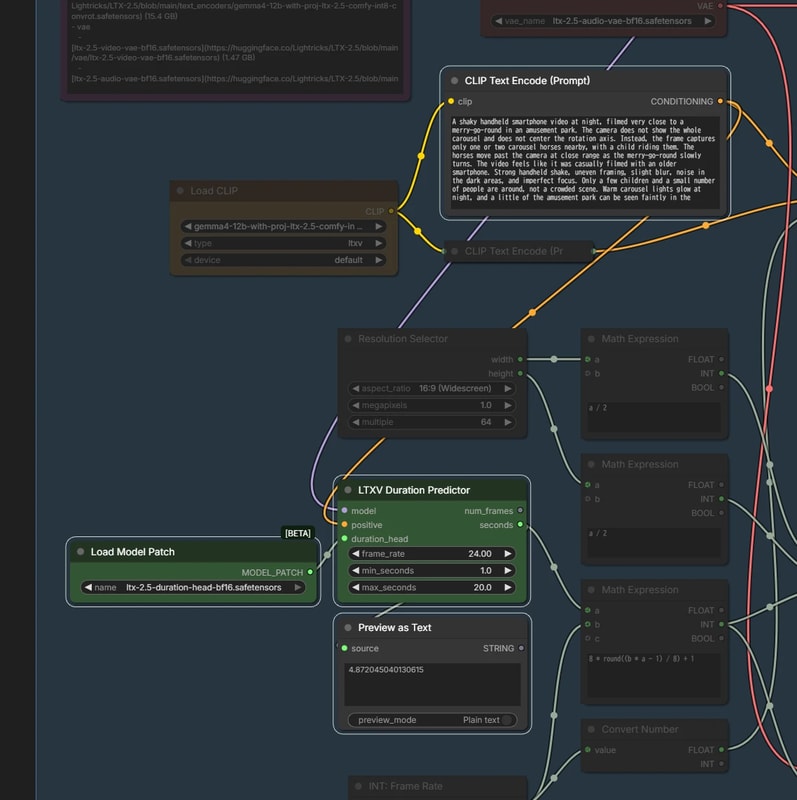
It outputs the frame count predicted from the prompt, so connect that to length in the usual text2video workflow.
It is only a prediction, so the result may be shorter or longer than expected. Still, having it guess the video length for you is a fun feature.
Outputs
image2video
ltx_2_5_image2video.json
Performance
RTX 4070 Ti 12GB
Total254s
DDR5 64GB1MP
Sampler12.82 s/it
Measured after model unload and cache clear
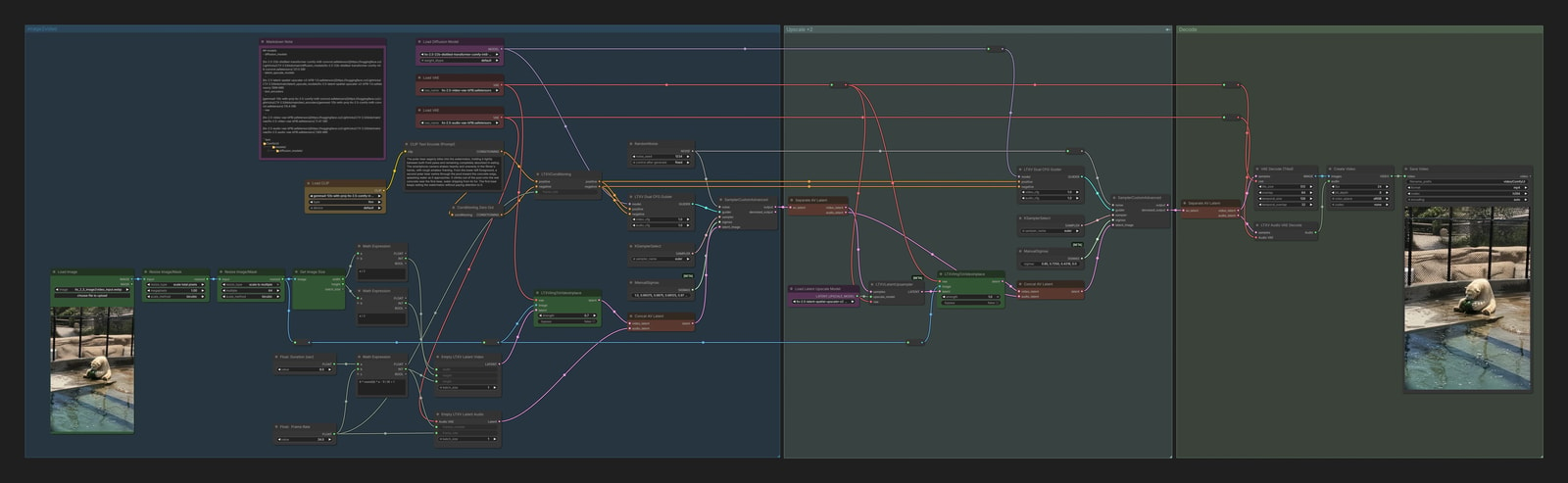
This works the same way as image2video in LTX 2. LTXVImgToVideoInplace inserts the input image as the first frame.
For various reasons, earlier workflows deliberately degraded the input image with LTXV Preprocess. With LTX 2.5, at least in my experience, it no longer seems necessary, so I have left it out.
Outputs
InputOutput
Generative Interpolation / FLF2V
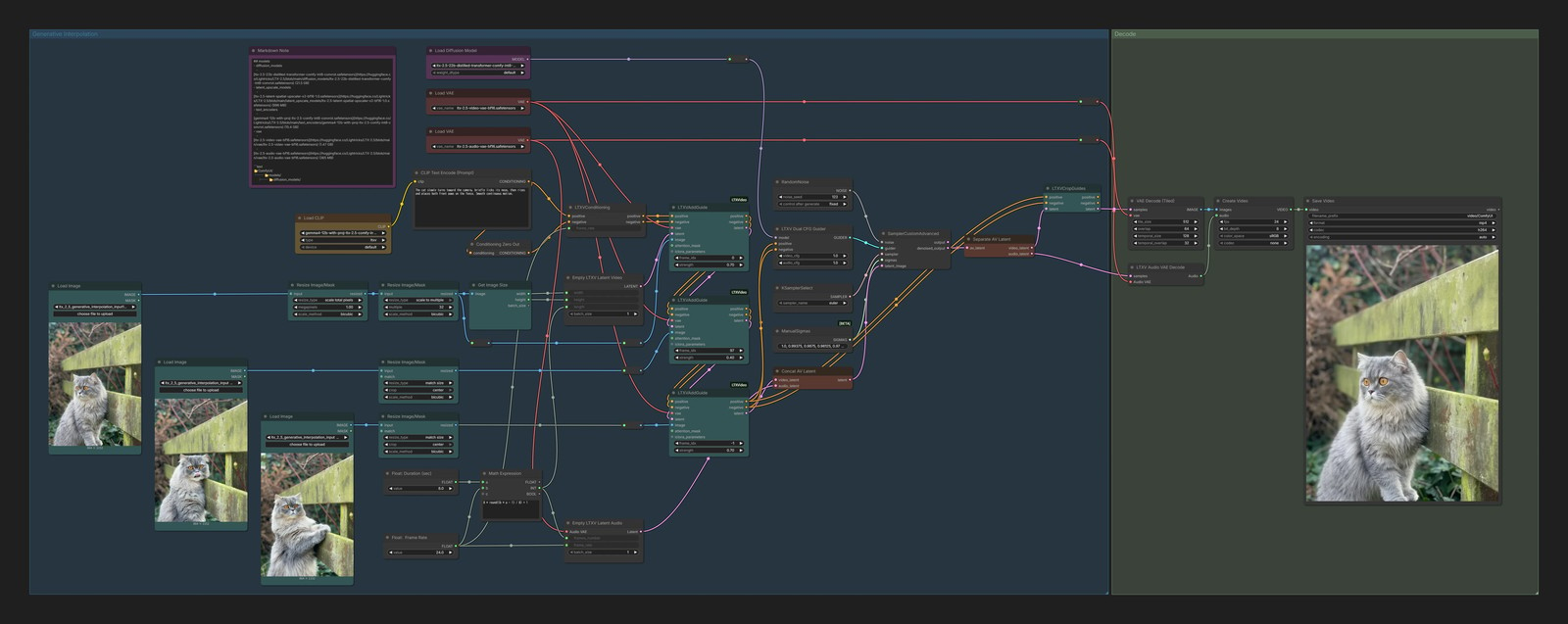
This workflow takes any number of images and smoothly fills in the gaps between them.
If you specify only the first and last images of the video, it becomes what is commonly called FLF2V.
ltx_2_5_generative_interpolation.json
Performance
RTX 4070 Ti 12GB
Total334s
DDR5 64GB1MP
Sampler16.08 s/it
Measured after model unload and cache clear
Deep diveGenerative Interpolation / FLF2V
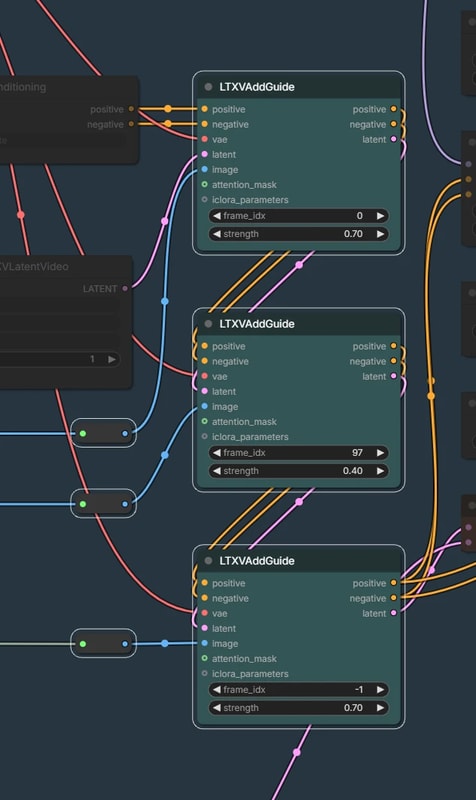
LTXV Add Guide
Use frame_idx to specify where each image is inserted.
0: First frame
-1: Last frame
Add more nodes and connect them in sequence to create Generative Interpolation.
Depending on the images, the result may look more like a transition than frame interpolation.
For an intermediate LTXVAddGuide, it may help to lower strength to around 0.3–0.4.
Outputs
Input 1
Input 2
Input 3Output
IC-LoRA
IC-LoRA plays a role similar to ControlNet or a video-editing LoRA for LTX.
LTX 2.5 is compatible with many IC-LoRAs made for LTX 2.3, and they can be used without modification.
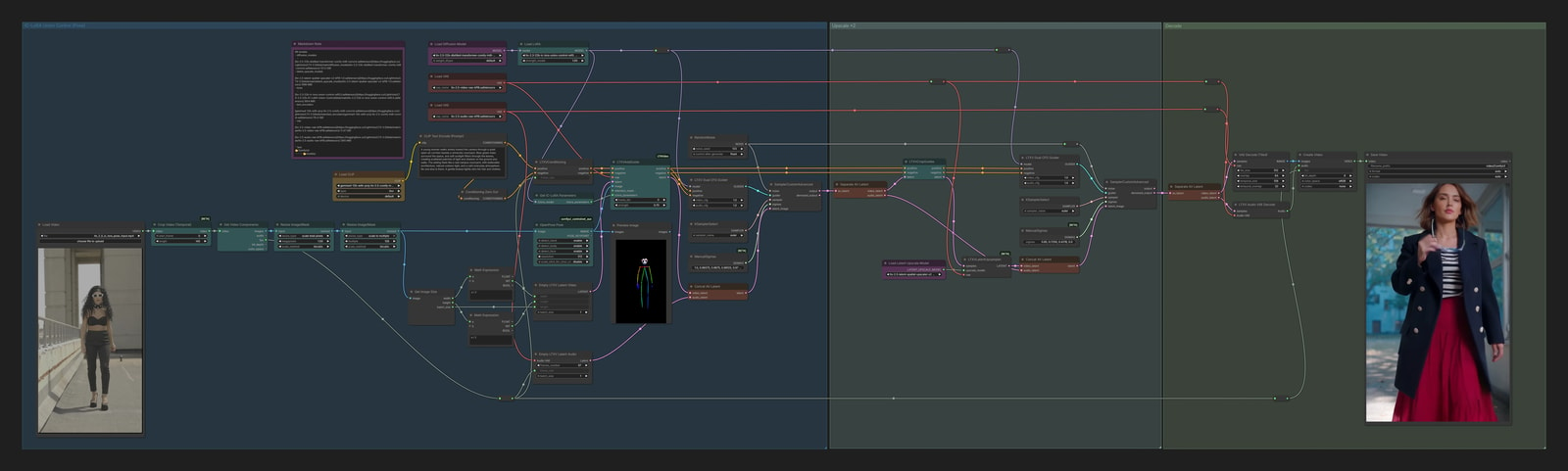
Union Control
Like a regular ControlNet, it can control the generated video with line art, depth maps, or pose videos.
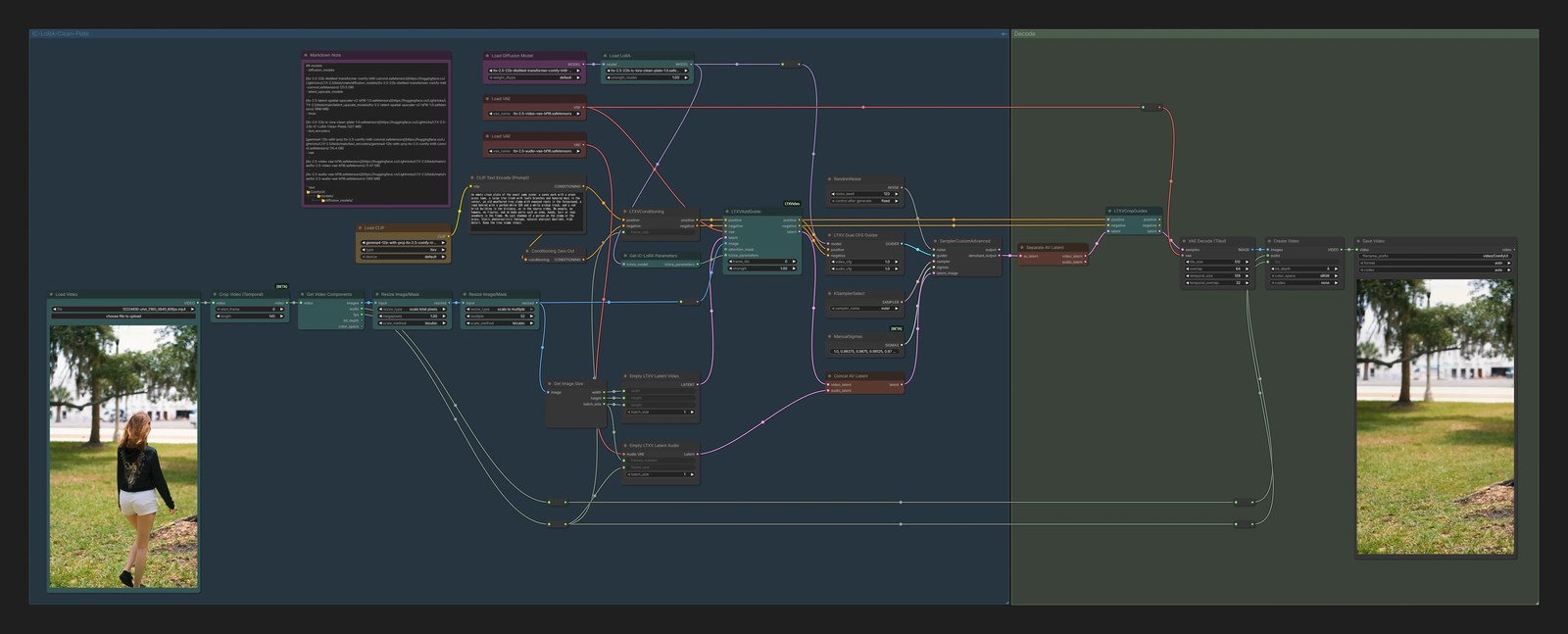
Instead of writing "remove ○○" as you would for image editing, describe the scene after ○○ is gone, as ordinary text. When you know exactly what should disappear, adding that it is absent, as in no bicycle anywhere in the frame, makes it work more reliably.
Things at the edge of the frame or partly hidden seem to disappear cleanly, while something filling the center of the frame seems hard for it. There is probably too little background left in the video to reconstruct from.
Outputs
InputOutput
In most cases, this workflow can run other IC-LoRAs too. A few need a dedicated workflow, though, so let's look at those below.
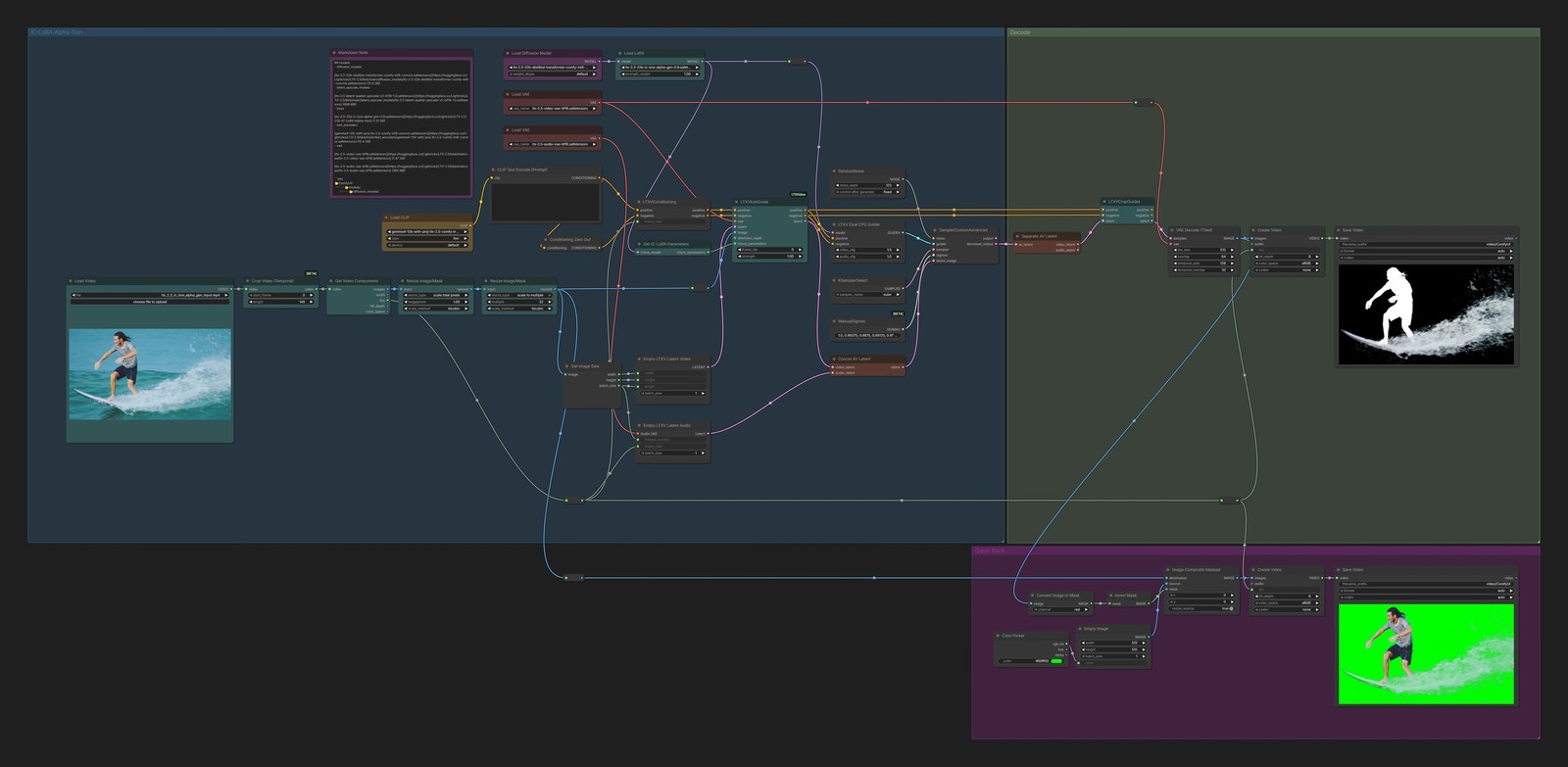
Alpha Gen
It cuts the foreground out of a video.
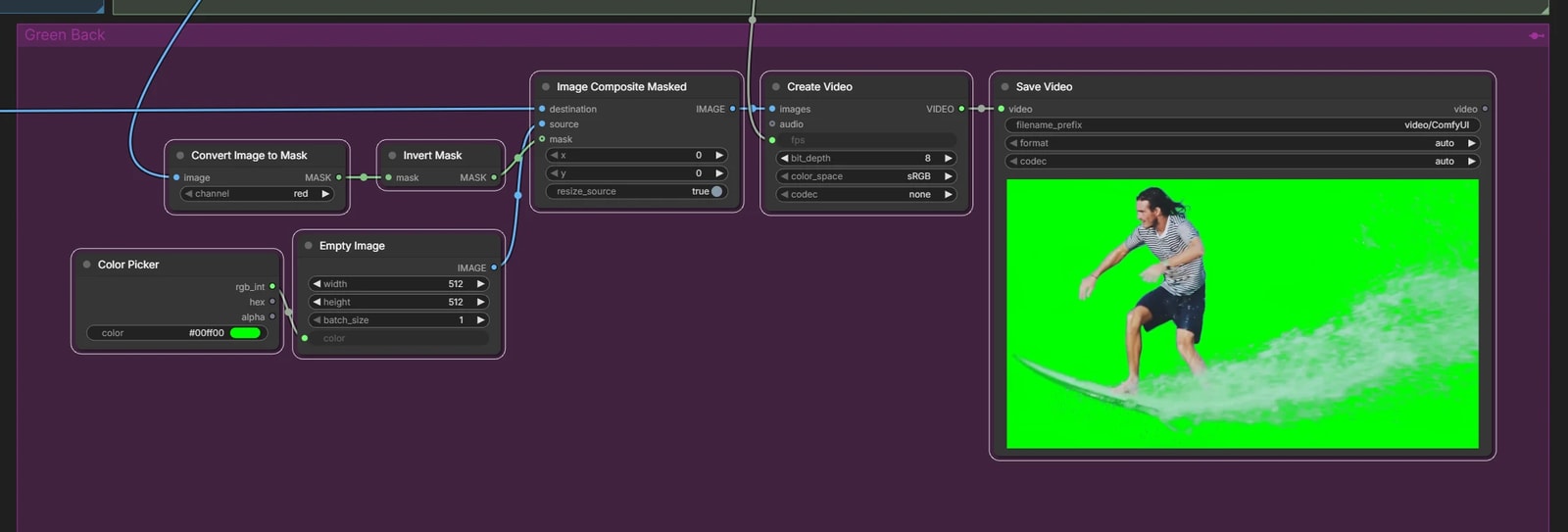
It does not output a video with a transparent background directly, though, so a little post-processing is needed.
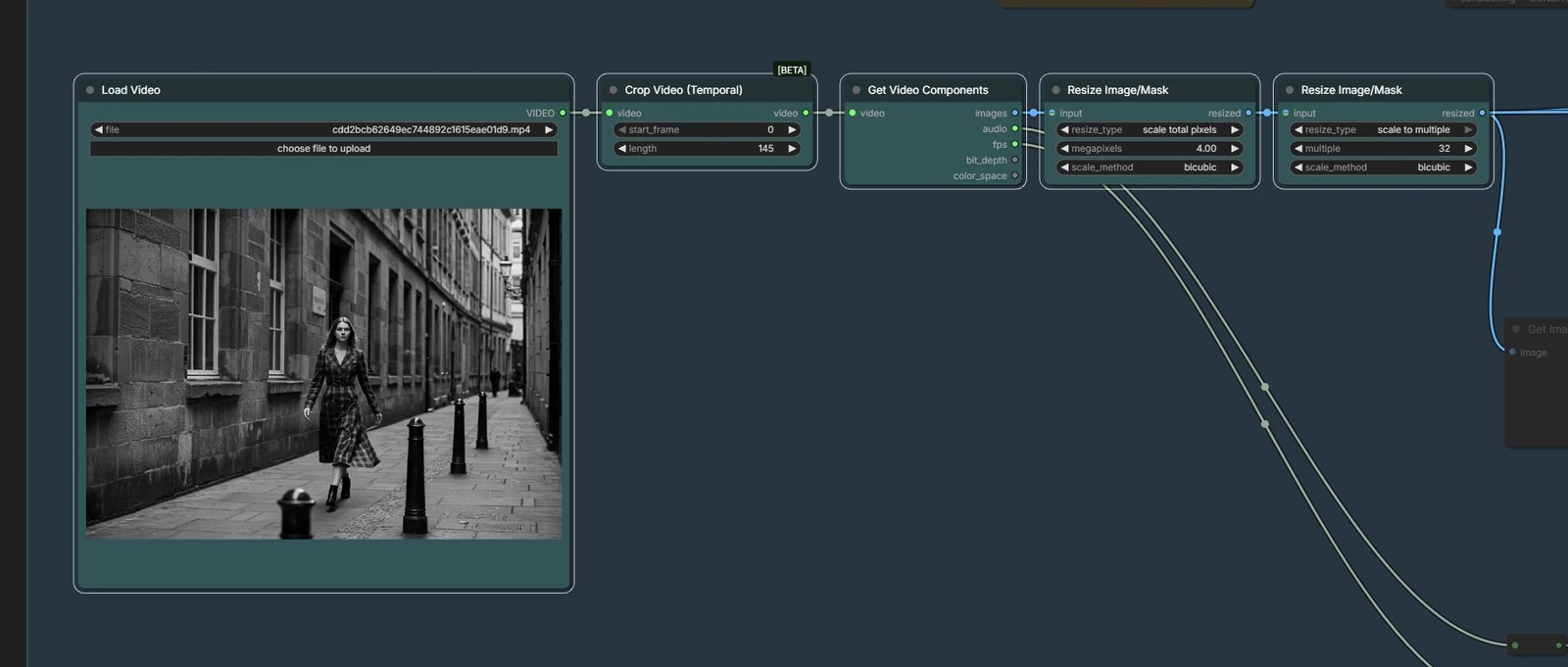
First, enlarge the video to a large size (about 4 MP in this workflow).
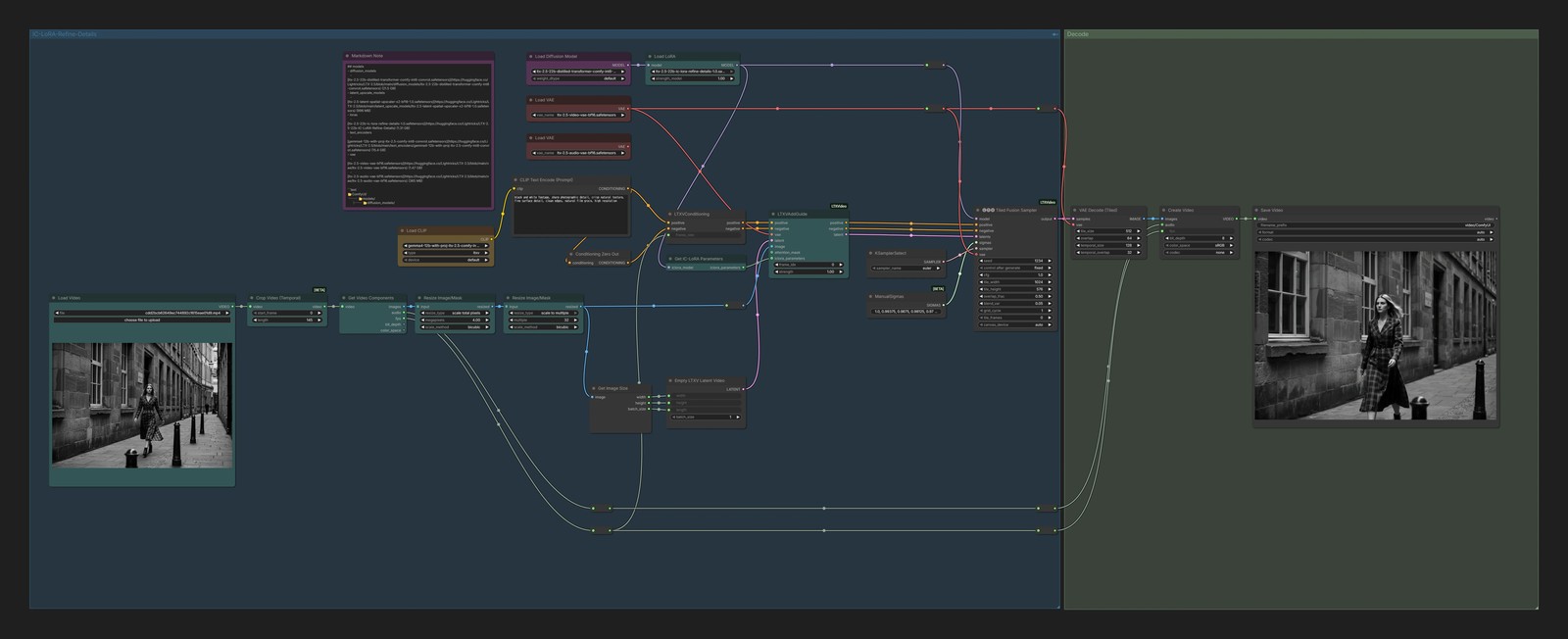
What Refine Details does is redraw that stretched, blurry video cleanly.
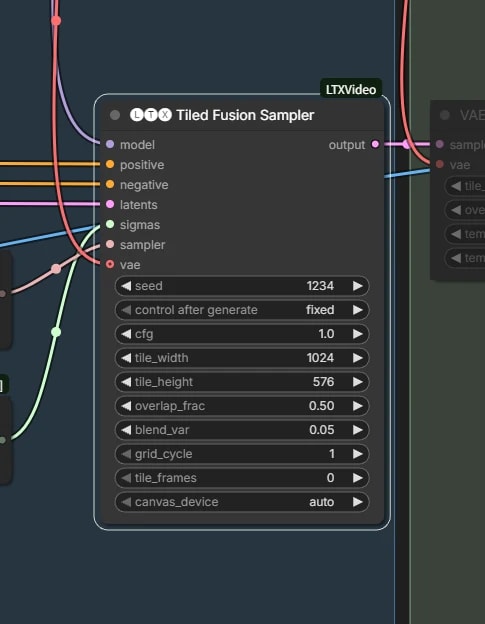
Tiled Fusion Sampler
LTXVTiledFusionSampler splits the video into tiles and samples them.
There is no need to change its settings.
In the prompt, write words about image quality, such as sharp photographic detail or natural film grain, not about what is in the video. Every tile receives the whole prompt, so if you name a person, that person can get drawn into tiles where they are not.