ComfyUI is split into a "screen" and an "execution engine"
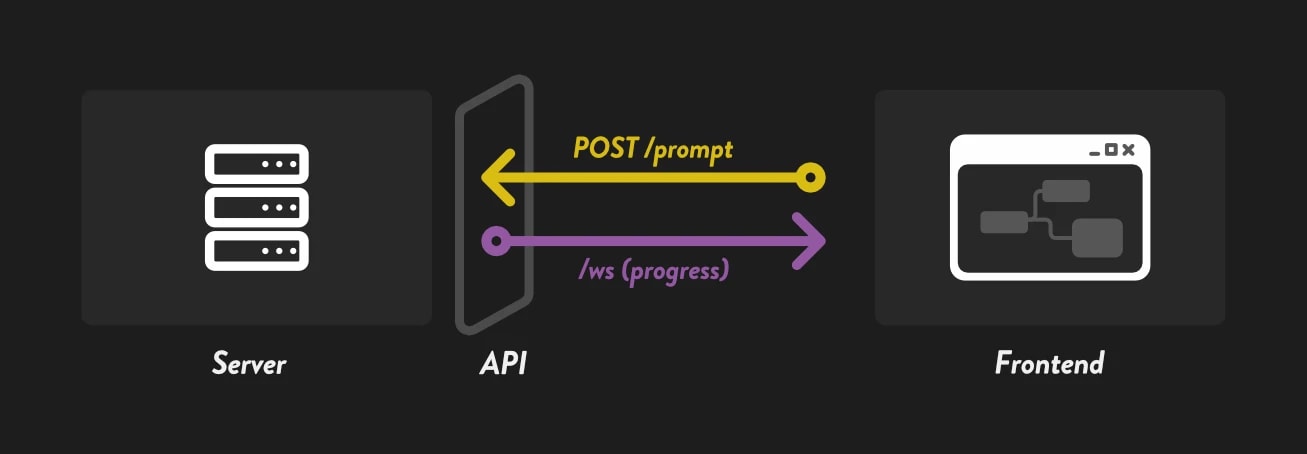
The first thing to understand is that ComfyUI is split into a screen and an execution engine.
The node screen you usually touch is the frontend for editing workflows and pressing the run button. The part that actually generates images and videos is the ComfyUI server running behind it.
This is also covered in What is the API?, but as a quick review:
- Node screen: the place where humans build workflows
- ComfyUI server: the engine that receives and executes workflows
- API: the entry point for external programs to send commands to the server
If you can pass the information needed for execution, the node screen is not always required.
There are two ways to let AI use it
1. Let AI run an existing workflow through the API
The first method is to prepare a working workflow yourself, then let AI execute it through the API.
This is the same general idea covered in Running a Workflow via API.
Rather than letting AI freely operate all of ComfyUI, the idea is to hand AI one function made in ComfyUI as a tool.
The weakness is flexibility. This method cannot handle major changes such as adding nodes or changing how nodes are connected.
That said, parameters such as prompts and seeds can be changed through the API, so asking it to generate images with many prompts or different sizes is perfectly possible.
2. Let AI build the workflow itself
The second method is to let AI create the workflow itself.
For example, you might ask it to "make a Flux image editing workflow" or "build a workflow that creates a mask from this image and composites it." AI would then think through the node structure and assemble the workflow.
Many people may imagine this when they hear about combining AI and ComfyUI, but it is quite difficult.
Having AI build workflows is difficult
ComfyUI workflows are JSON, so it may look as if AI could create them just like programming.
In practice, however, workflows depend heavily on each person's ComfyUI environment.
They only run when conditions such as installed custom nodes, available model files, and current node specifications line up.
Before AI performance even becomes the issue, there are too many factors outside AI's control that can make the behavior unstable.
Maybe this will become more practical in the future.
At least for now, though, it is more realistic to let AI use workflows that a human has already tested.
Using workflows through the API
The API-based approach is simple.
- Start ComfyUI
- Save a working workflow in API format
- Give the workflow to the AI agent
- Tell it what to do with that workflow
Running a Workflow via API explains how ComfyUI is executed through the API.
You can leave the detailed API code to the AI.
Start ComfyUI
The API is not a mechanism that removes the need to start ComfyUI.
When using it locally, start ComfyUI as usual and make sure it is available at http://127.0.0.1:8188.
The AI agent sends HTTP requests to this server.
Think of it as the AI loading the workflow from outside and pressing Run instead of using the node screen.
Save a working workflow in API format
Next, save the workflow you want AI to use in API format.
A regular workflow JSON also includes information for the UI, such as node positions.
An API-format JSON is the shape used to tell the ComfyUI server, "execute this."
- Open the workflow you want to give it in the ComfyUI node UI
- Choose
File-> Export (API) - Save it with an easy-to-understand name, such as
SD1.5_text2image_API.json
Of course, that workflow needs to actually run in your own environment.
Download the required models and run it once to confirm it works.
Give the workflow to the AI agent and instruct it
Giving a workflow to an AI agent does not require anything special.
Just put the API workflow JSON somewhere the AI agent can read it.
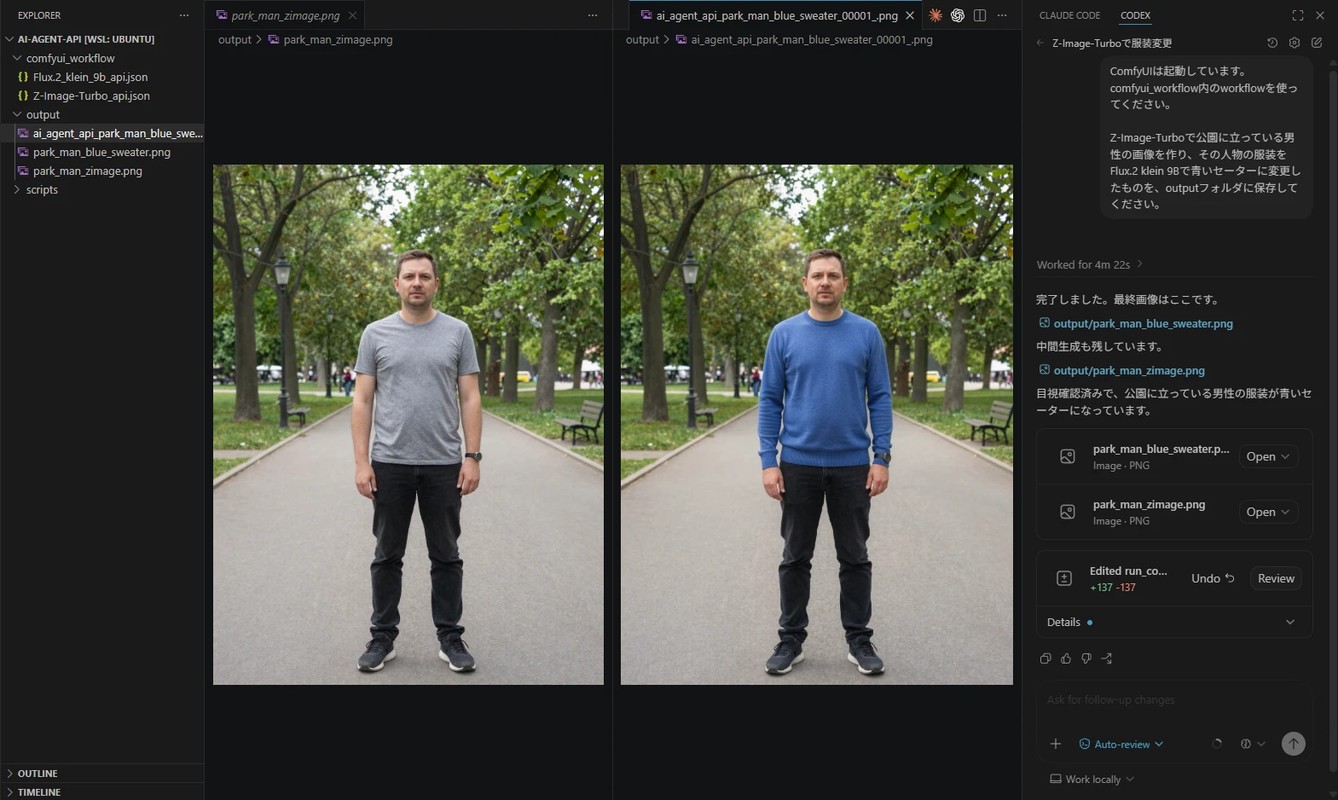
With Codex, opening the folder that contains the workflow JSON in VS Code is enough.
For example, place these two files in the folder:
Z-Image-Turbo_api.json: for image generationFlux.2_klein_9b_api.json: for image editing
Then ask Codex something like this:
Use Z-Image-Turbo to create an image of a man standing in a park,
then use Flux.2 klein 9B to change that person's clothing to a blue sweater,
and save the result to the output folder.
Codex will read the workflows, replace the required prompts and input images, and submit them to the ComfyUI API.
Smaller workflows are easier to give to AI
This is just my own concept, but Readable Nodes is the idea of building simple, readable workflows.
The same basic idea applies when giving workflows to AI.
I think workflows are easier to handle when they are kept small and simple.
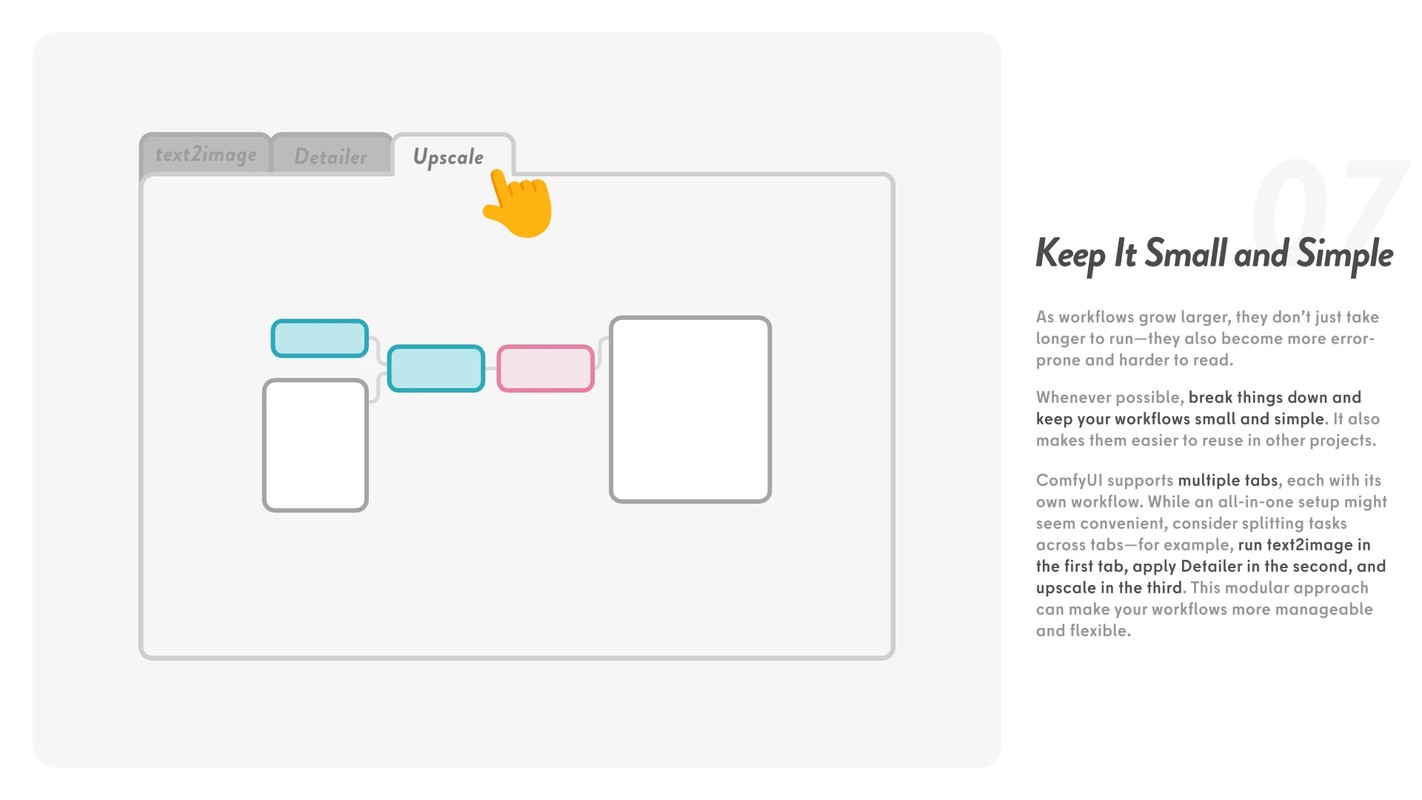
For example, suppose one workflow contains all of the following:
- image generation
- upscaling
- face correction
In that case, running the workflow runs the whole process from start to finish.
Even if the first generated image is not good, the upscale and correction steps still run.
What if those steps are split into smaller workflows?
- create candidates with
text2image - send only the good ones to
upscale - send only the needed ones to
face fix - run only
upscalelater
When humans use workflows, keeping everything together can sometimes be easier. But when AI uses them, it can handle the handoff between workflows for you.
In that case, preparing small, minimal workflows is more flexible than preparing an all-in-one workflow.
About MCP
The method above has AI write and run a small program that uses the API. It works, but from an AI-native perspective, it is a little clumsy.
Another option is to convert it into MCP, a common protocol for giving tools and data to AI agents.
For example, you could imagine MCP tools such as:
run_text2imagerun_image2imagerun_upscaleget_comfyui_queueget_output_image
From the AI's perspective, it calls a tool such as run_text2image instead of dealing with the details of posting JSON to HTTP /prompt.
Inside that tool, you can load an API-format workflow, replace the needed values, and submit it to ComfyUI's /prompt.
That said, it mainly makes things a little easier for AI to handle. It does not greatly change what is possible.
For now, there is no need to force yourself to use it.