Workflows are roughly the same for any model
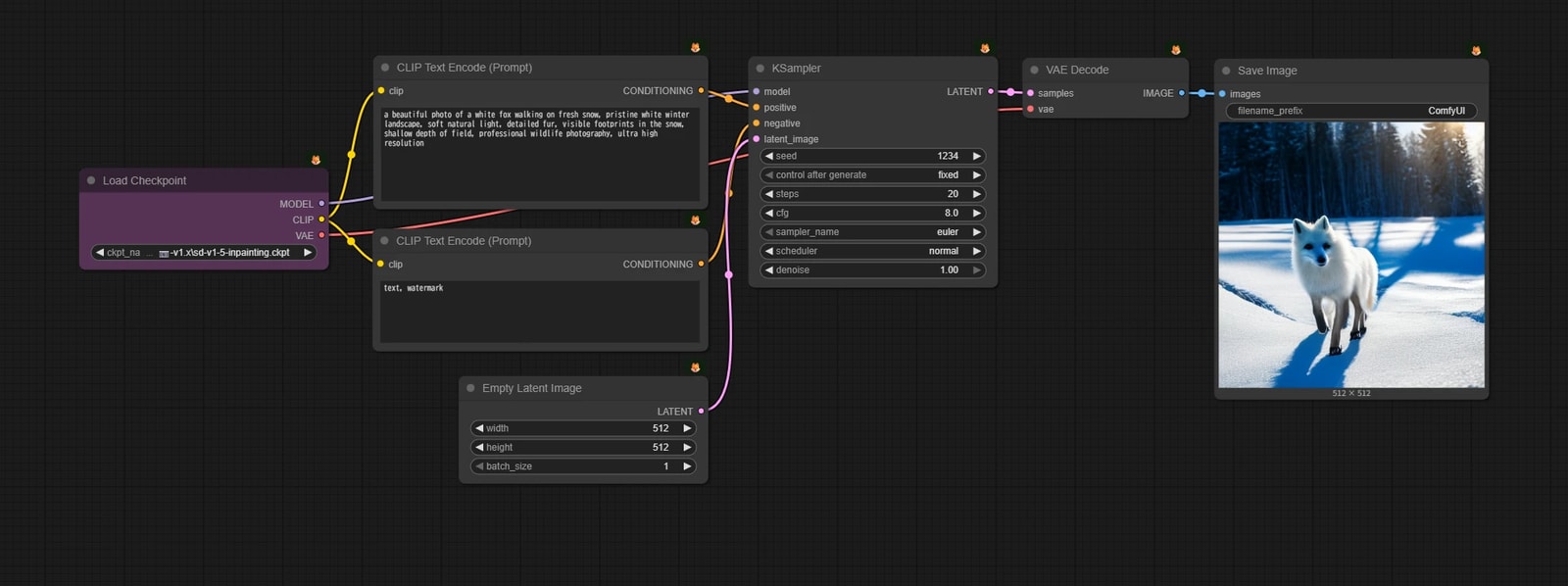
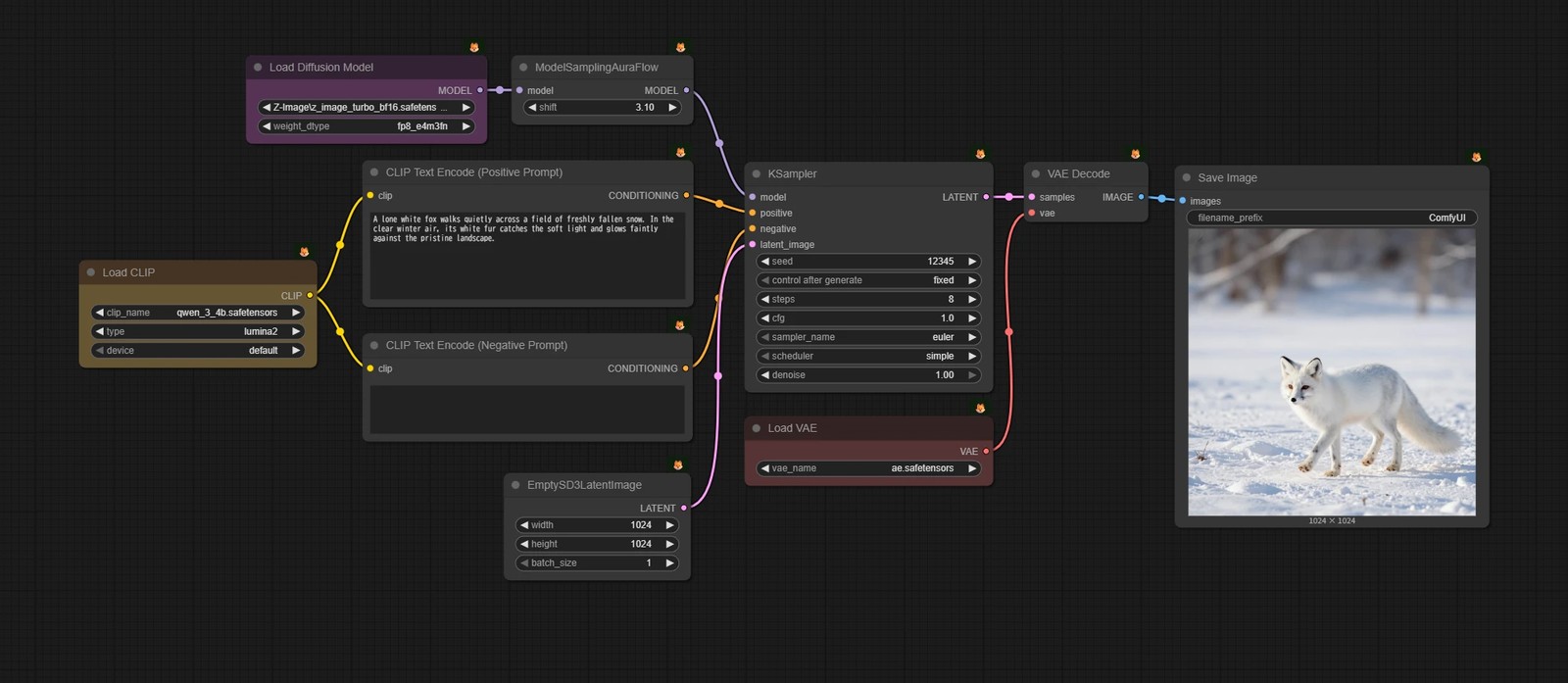
The top is the workflow for Stable Diffusion 1.5, and the bottom is for Z-Image, one of the latest models.
There are small differences, like the number of nodes, but can you see they're mostly the same? However new the image or video generation model, the flow of "prepare the ingredients and throw them at KSampler" stays the same.
I totally get wanting to jump into the new models right away, but hold that urge for a moment and work through the Stable Diffusion 1.5-based workflows once.
It should make the rest of your ComfyUI life a lot more fun.
What does "Modular" mean?
Node-based tools like ComfyUI are often said to have the advantage of being "modular".
So what does "modular" actually mean? And how does it help with image generation?
Modular System
Modular means a structure where, like LEGO blocks, you can add the features you need later on.
- There's a base to build on
- When you need a feature, add a block for just that part
- When you want more features, add more blocks
This "keep adding on" approach applies directly to ComfyUI workflows.
How it works in ComfyUI
Let's set specific node names aside for now and watch a workflow grow step by step. As you go, check which parts are being added as modules.
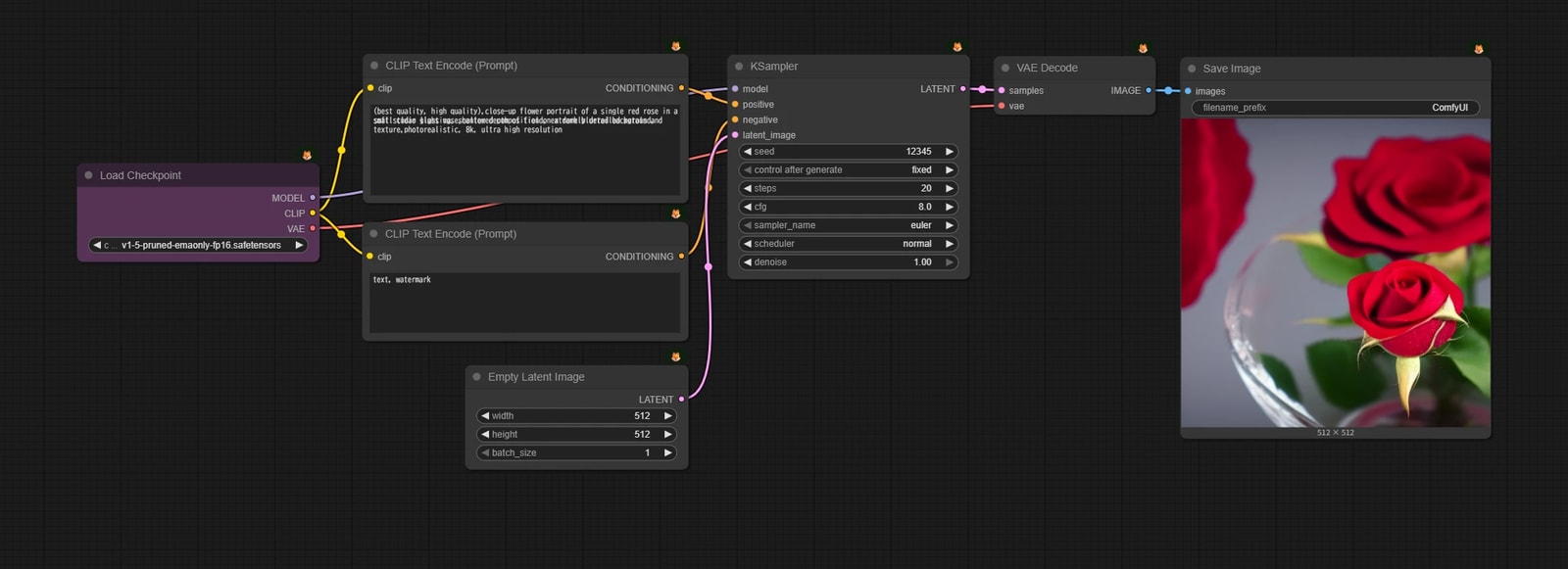
- 1. text2image
- The basics. You just enter a prompt and throw it at KSampler.
- 2. image2image
- Generates an image using the input image as a rough draft.
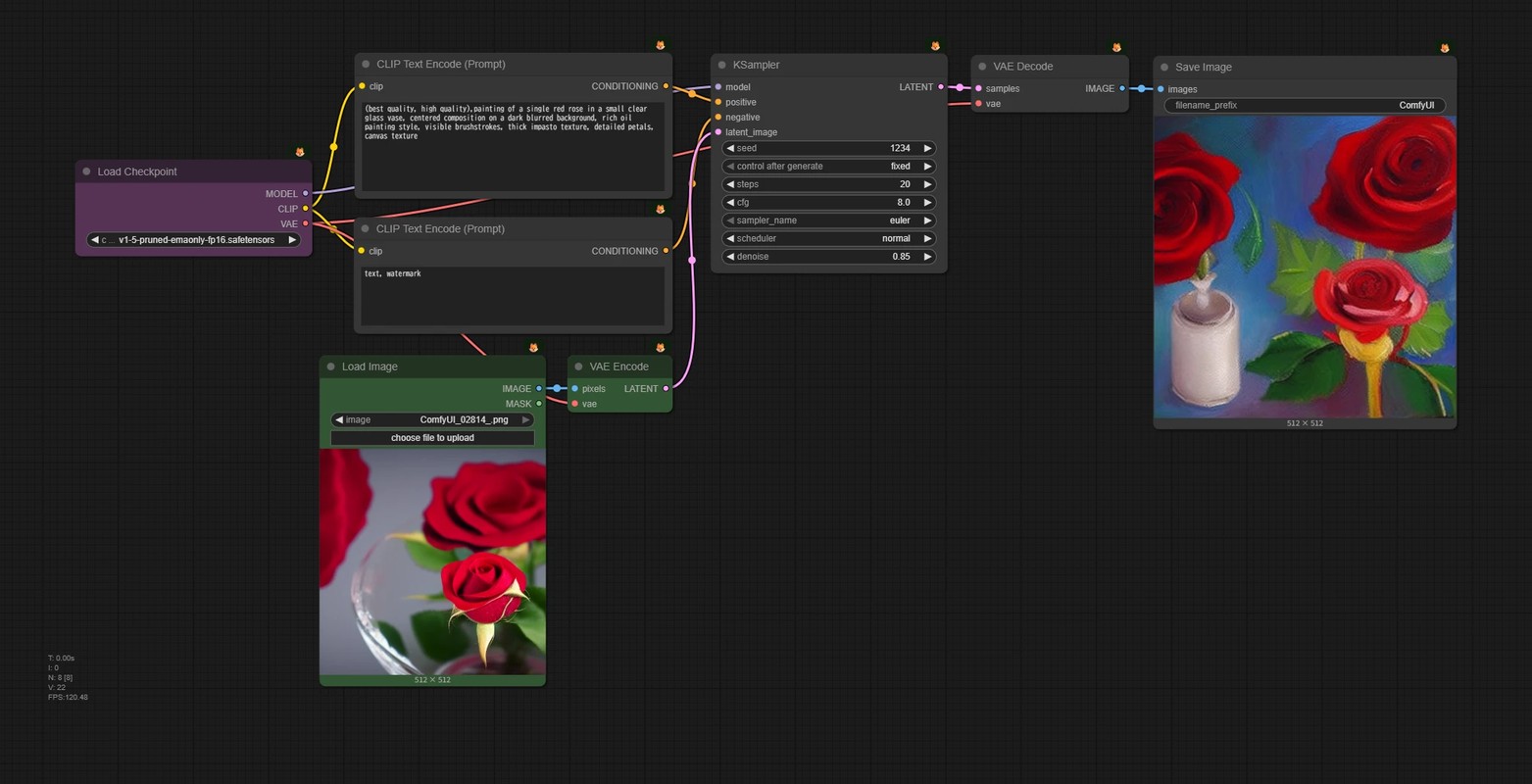
- 🟩 Add a node to load an image and a node to convert it into a latent.
- 3. inpainting
- Performs image2image on only a part of the input image.
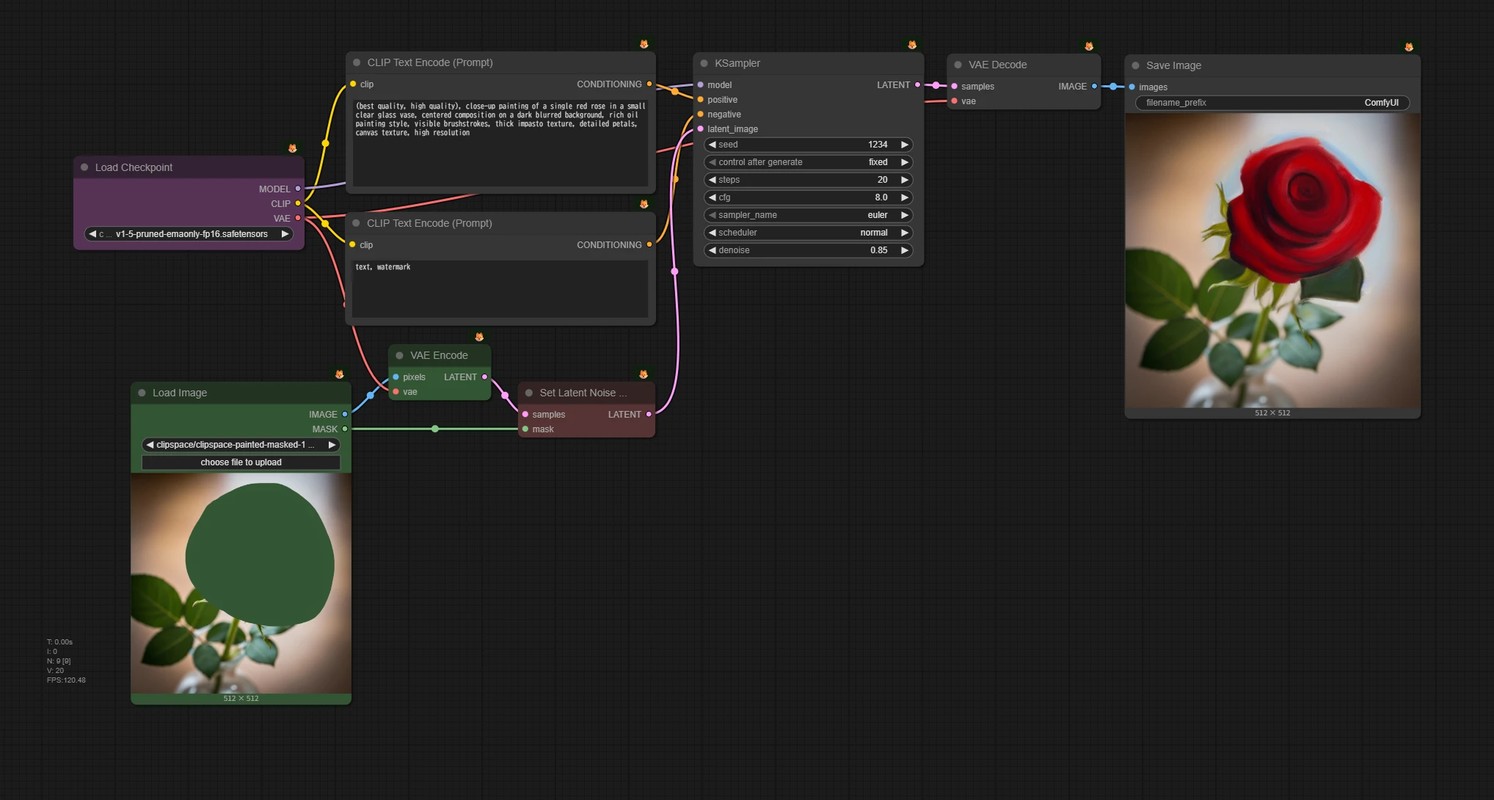
- 🟥 Add nodes to make image2image happen only in the masked area.
- 4. ControlNet
- ControlNet lets you guide image generation with an input image.
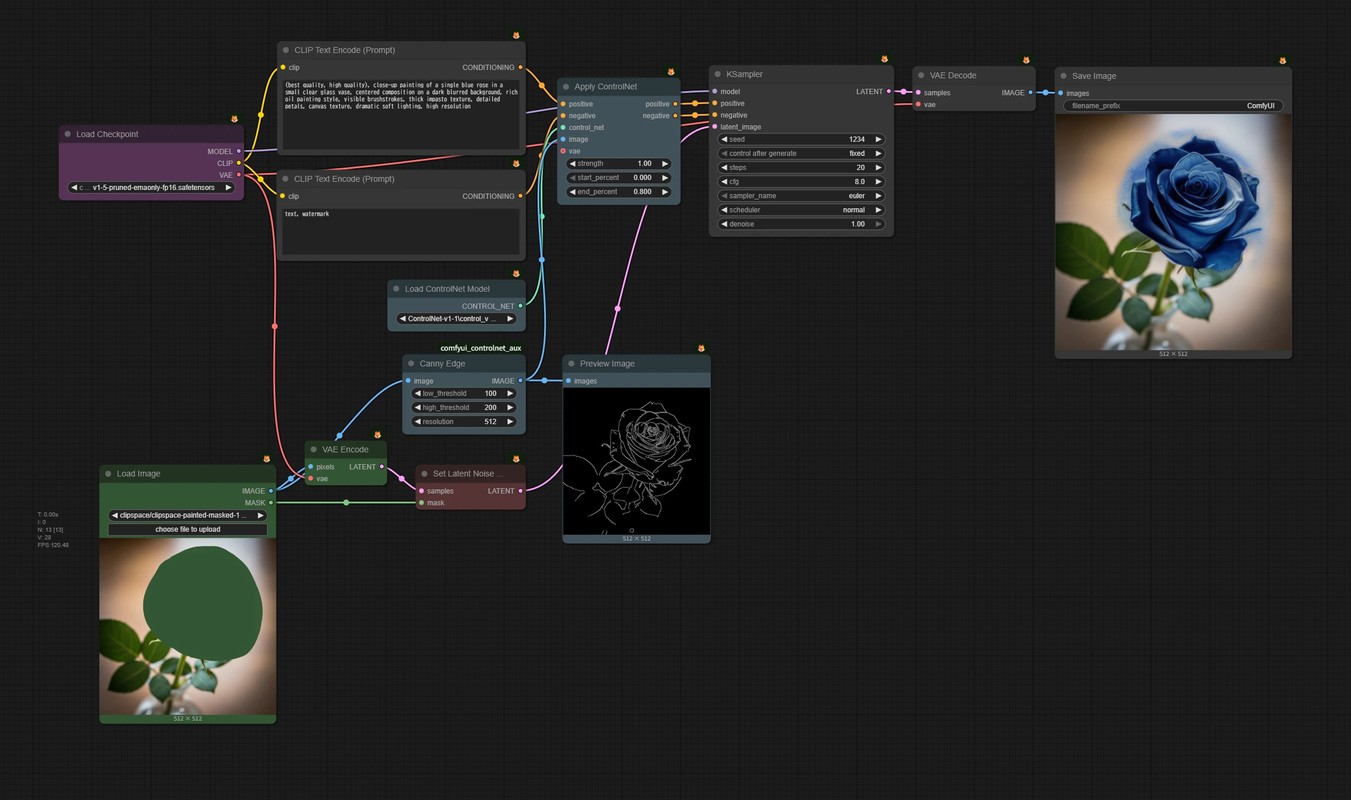
- 🟦 Add a node that applies ControlNet, plus nodes that create the image it uses for control.
- 5. Add another ControlNet
- You're not limited to one ControlNet. Let's add another.
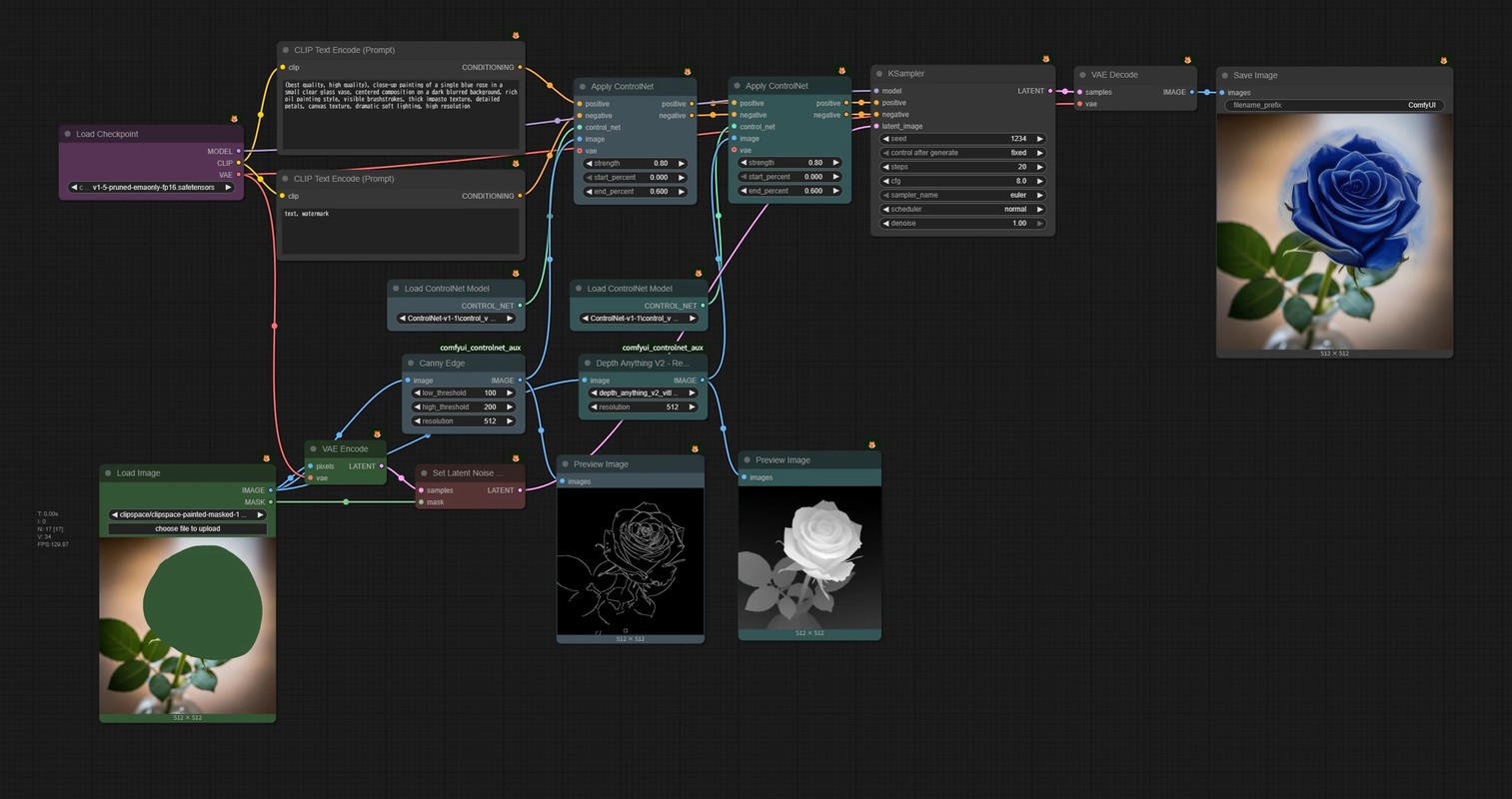
- 🟦 Just create another set of ControlNet and its preprocessing nodes and connect them.
This is just one example, but I think it shows how flexible ComfyUI is.
Besides the official templates, lots of people share their workflows, but even so, the perfect workflow you want may not exist anywhere. But don't worry. Delete what you don't need, and add whatever else you want.