![FLUX.2 [klein] Schematic LoRA](https://media.comfyui.nomadoor.net/cdn-cgi/image/width=1600,height=800,fit=scale-down,quality=90,format=webp,onerror=redirect/images/9e22bad874a09c62.webp)
Overview
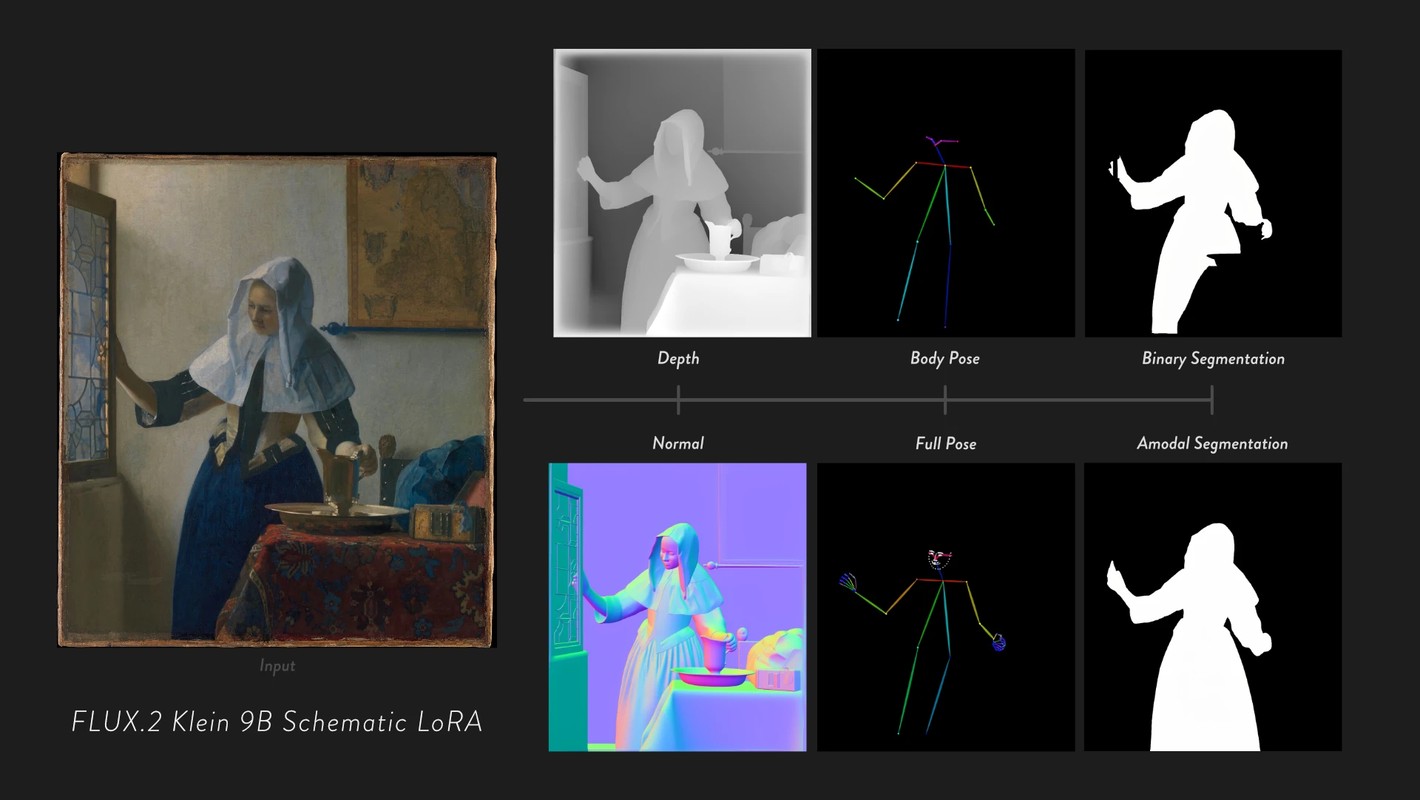
There are many studies that reuse the prior knowledge of image generation models for CV tasks. Representative examples include Marigold, Lotus-2, and SDPose.
Although these methods use pretrained image generation models, they are ultimately designed specifically for each task.
Now that instruction-based image editing models have become common, another idea has appeared: maybe tasks such as depth estimation and segmentation can be treated, in a broad sense, as image editing. That is the idea behind Google DeepMind's Vision Banana.
Inspired by that direction, I wanted to see whether something similar could be done with FLUX.2 [klein].
The result is not SOTA-level performance. Still, I hope this experiment shows that even a simple LoRA can make a local model behave in a direction somewhat close to Vision Banana.
Downloads
Task Setup
Vision Banana mainly covers depth / normal / segmentation.
For this experiment, I did not use exactly the same task set. Instead, I chose outputs that are familiar in ComfyUI and the image generation community, roughly like ControlNet Preprocessor outputs.
Personally, I call these tasks image2schematic, and every LoRA created for this experiment includes the word schematic.
| task | output |
|---|---|
| relative depth | near = white / far = black |
| normal map | RGB normal map |
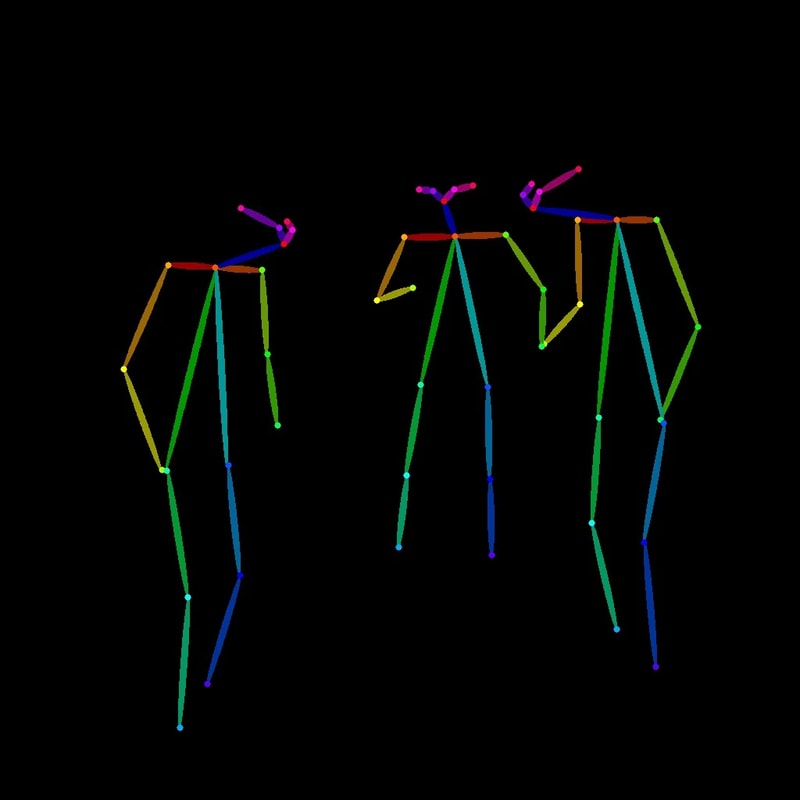
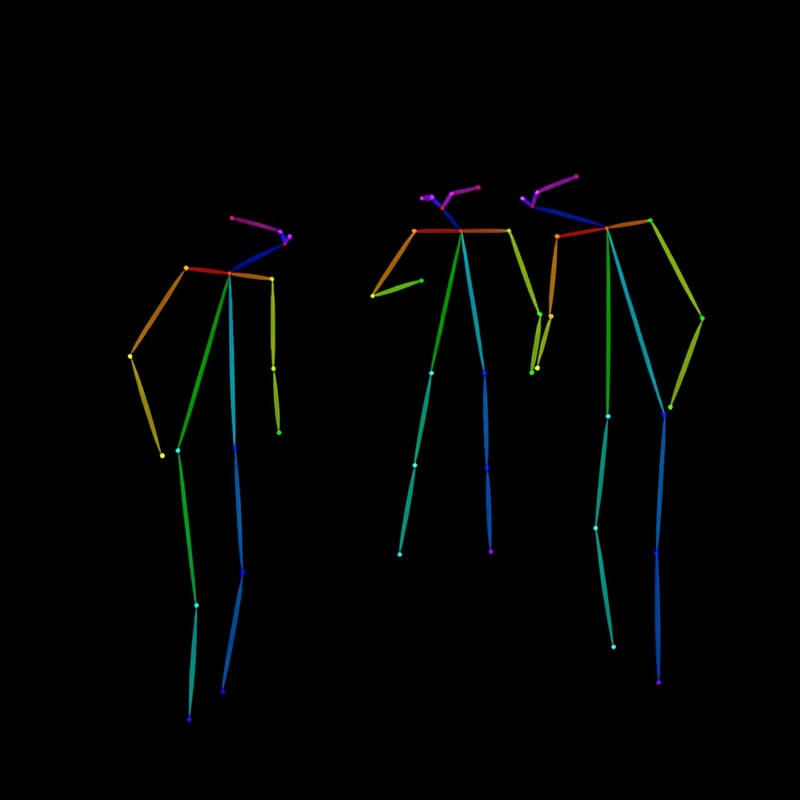
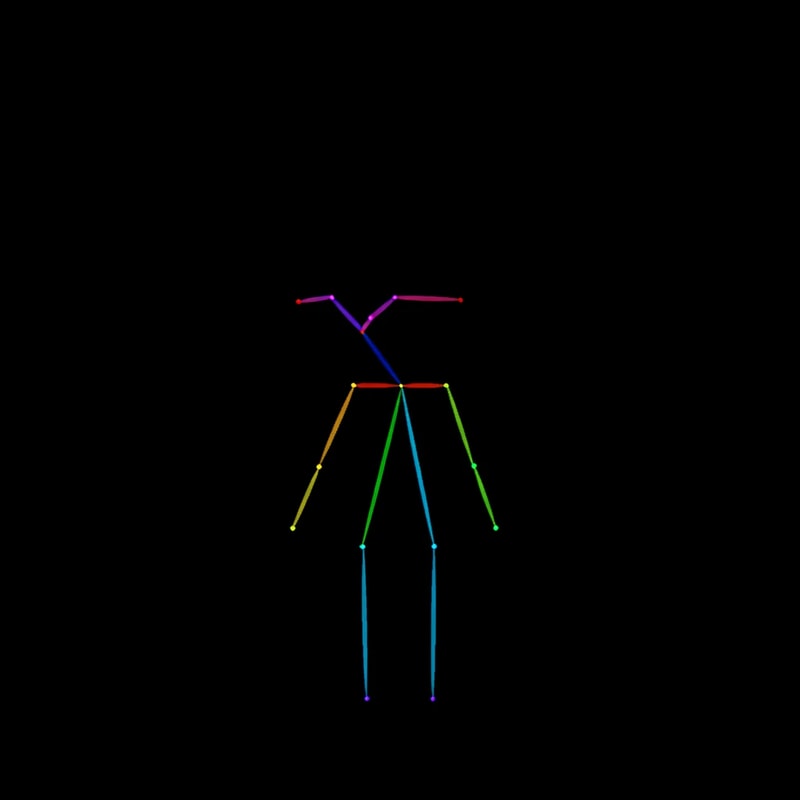
| pose body | OpenPose-style body skeleton |
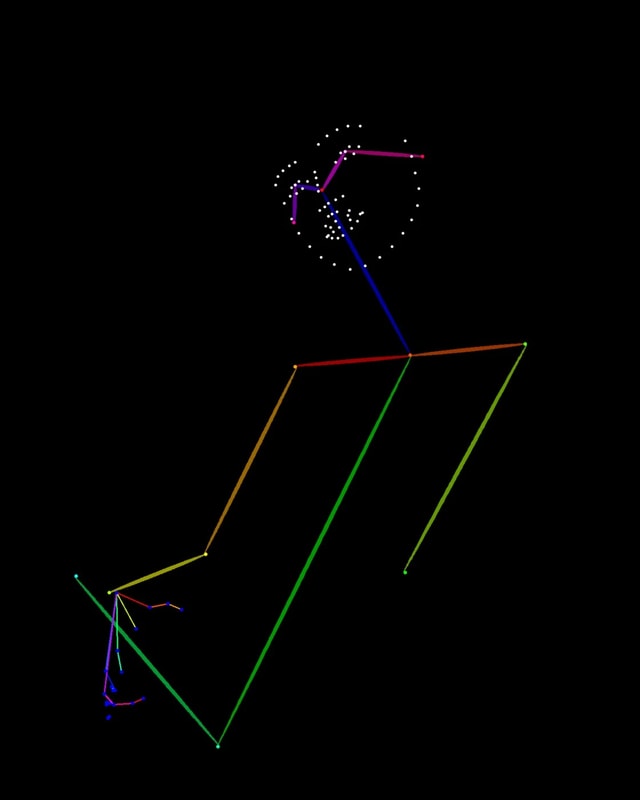
| pose full | body + hands + face |
| binary segmentation | visible region mask |
| amodal segmentation | mask including occluded parts |
amodal segmentation
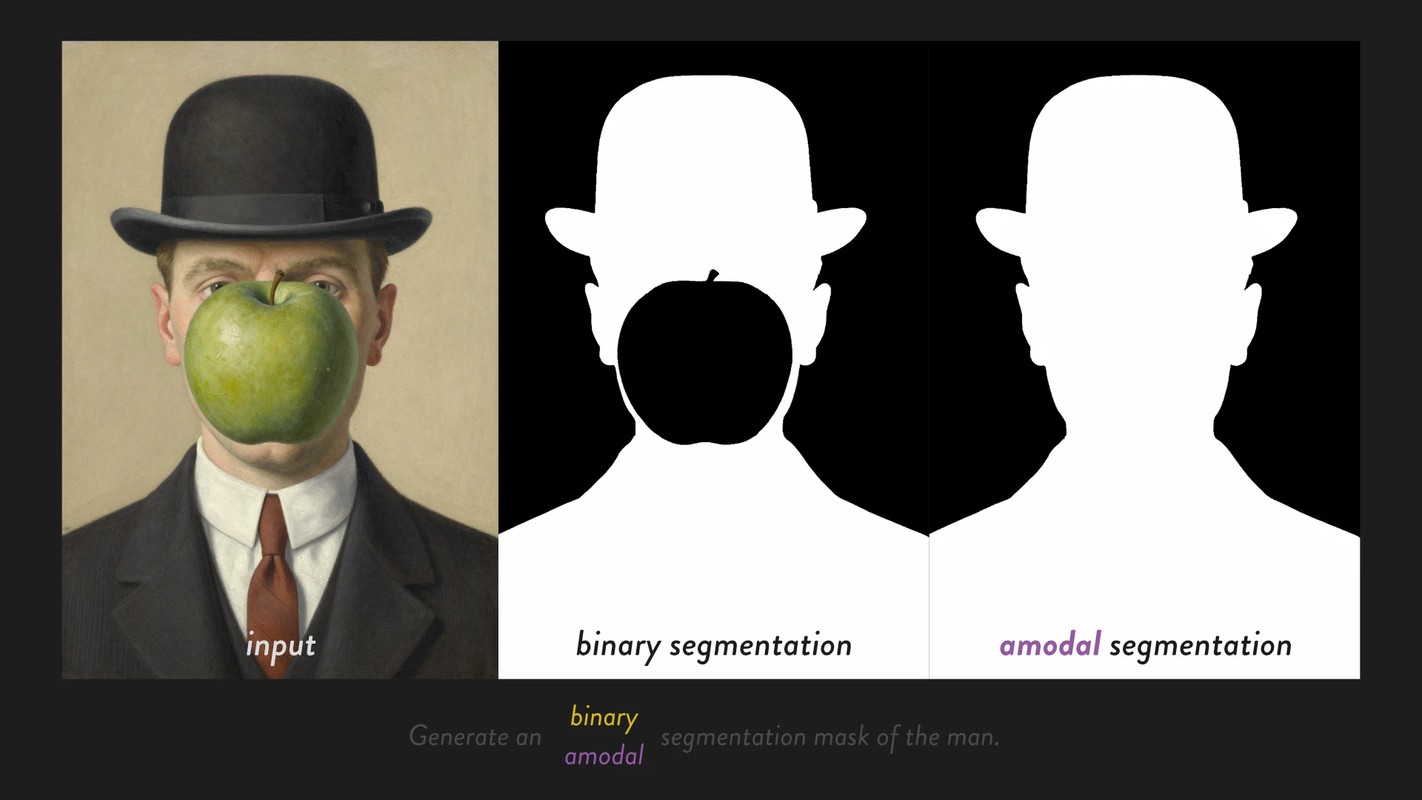
Some readers may not be familiar with amodal segmentation.
- Regular segmentation masks only the visible region of the target.
- Amodal segmentation estimates and masks the full shape of the target, including parts hidden behind occluders.
For example, if branches are blocking a deer, regular segmentation will not output the parts hidden behind the branches.
With amodal segmentation, the mask includes the full deer, including the hidden parts.
Because it has to infer invisible regions, this is closer to generation than simple classification.
In that sense, it is also a task where an image generation model may be able to show its strengths, so I decided to try it.
One LoRA Per Task
At first, I planned to train all tasks into a single LoRA, but the tasks mixed internally and could not be switched well with prompts alone.
So this experiment uses one LoRA per task.
Dataset
| task | positive | negative | total |
|---|---|---|---|
| depth | 300 | 0 | 300 |
| normal | 300 | 0 | 300 |
| pose body | 300 | 30 | 330 |
| pose full | 300 | 30 | 330 |
| binary segmentation | 300 | 30 | 330 |
| amodal segmentation | 300 | 30 | 330 |
Depth / Normal
Images were taken from Open Images, and the teacher outputs were created with Lotus-2.
- depth
- relative depth
- near = white
- far = black
- normal
- RGB normal map
Depth and normal use the same input image set.
Pose
Person images were taken from Open Images, and the teacher outputs were created with DWPose.
- pose body
- pose full
Candidate images were reviewed manually, and crowded images or obviously broken outputs were removed.
Amodal Segmentation
Amodal segmentation is a task that creates a mask for the whole object, including not only the visible area but also parts hidden by occluders.
I did not have an existing dataset or a teacher that could directly generate this, so I created it by combining image generation and image editing.
Creation flow:
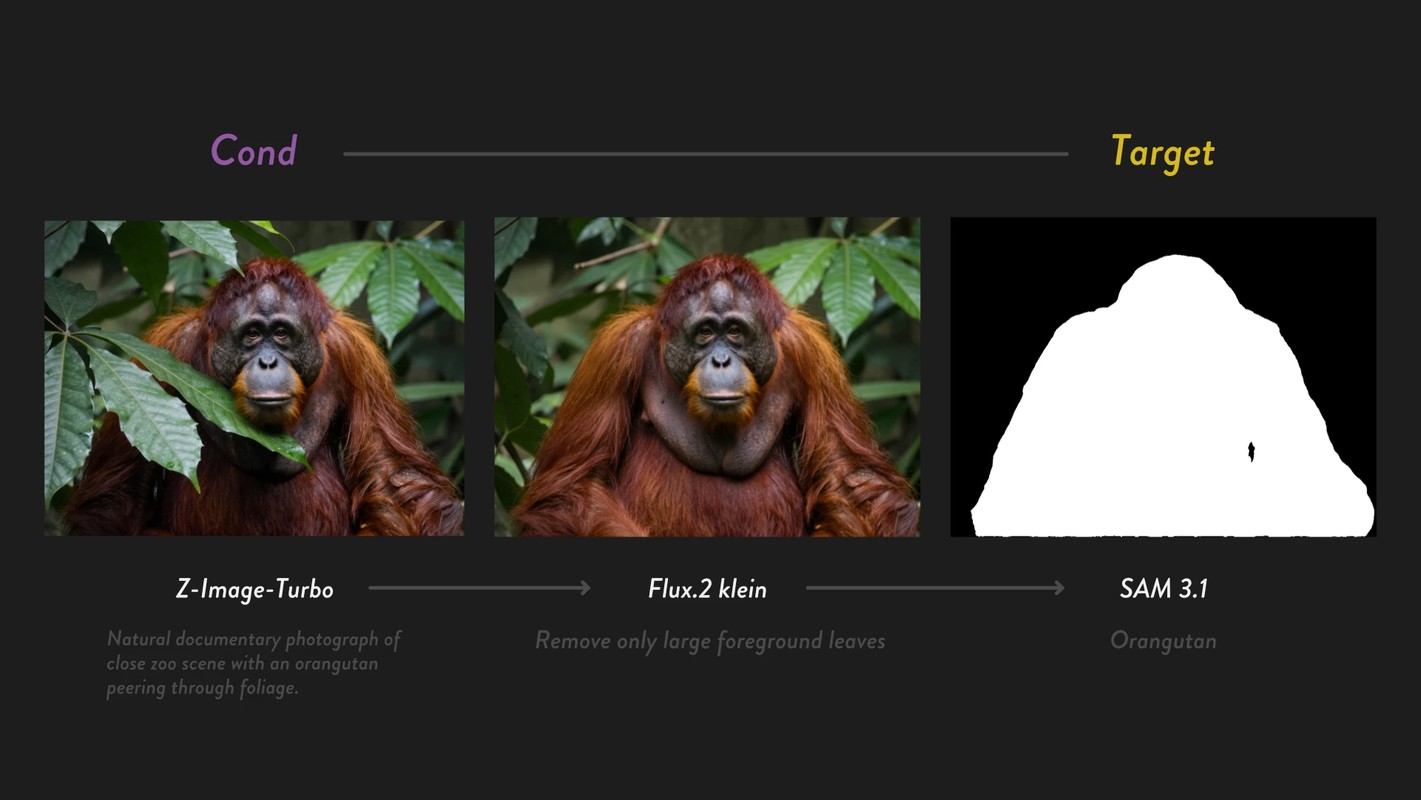
- GPT-5.5 created prompts for occlusion scenes with a clear subject and a natural occluder
- Z-Image-Turbo generated the source image
- GPT-5.5 reviewed the source image
- FLUX.2 [klein] 9B image edit removed the occluder
- SAM 3.1 segmented the target object from the edited image
- The source image and complete-object mask were paired
- Manual review
- Refinement with BiRefNet and manual editing
SAM 3.1 alone was unstable for these masks, so almost all of them were fixed with BiRefNet and manual edits.
This is not the main point, but when an LLM generates large numbers of image prompts, the results tend to converge toward:
- similar subjects
- similar occluders
- similar compositions
To avoid that, I showed random Open Images examples as inspiration and increased the scene variation.
Binary Segmentation
The source images created for amodal segmentation were reused.
The actually visible target object region in the input image was segmented with SAM 3.1 and refined manually.
Negative Samples
For both pose and segmentation, hallucination becomes a problem when the requested target is not present in the input image.
For example, if there is no cat in the input image but the prompt says generate mask of the cat, the model may invent a cat-shaped mask.
To address this, I added some negative pairs with all-black targets.
- segmentation
- If the specified target does not exist in the image, return an all-black mask
- Example: asking for a
catamodal mask when the conditioning image only contains a giraffe
- pose
- If no person appears in the input image, return an all-black pose image
However, at this scale, I could not confirm a clear improvement. For pose in particular, it may have made training less stable.
Training
Training was done with AI Toolkit.
| item | value |
|---|---|
| base model | black-forest-labs/FLUX.2-klein-base-9B |
| architecture | flux2_klein_9b |
| LoRA rank | linear 32 / conv 16 |
| optimizer | adamw8bit |
| lr | 5e-5 |
| dtype | bf16 |
| quantization | transformer / text encoder: qfloat8 |
| batch size | 4 |
| text encoder | frozen |
| caption dropout | 0.05 |
| EMA | enabled |
To keep the compute cost down, I basically used a 768 bucket.
Only pose full was trained with both 768 / 1024 buckets, because details in the face and hands matter more.
Checkpoints were saved every 100 steps.
I tested them in ComfyUI and picked the step that looked best. All LoRAs converged at around 2000-2500 steps.
workflow
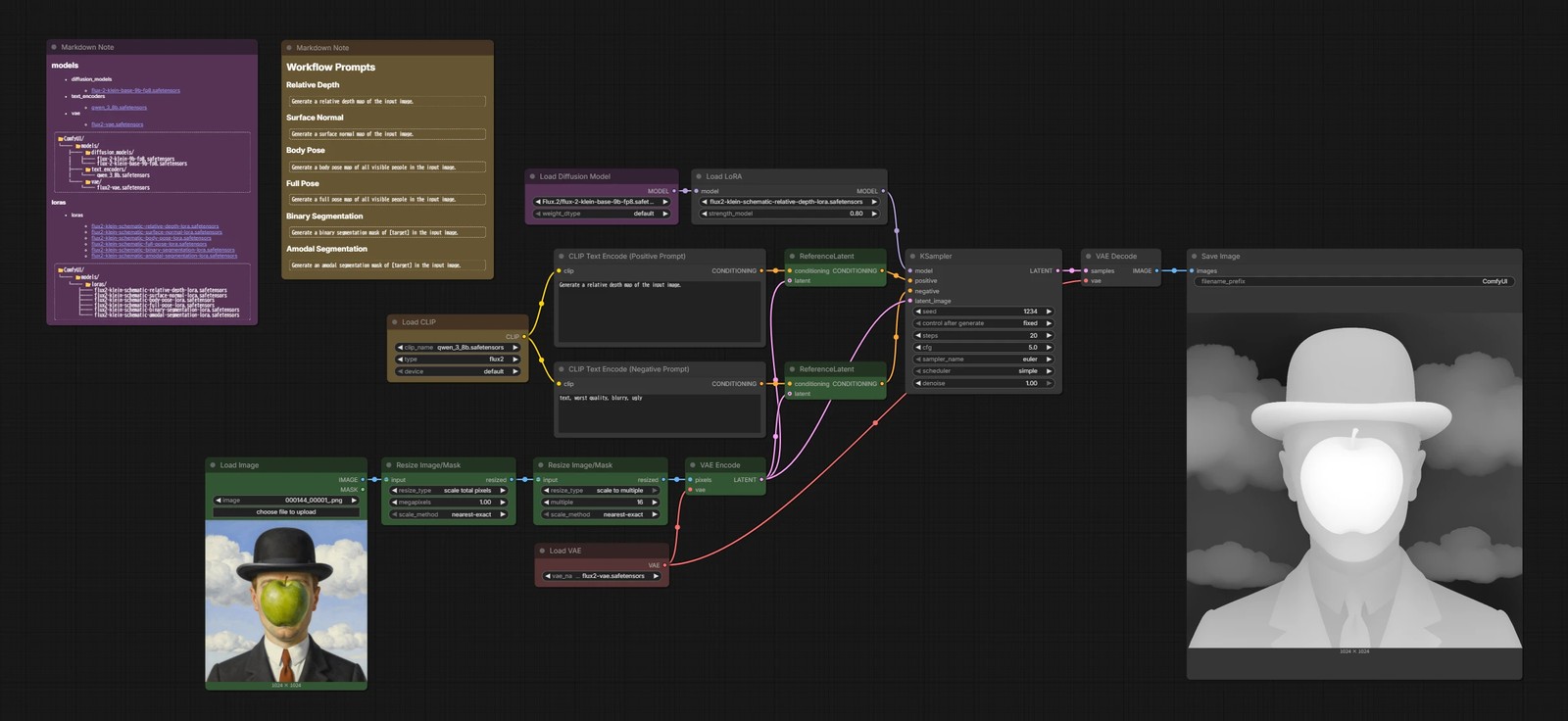
This is the workflow for using the LoRAs in ComfyUI.
Note that LoRAs trained on FLUX.2 [klein] Base do not work well with the FLUX.2 [klein] Distilled model. Use the Base model, or use a Base-to-Distilled difference LoRA such as Klein 4B/9B Base to Turbo Lora.
Model Download
The base is FLUX.2 [klein].
- LoRA
- flux2-klein-schematic-relative-depth-lora.safetensors
- flux2-klein-schematic-surface-normal-lora.safetensors
- flux2-klein-schematic-body-pose-lora.safetensors
- flux2-klein-schematic-full-pose-lora.safetensors
- flux2-klein-schematic-binary-segmentation-lora.safetensors
- flux2-klein-schematic-amodal-segmentation-lora.safetensors
📂ComfyUI/
└── 📂models/
    └── 📂loras/
        ├── flux2-klein-schematic-relative-depth-lora.safetensors
        ├── flux2-klein-schematic-surface-normal-lora.safetensors
        ├── flux2-klein-schematic-body-pose-lora.safetensors
        ├── flux2-klein-schematic-full-pose-lora.safetensors
        ├── flux2-klein-schematic-binary-segmentation-lora.safetensors
        └── flux2-klein-schematic-amodal-segmentation-lora.safetensors
image edit Base
Practical Tests
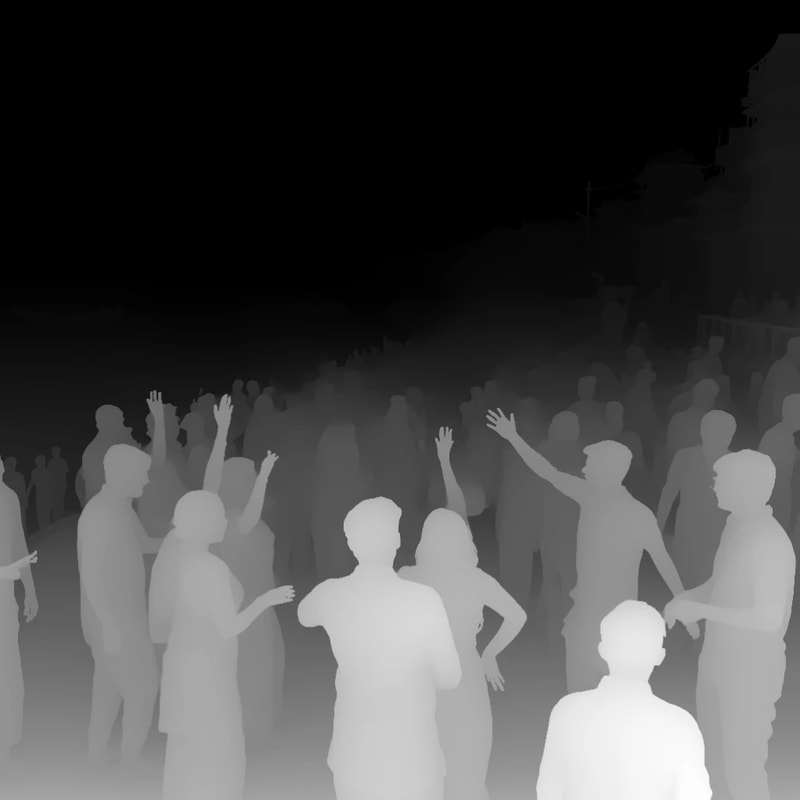
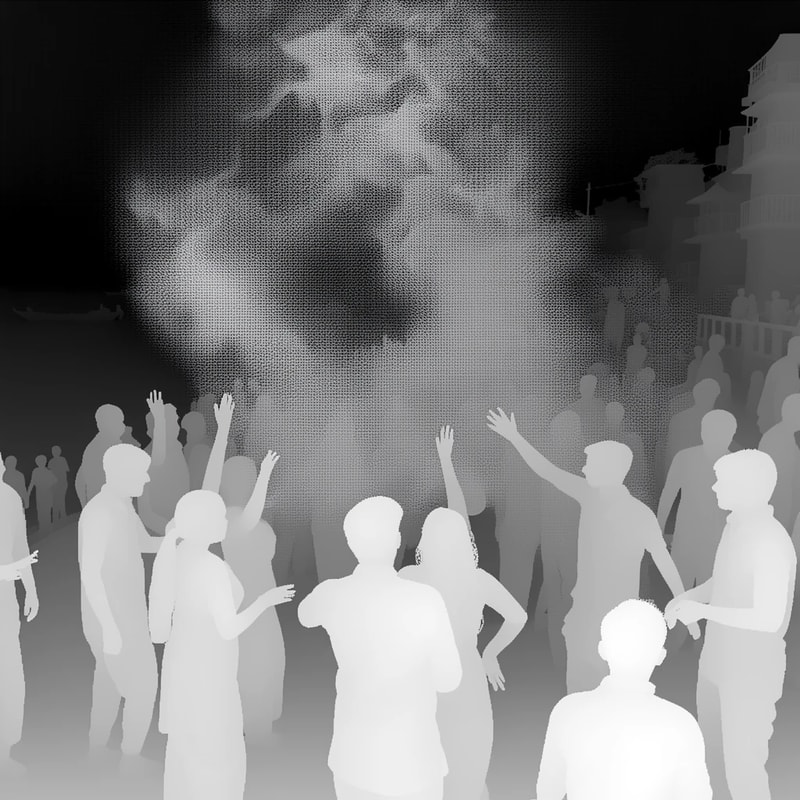
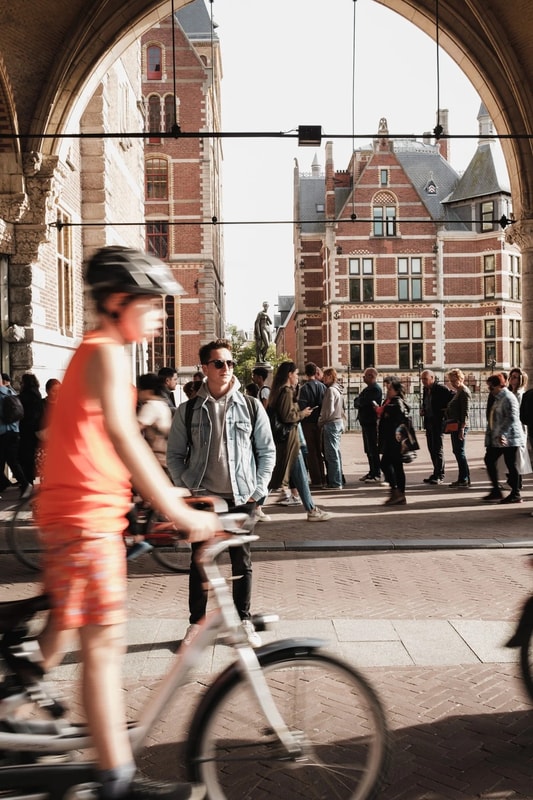
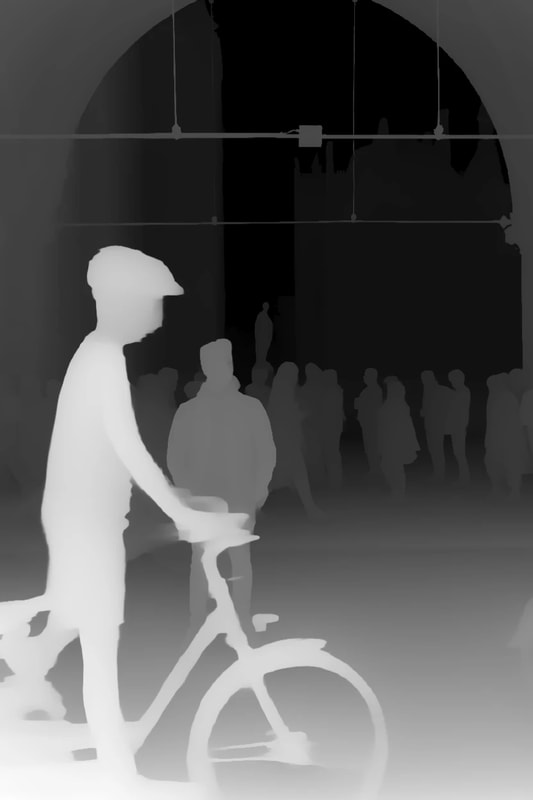
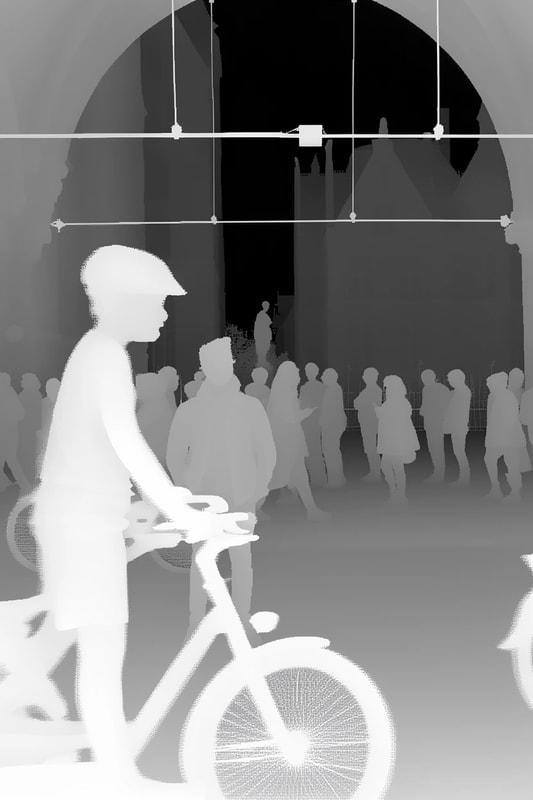
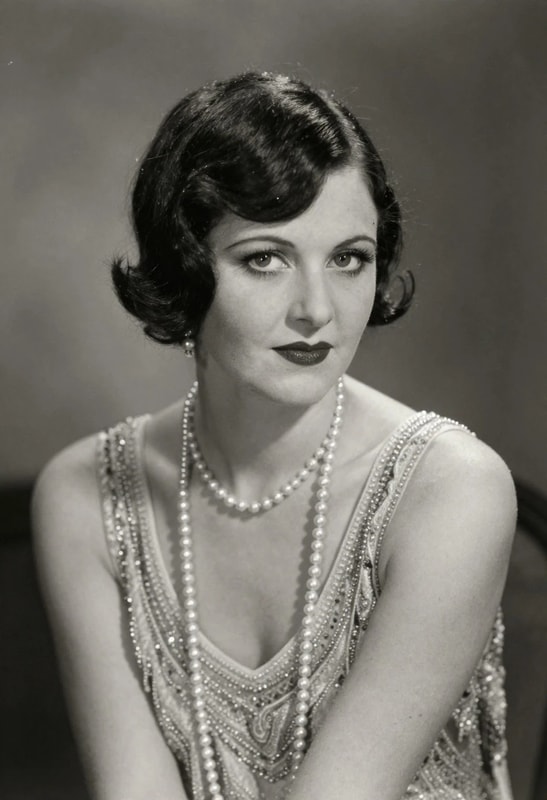
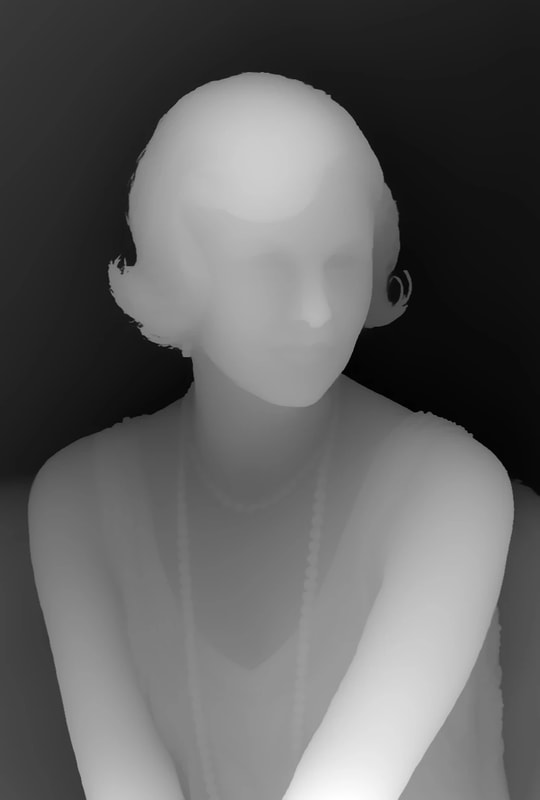
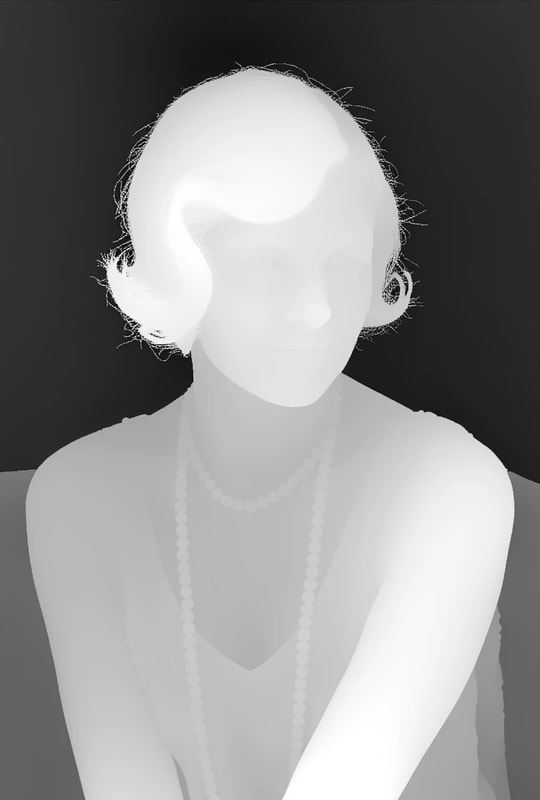
relative depth
Generate a relative depth map of the input image.
| input | Depth Anything V2 | FLUX.2 [klein] LoRA |
|---|---|---|
 |
 |
 |
 |
 |
 |
 |
 |
 |
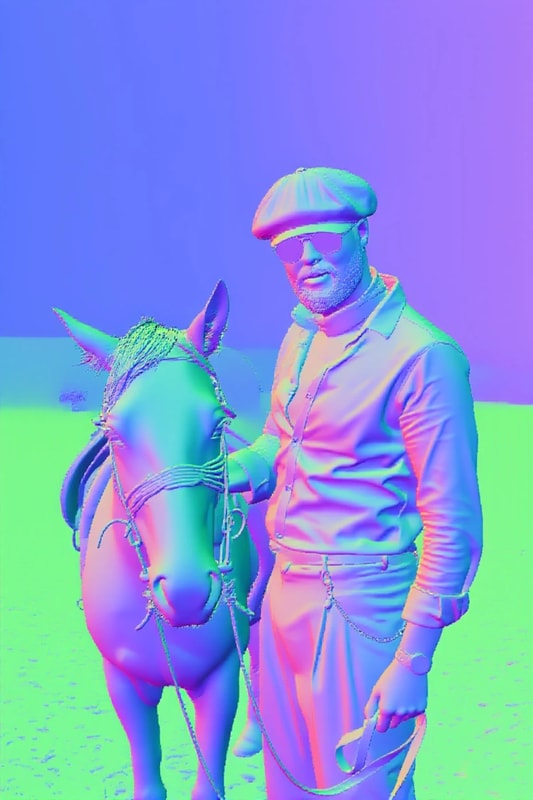
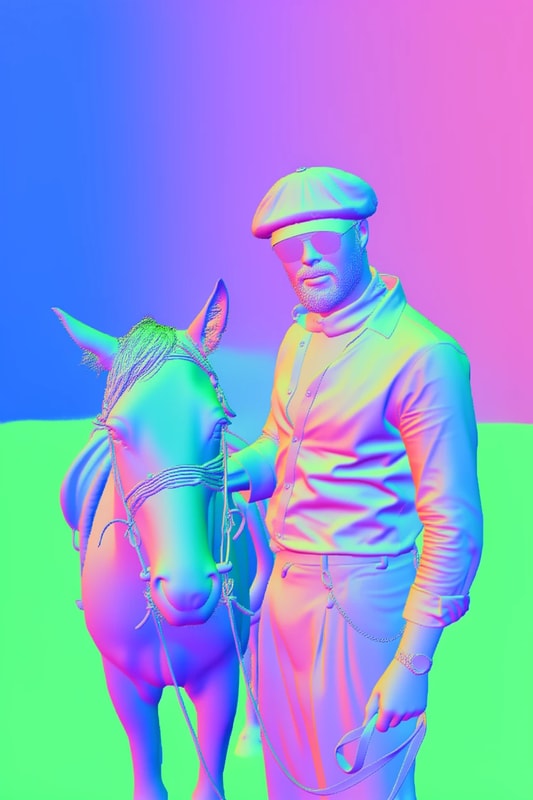
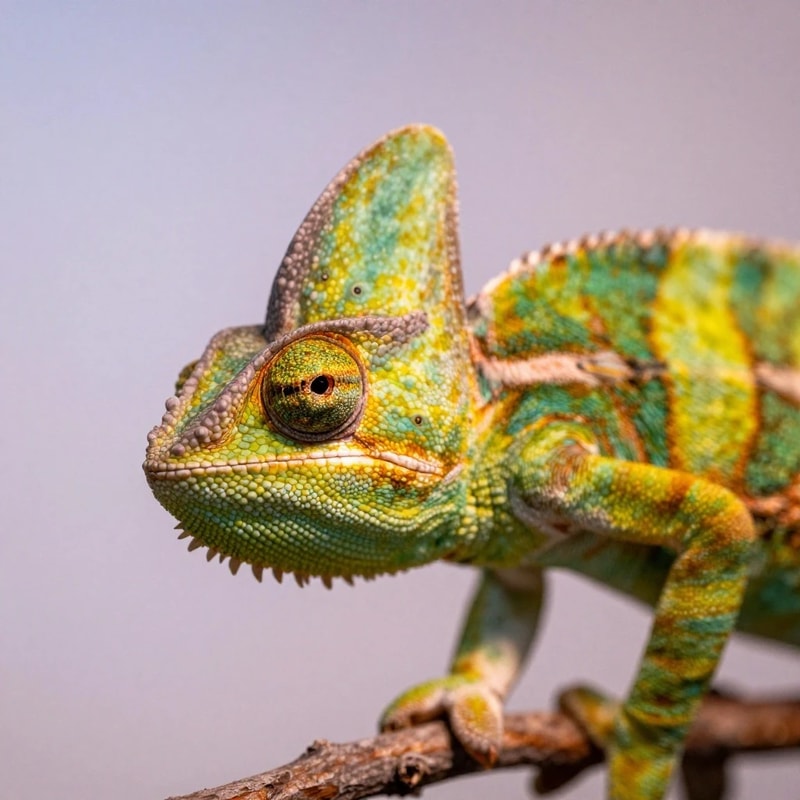
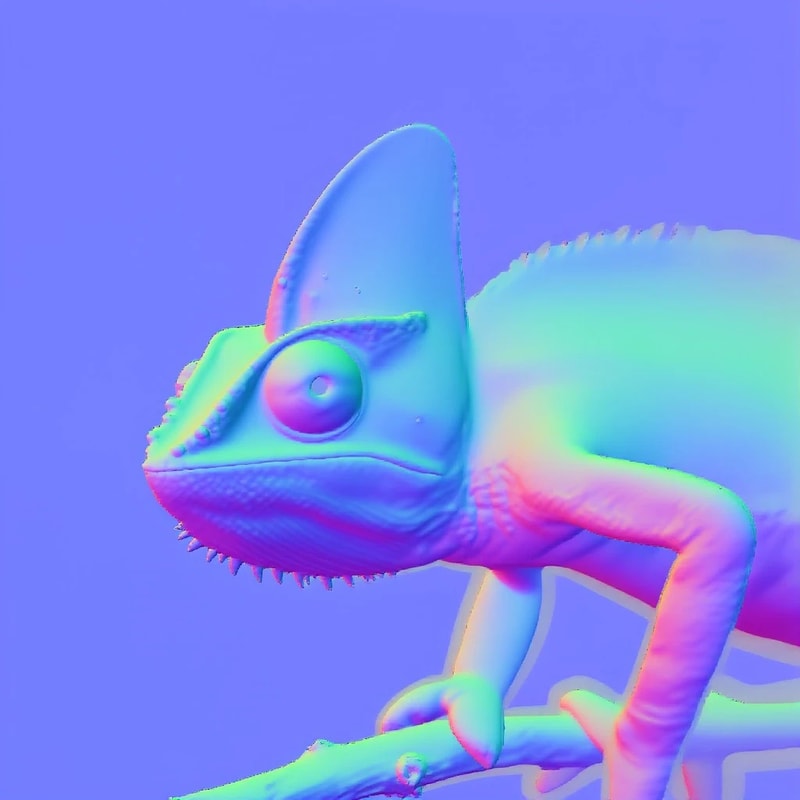
normal map
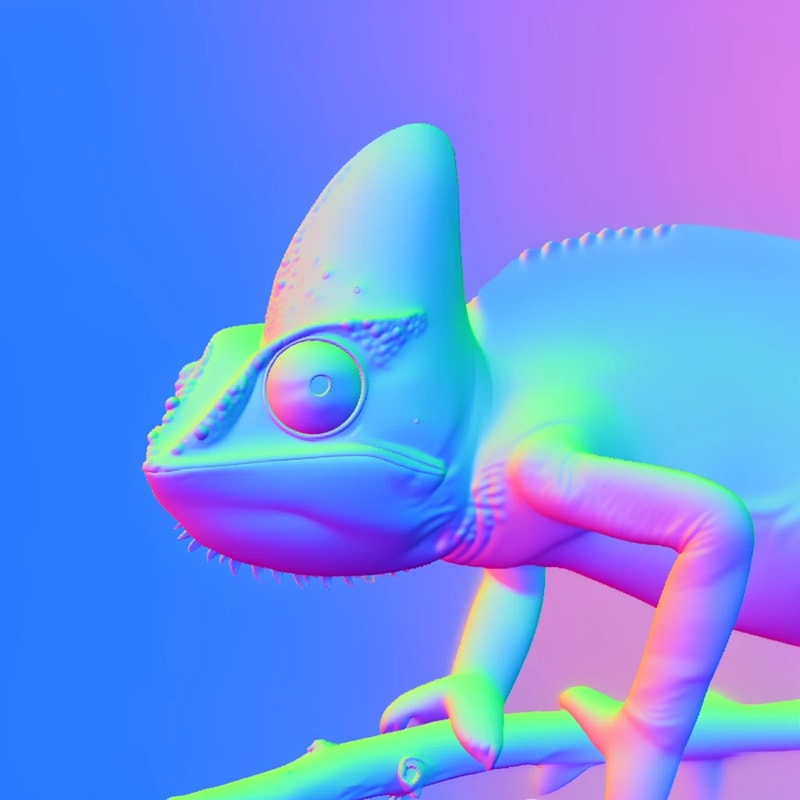
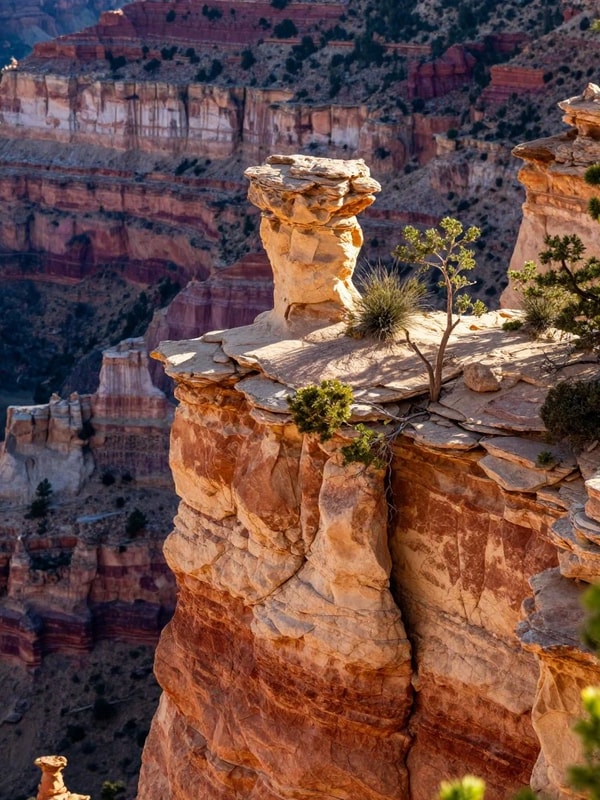
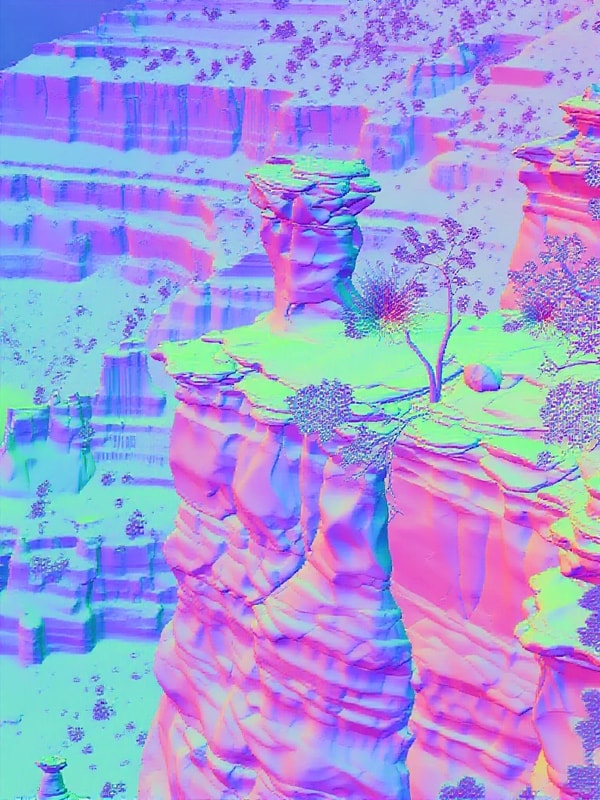
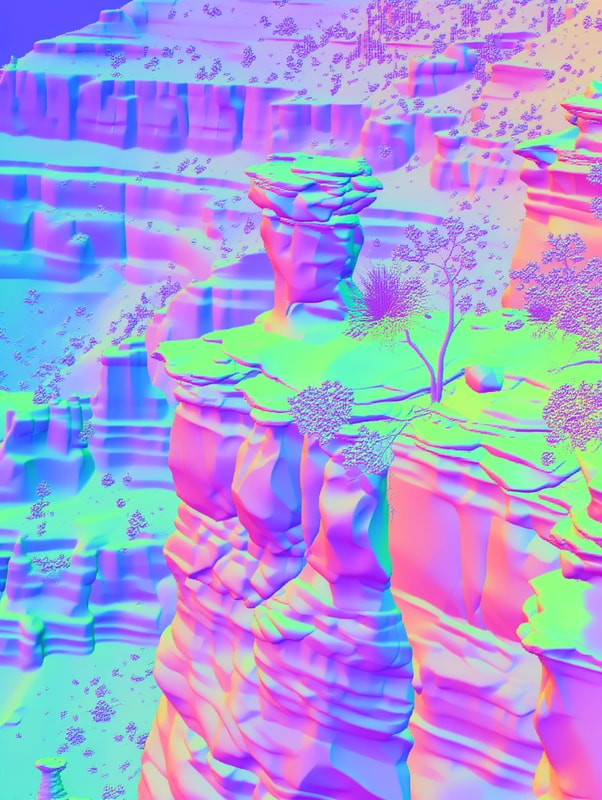
Generate a surface normal map of the input image.
| input | Lotus-2 | FLUX.2 [klein] LoRA |
|---|---|---|
 |
 |
 |
 |
 |
 |
 |
 |
 |
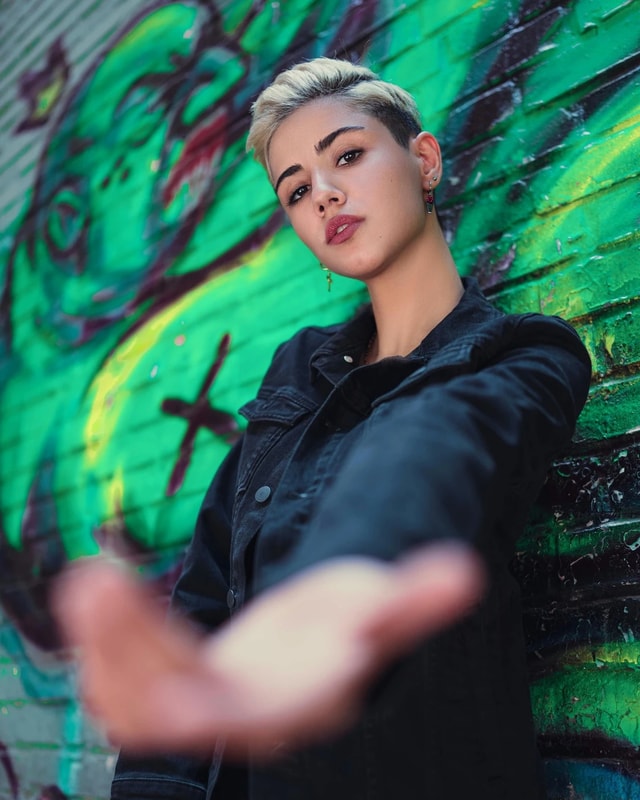
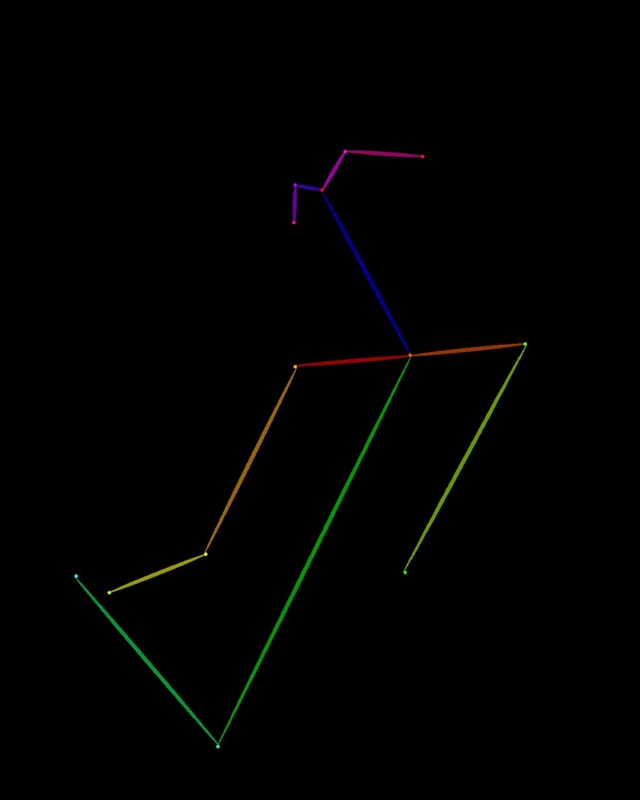
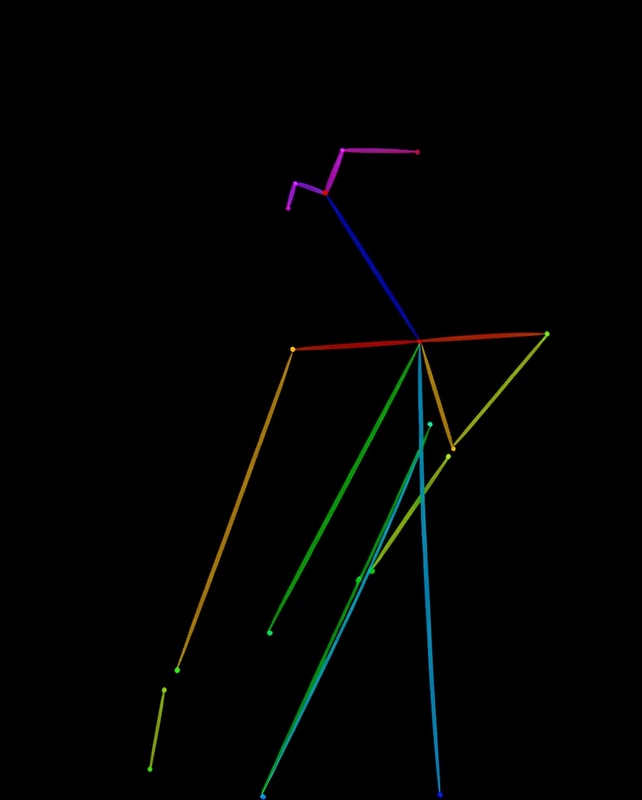
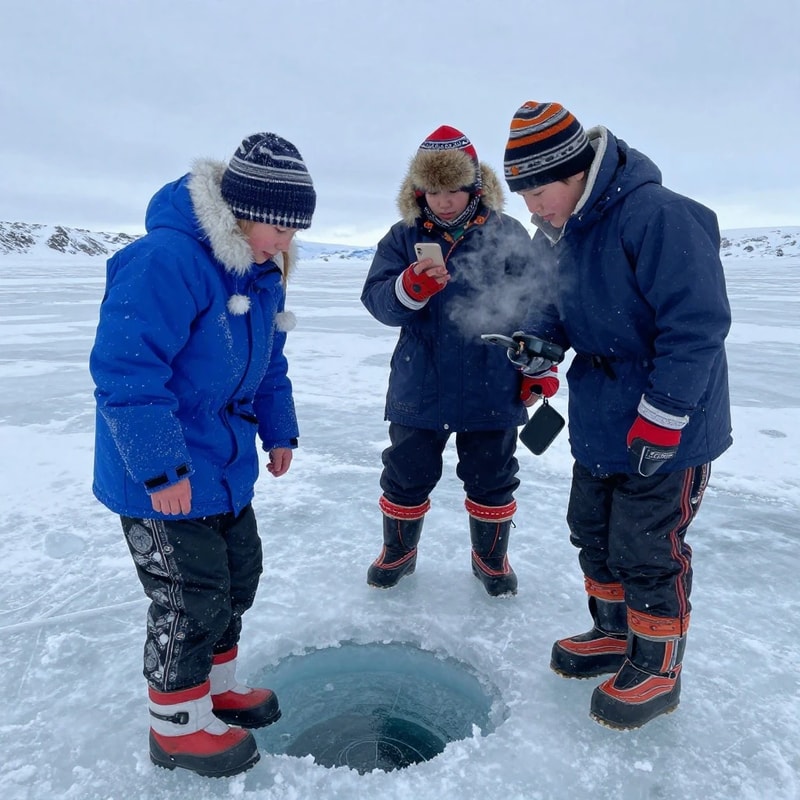
pose body
Generate a body pose map of all visible people in the input image.
| input | DWPose | FLUX.2 [klein] LoRA |
|---|---|---|
 |
 |
 |
 |
 |
 |
 |
 |
 |
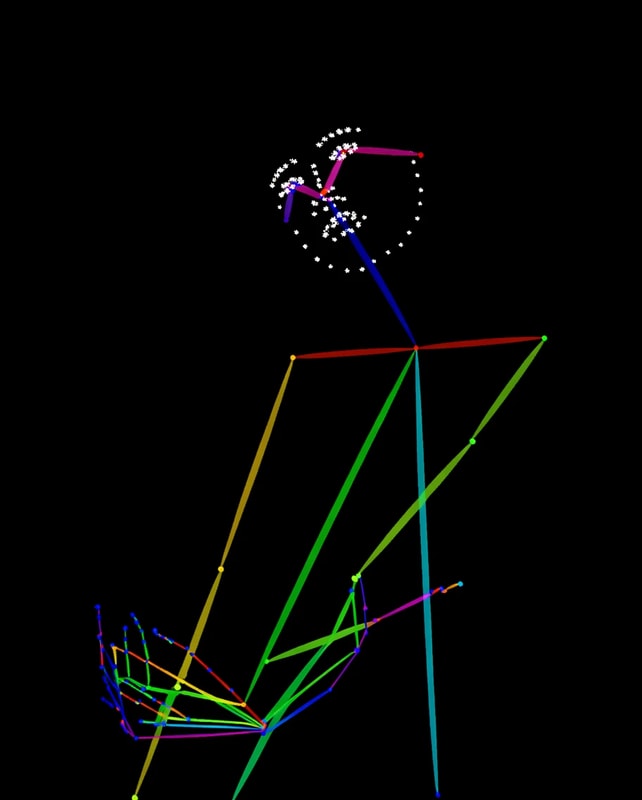
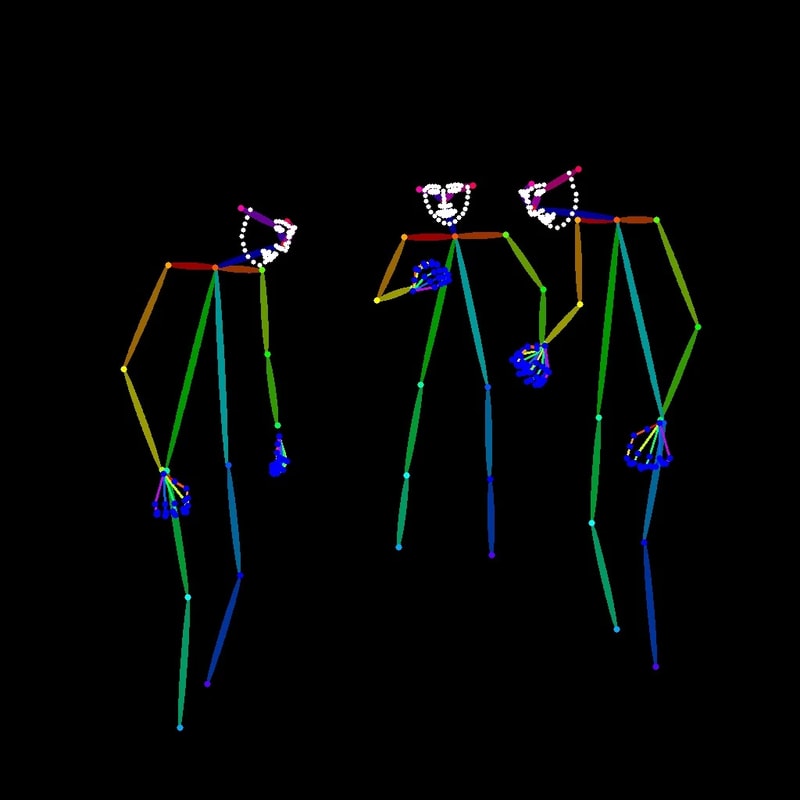
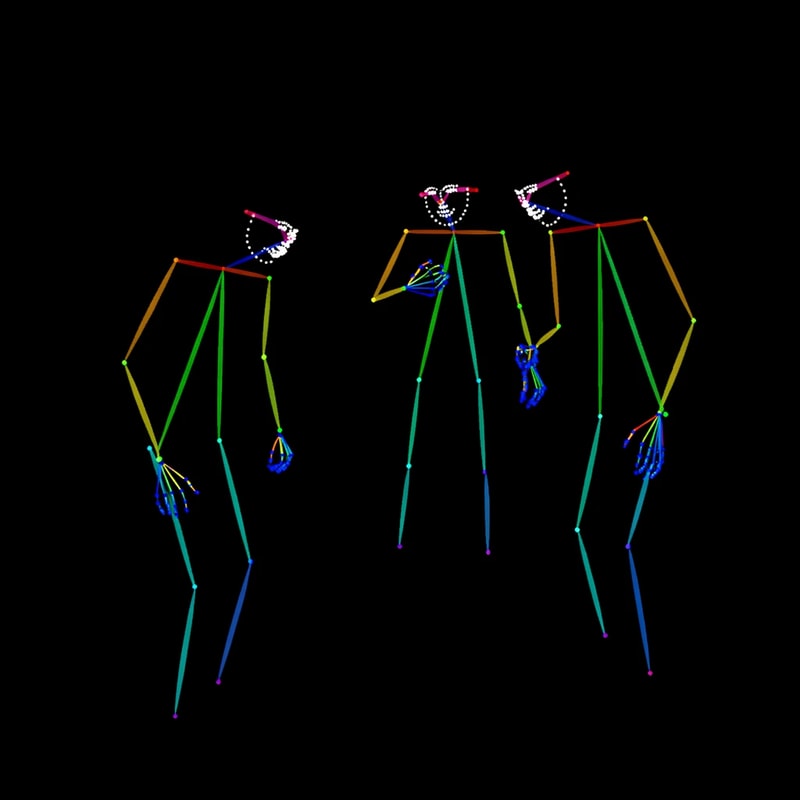
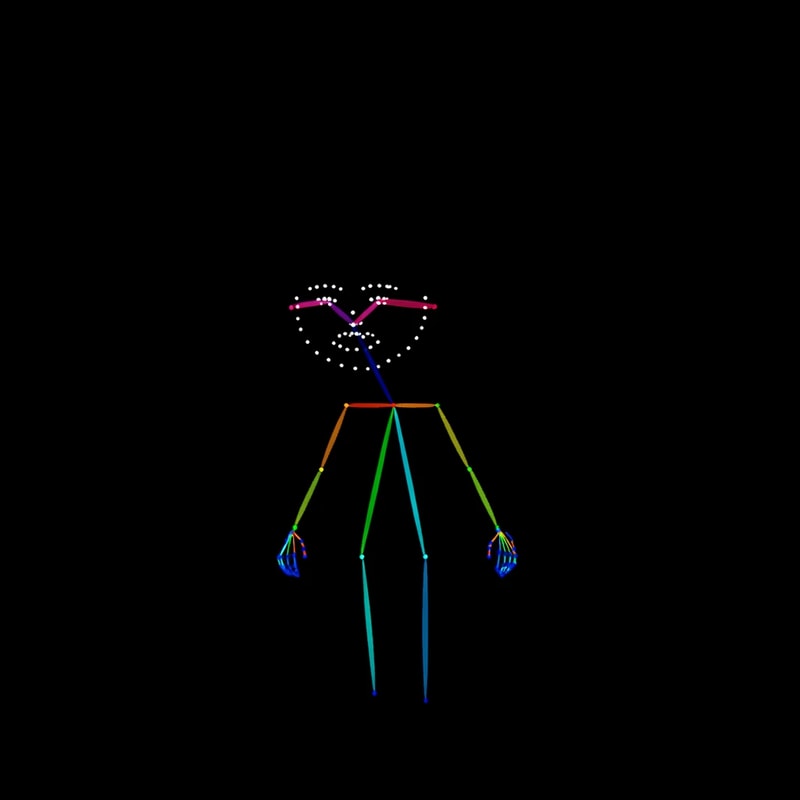
pose full
Generate a full pose map of all visible people in the input image.
| input | DWPose | FLUX.2 [klein] LoRA |
|---|---|---|
|
 |
 |
|
 |
 |
|
|
 |
binary segmentation
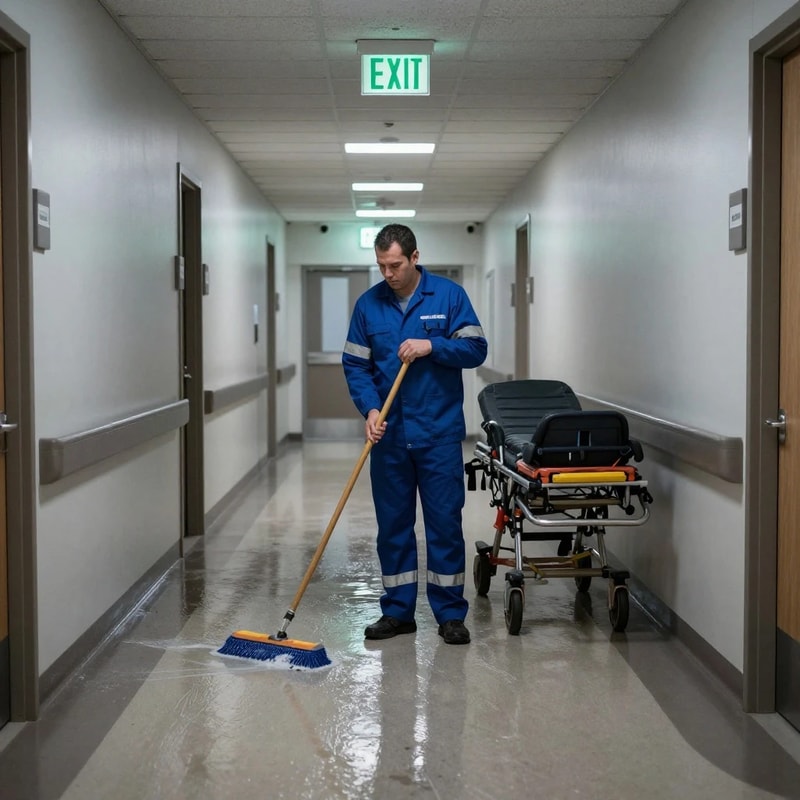
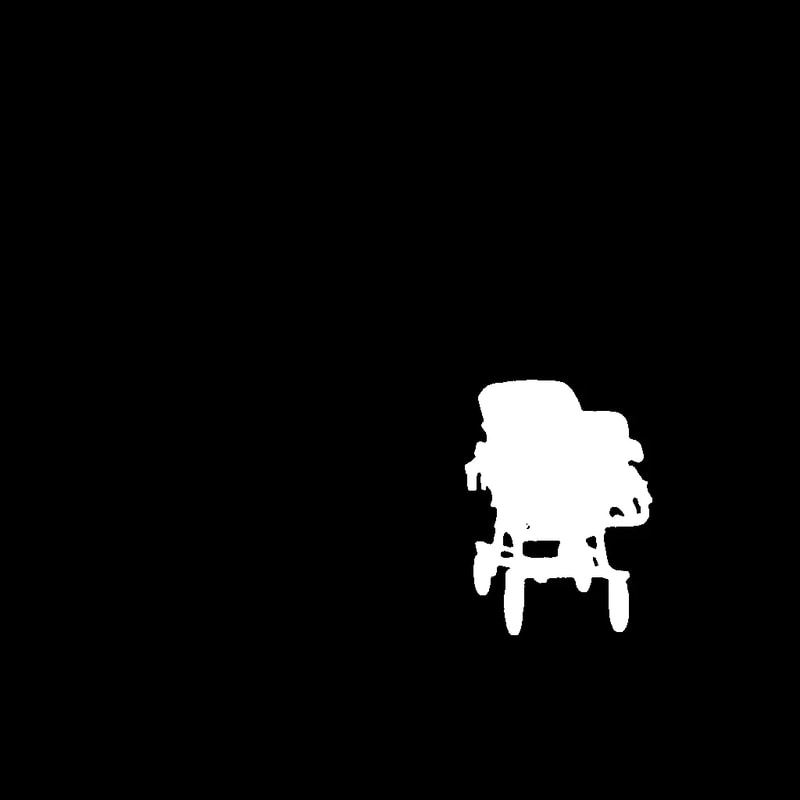
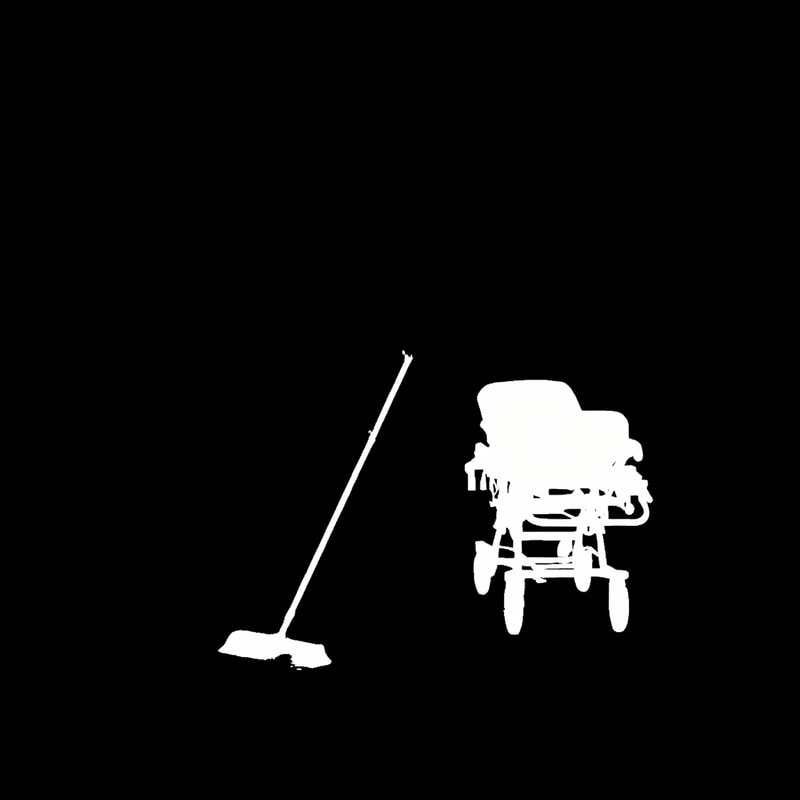
Generate a binary segmentation mask of the stretcher in the input image.
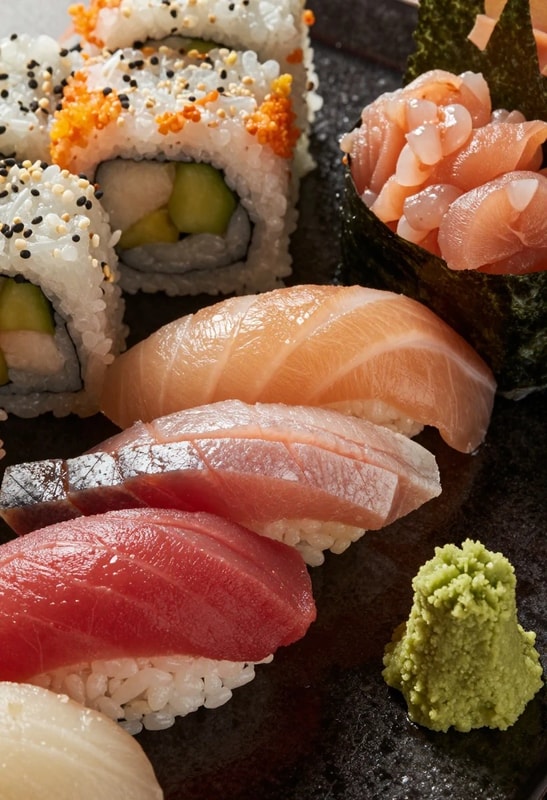
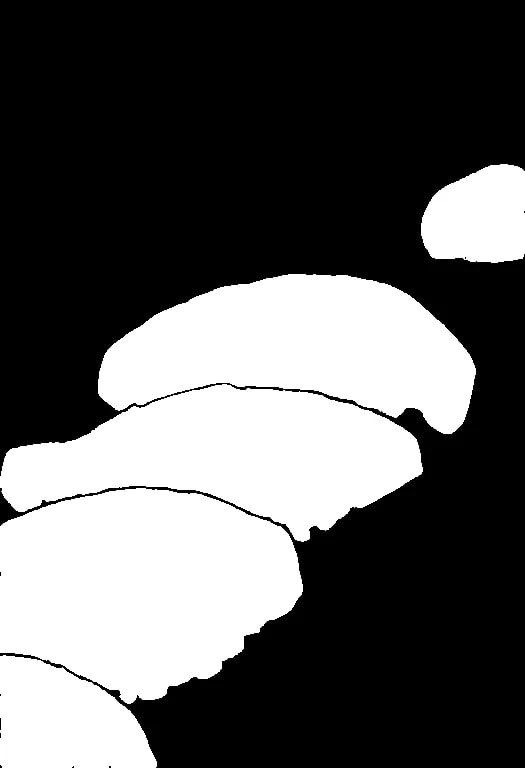
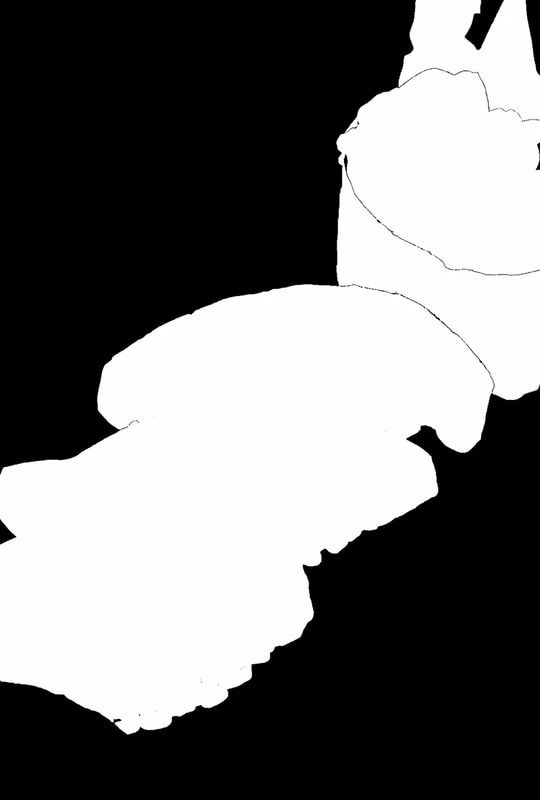
Generate a binary segmentation mask of the tuna sushi in the input image.
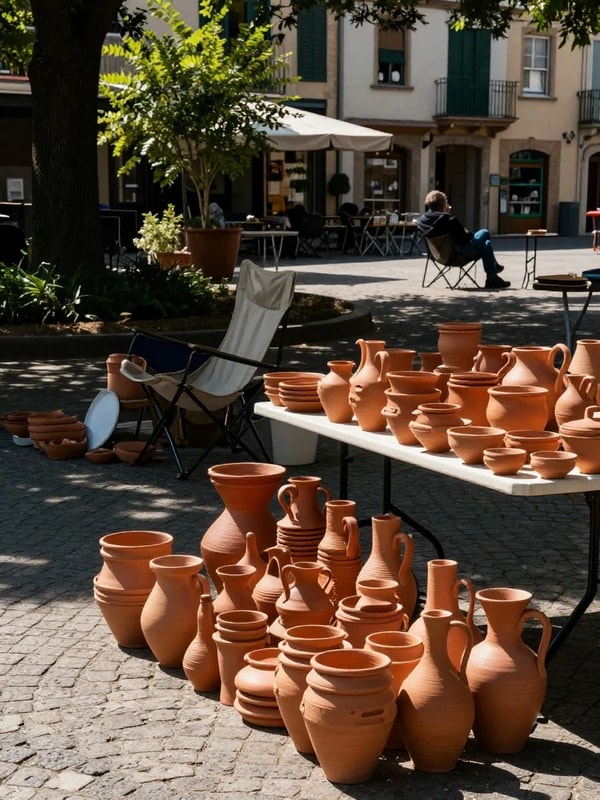
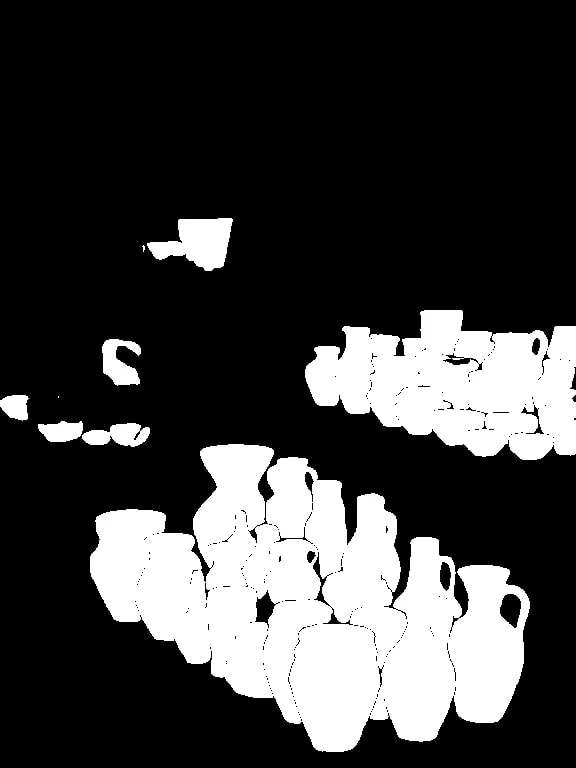
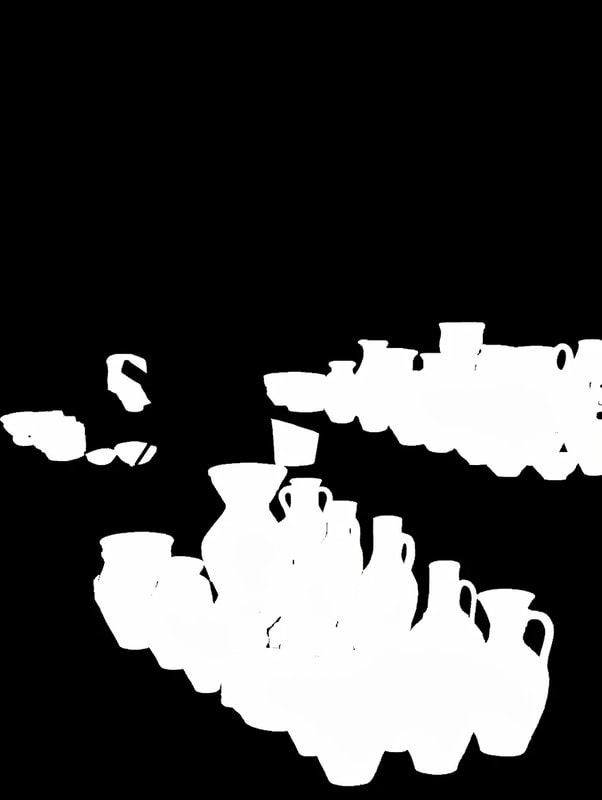
Generate a binary segmentation mask of all jars in the input image.
| input | SAM 3.1 | FLUX.2 [klein] LoRA |
|---|---|---|
 |
 |
 |
 |
 |
 |
 |
 |
 |
amodal segmentation
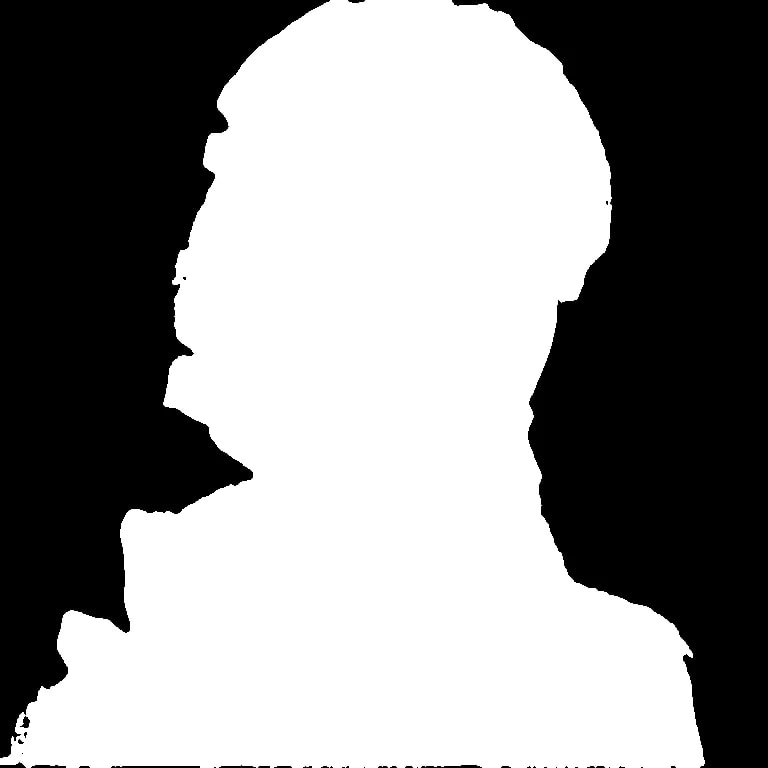
Generate an amodal segmentation mask of the woman in the input image.
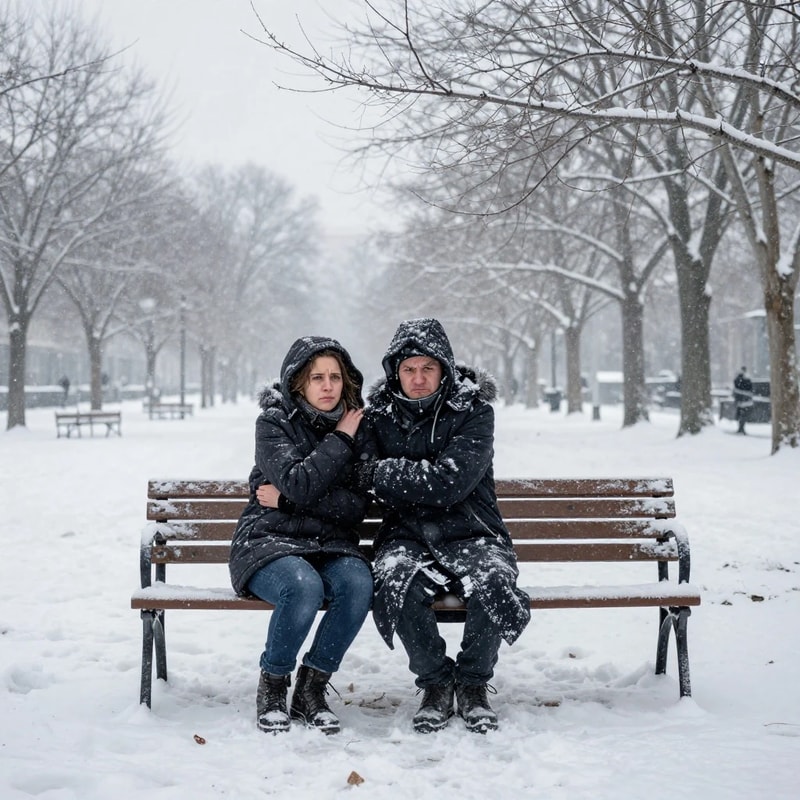
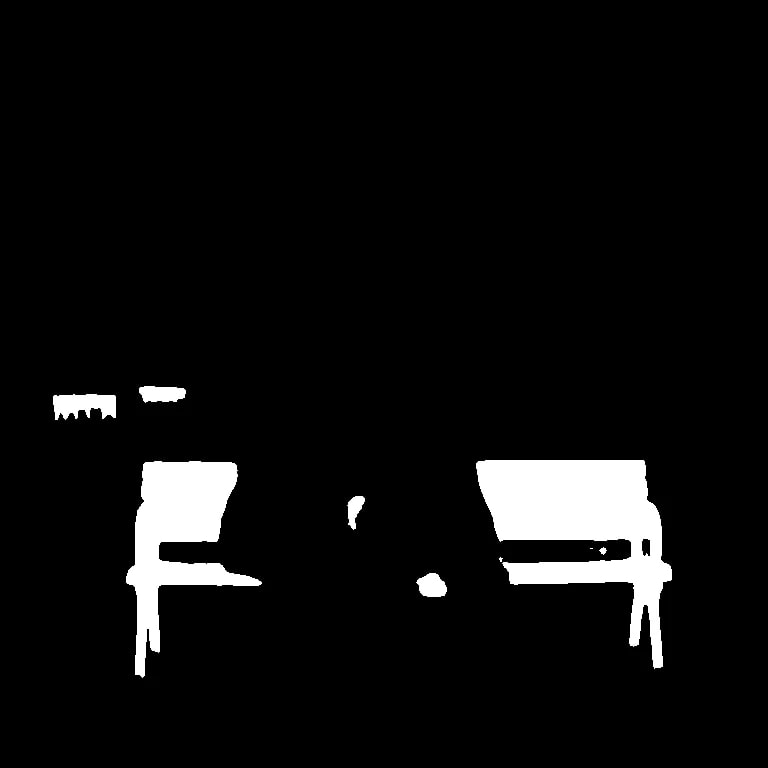
Generate an amodal segmentation mask of the bench in the input image.
Generate an amodal segmentation mask of the steam locomotive in the input image.
| input | SAM 3.1 visible mask | FLUX.2 [klein] LoRA |
|---|---|---|
 |
 |
 |
 |
 |
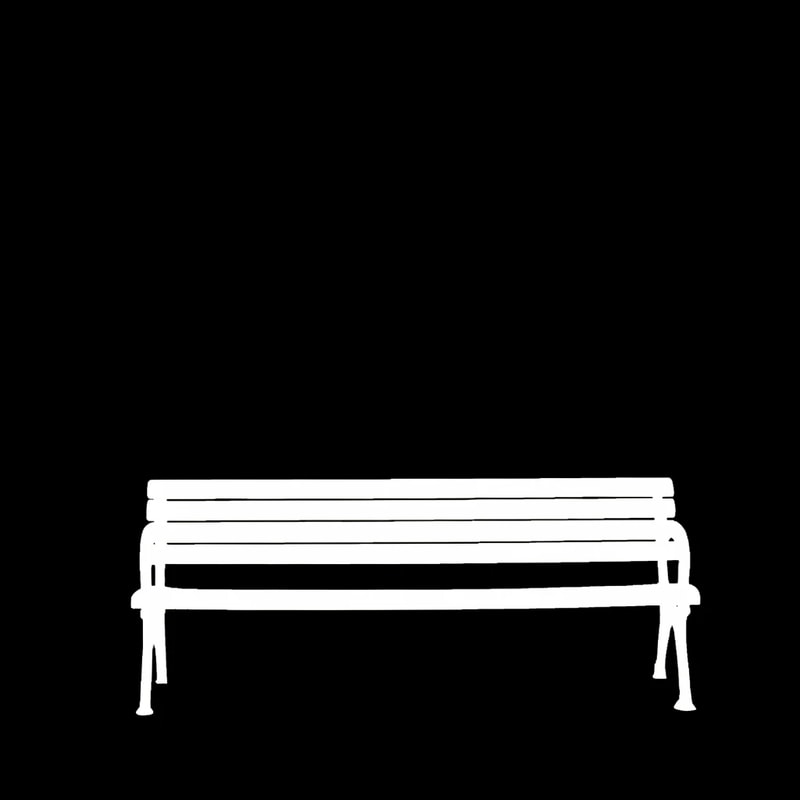 |
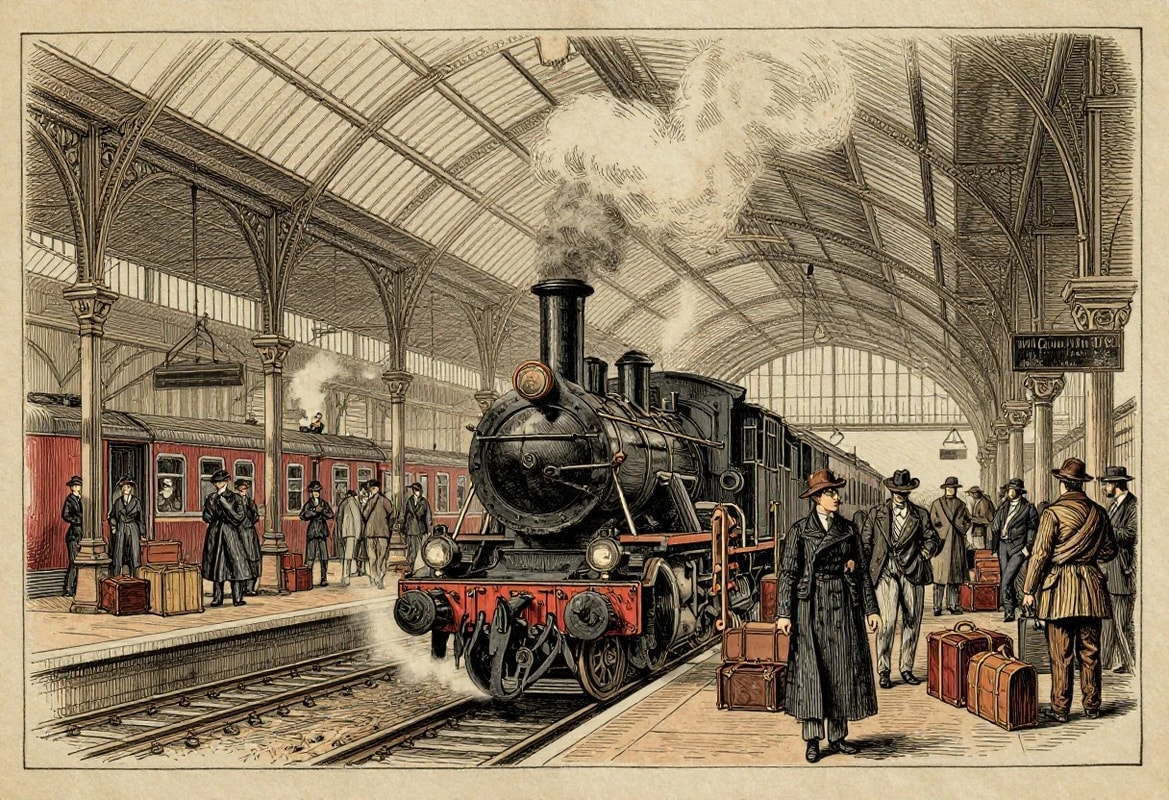 |
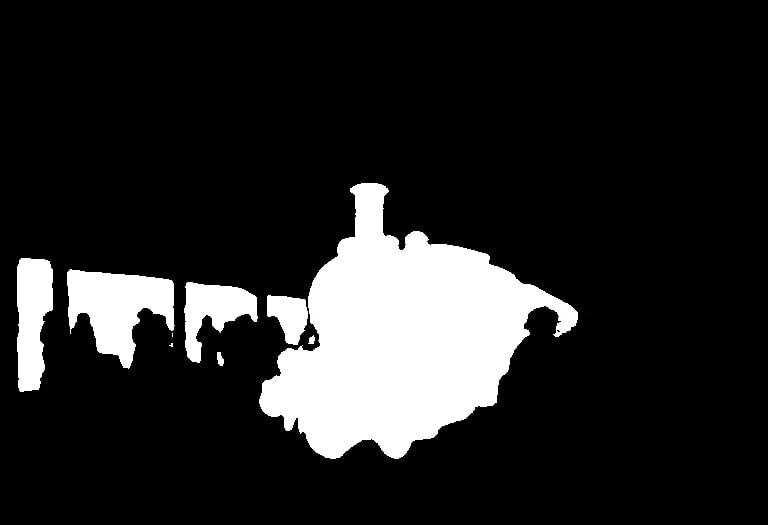 |
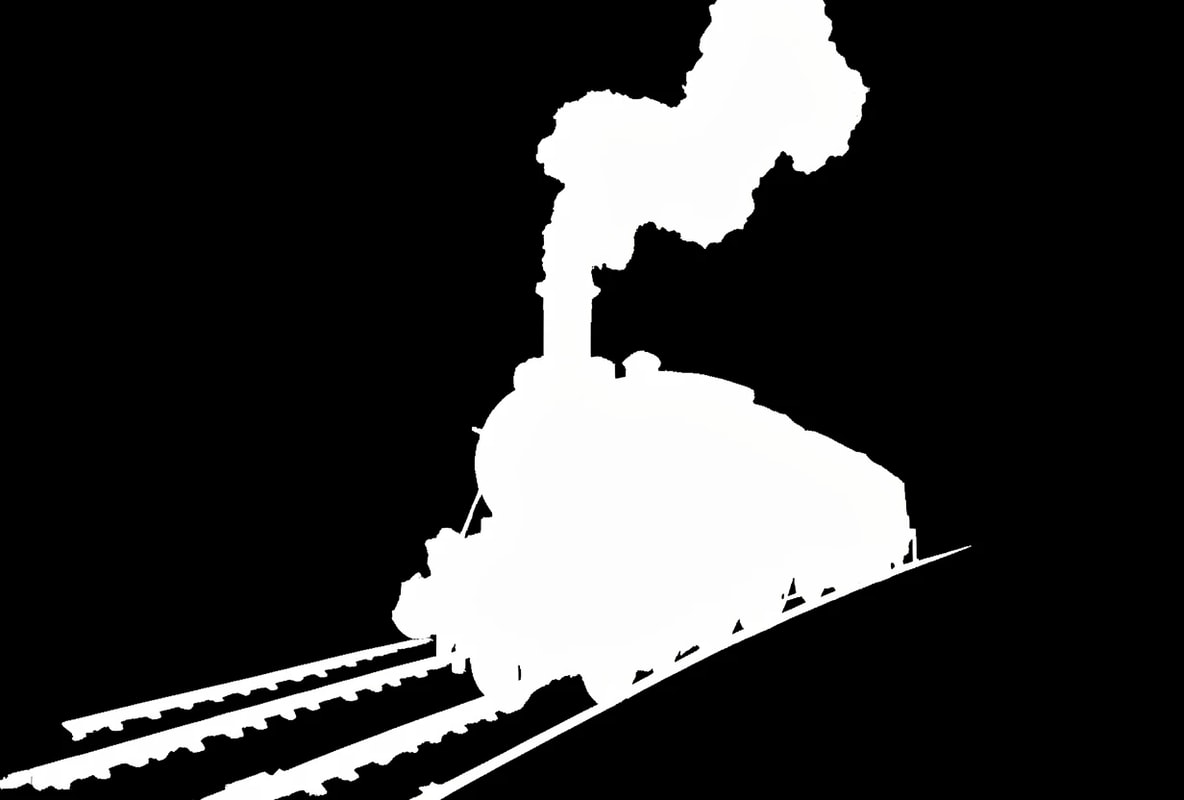 |
Limitations and Issues
Depth / Normal
I used Lotus-2 as the teacher, but the LoRA also learned noise that came from Lotus-2.
For this kind of task, synthetic data from 3D models should probably have been considered as well.
As a side note, before Lotus-2, I also trained with target images created by DSINE. DSINE produces much flatter normal maps than Lotus-2, and the LoRA outputs became similarly flat.
The quality of the teacher appears directly in the LoRA output, so this made me feel again how important dataset quality is.
pose
The first problem is that pose is the least suited to RGB-image representation among the tasks tested here.
Even if the model outputs an OpenPose-style image, converting that back into keypoints is not easy, which makes it difficult to use in practice. The colors and number of bones are also strict, so even small deviations stand out.
I thought this would be an easy task to train, but it broke down more than expected. Hallucinations on animal images and non-person images are not prevented either.
segmentation
I expected the prompt understanding ability of the Qwen3 8B text encoder to help, but the control was not as strong as I hoped.
The model can follow instructions like "remove the person in X", but when applying the LoRA and asking it to "segment the person in X", it may fail or segment a different person.
So this may not be just a problem of prompt understanding. The model may not have learned the segmentation task itself well enough from the dataset.
For boundary precision, I was hoping for smoother edges closer to matting, but at the moment it remains around the roughness of SAM 3.1.
Overall
Overall, the dataset size was not enough.
Creating the amodal segmentation dataset was very heavy, so I roughly aligned all tasks to around 300 images.
To properly isolate the causes, I think each task would have needed around 2000-3000 images.
There are many things left to improve, but I spent too much budget and time on this, so I am stopping here for now.
If I get the chance, I would like to try again with a larger dataset.
Closing
Regardless of quality, this small-scale LoRA training was enough to teach FLUX.2 [klein] some CV-task-like RGB outputs.
The important point is not really whether it "can do CV tasks." It is that the possible uses of image editing models can expand quite a lot depending on what we decide to treat as image editing.
When we hear "image editing," style transfer and object removal come to mind first.
But outputs like these CV-task-like images, or custom intermediate representations, can also be treated as image editing in a broad sense.
It is fun to watch image generation models, which used to be mostly about drawing pictures, gradually look more like general-purpose vision models.
References
- Marigold: Repurposing Diffusion-Based Image Generators for Monocular Depth Estimation
- Lotus: Diffusion-based Visual Foundation Model for High-quality Dense Prediction
- Lotus-2: Advancing Geometric Dense Prediction with Powerful Image Generative Model
- Vision Banana: Image Generators are Generalist Vision Learners
- Vision Banana Project Page