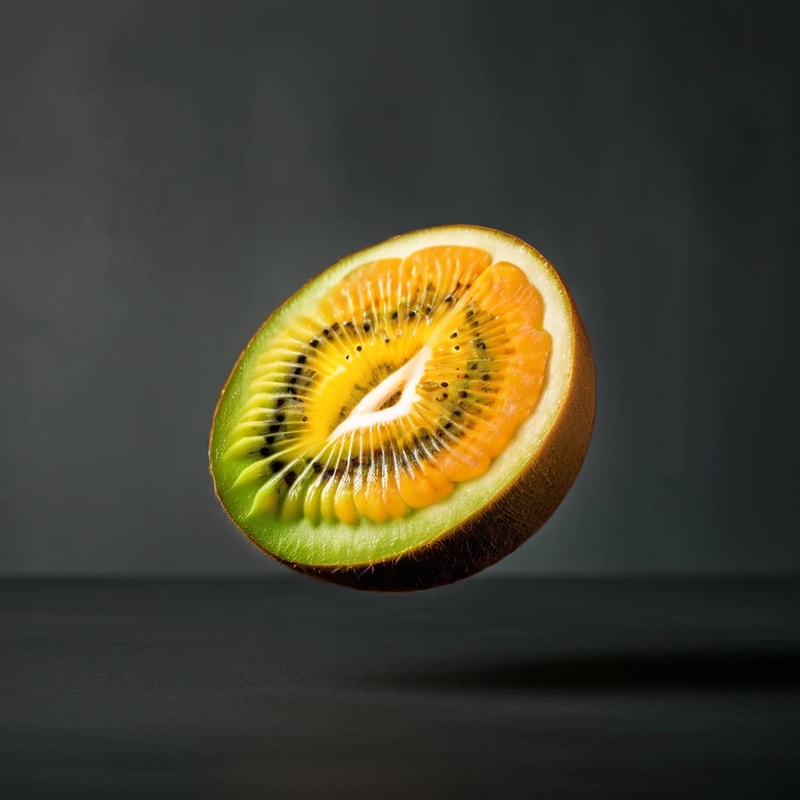
What is Differential Diffusion?
In normal inpainting, the white areas of the mask change while the black areas do not.
So does making an area gray change it just a little? Unfortunately, it does not give you that kind of control on its own.
That is where Differential Diffusion comes in.
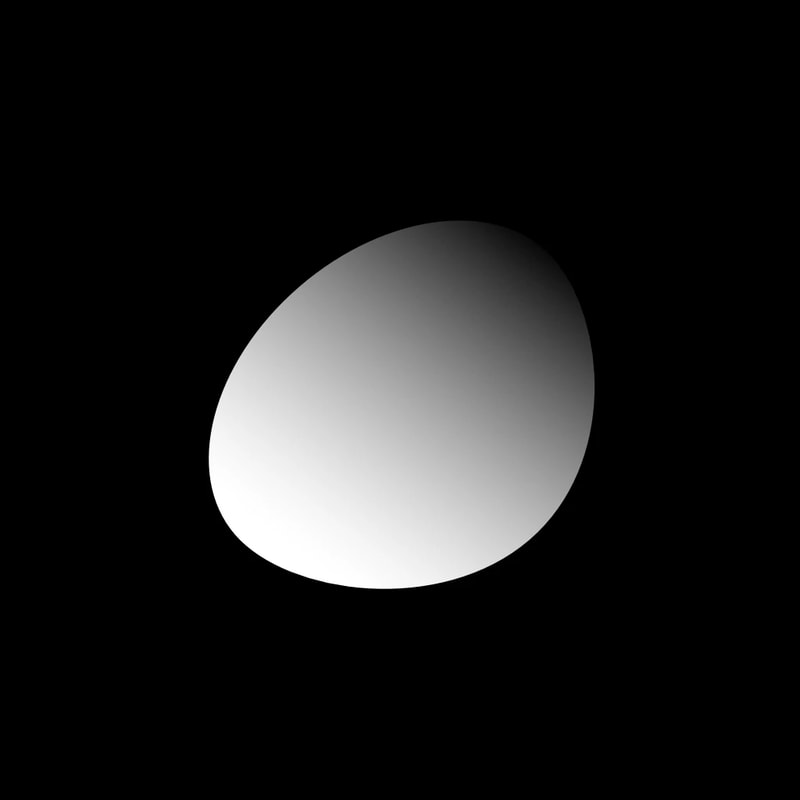
It lets you change denoise at each location according to the intensity of the mask, so different areas can change by different amounts and blurred mask boundaries can work as expected.
If you have not read inpainting yet, please start there.
Usage
Add the Differential Diffusion node to an inpainting workflow, then give the mask different shades.
workflow
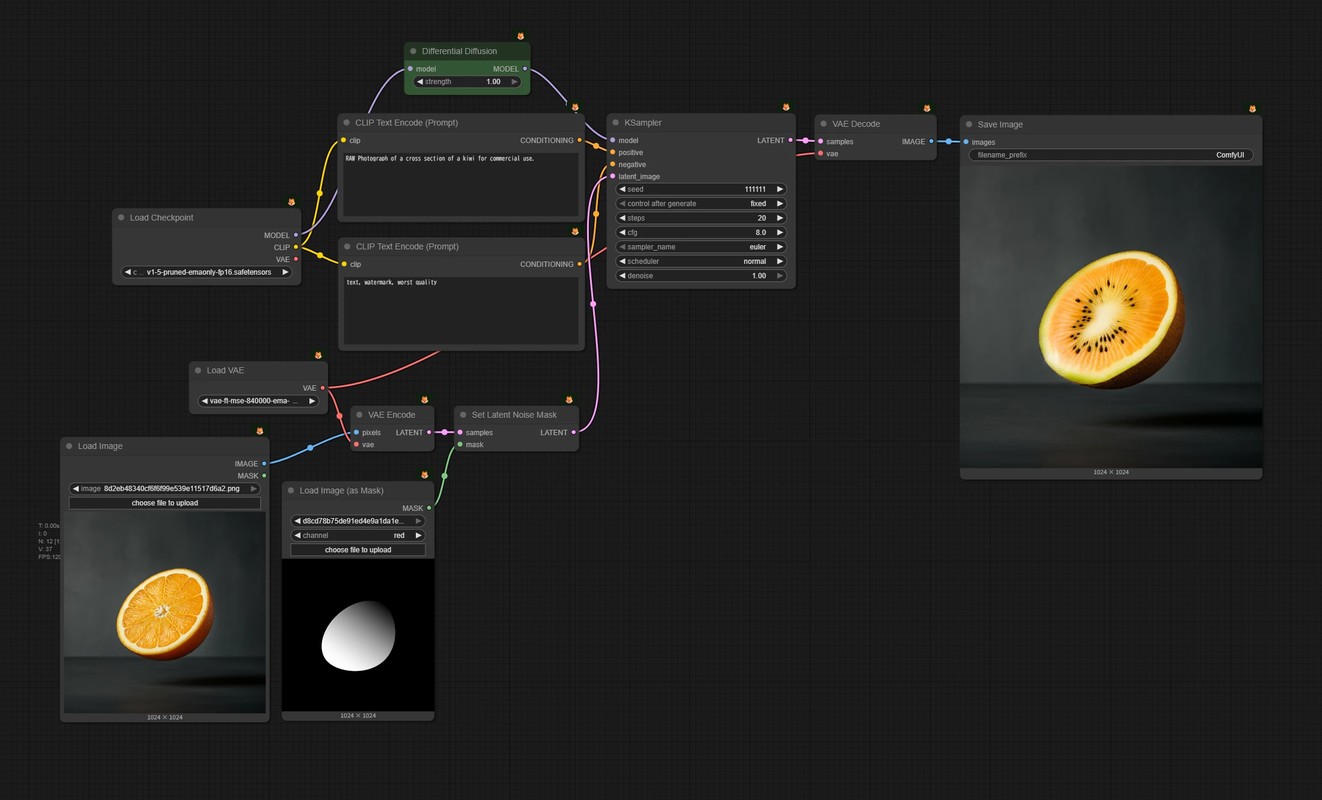
- 🟩 Add the
Differential Diffusionnode - This example is based on a workflow using the
Set Latent Noise Masknode.- It also works with workflows using inpainting models or ControlNet models.
Whiter areas change more, while darker areas retain more of the original image.
Using the Mask
Change Different Areas by Different Amounts
The mask does not need to use a smooth gradient.
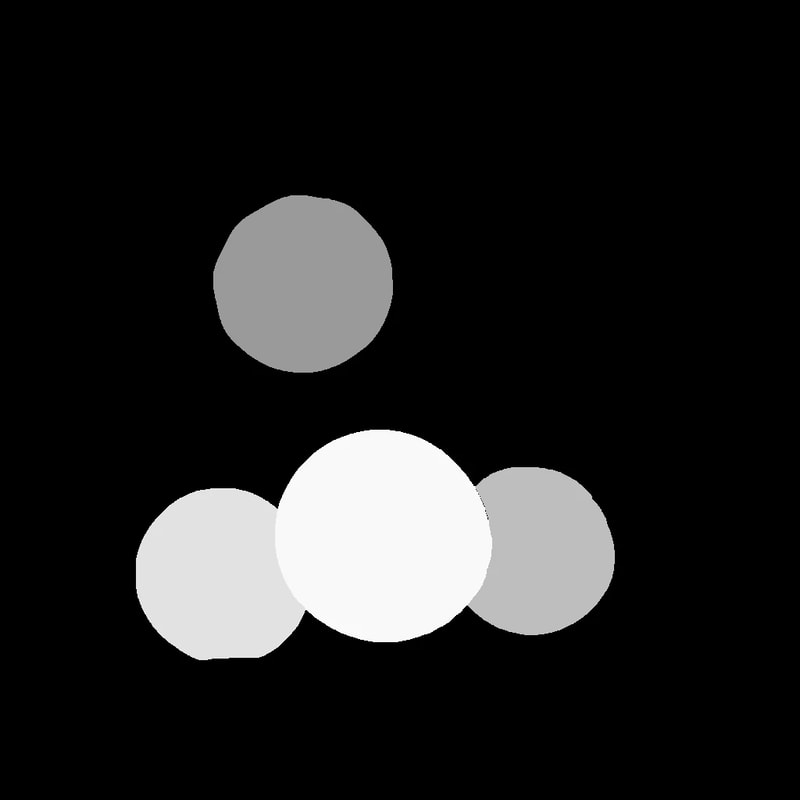
By using different shades for different areas in a single mask image, you can give each area a different amount of change in one sampling pass.
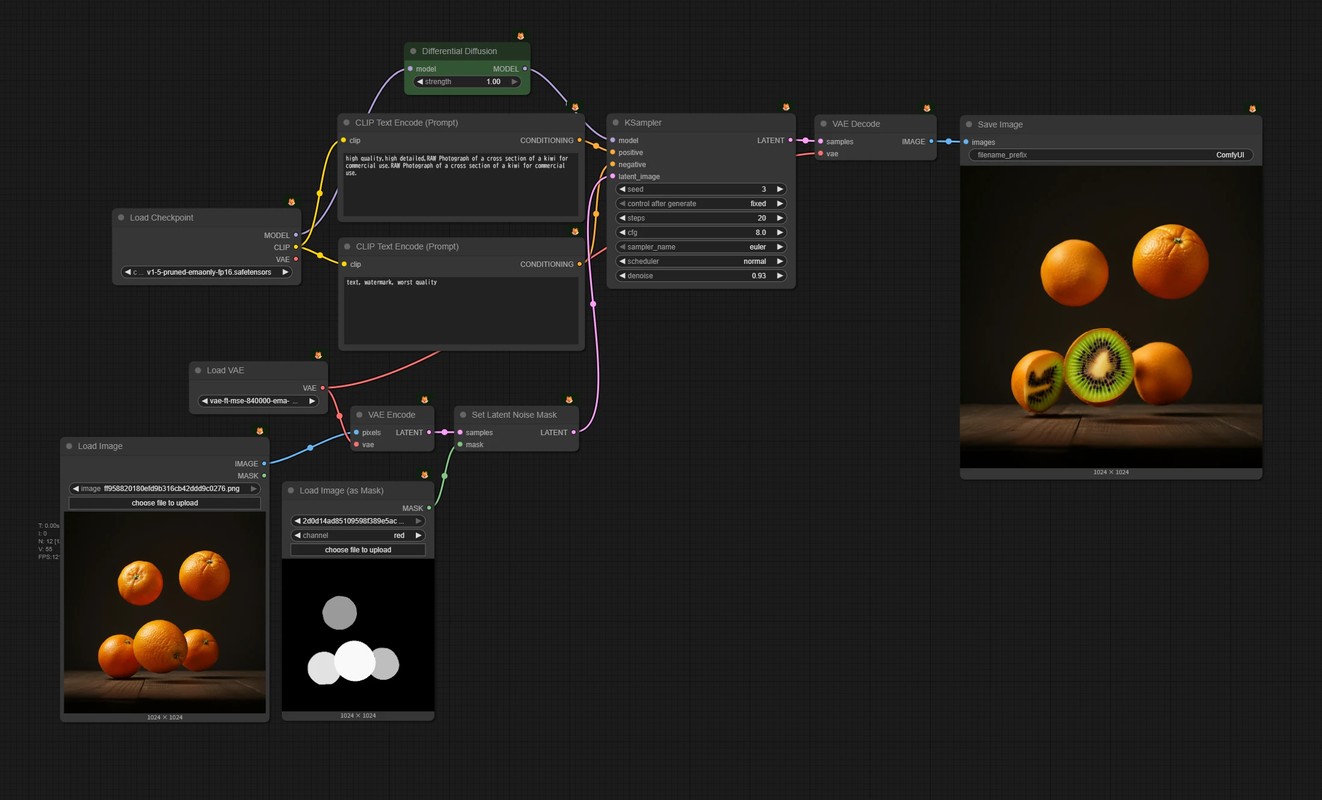
- Paint each area you want to change with a different shade (for example, light gray for the face and white for the background)
Soften the Boundaries
A common problem with inpainting is a clearly visible mask boundary.
Combine Differential Diffusion with a blurred mask to blend the boundary more naturally.
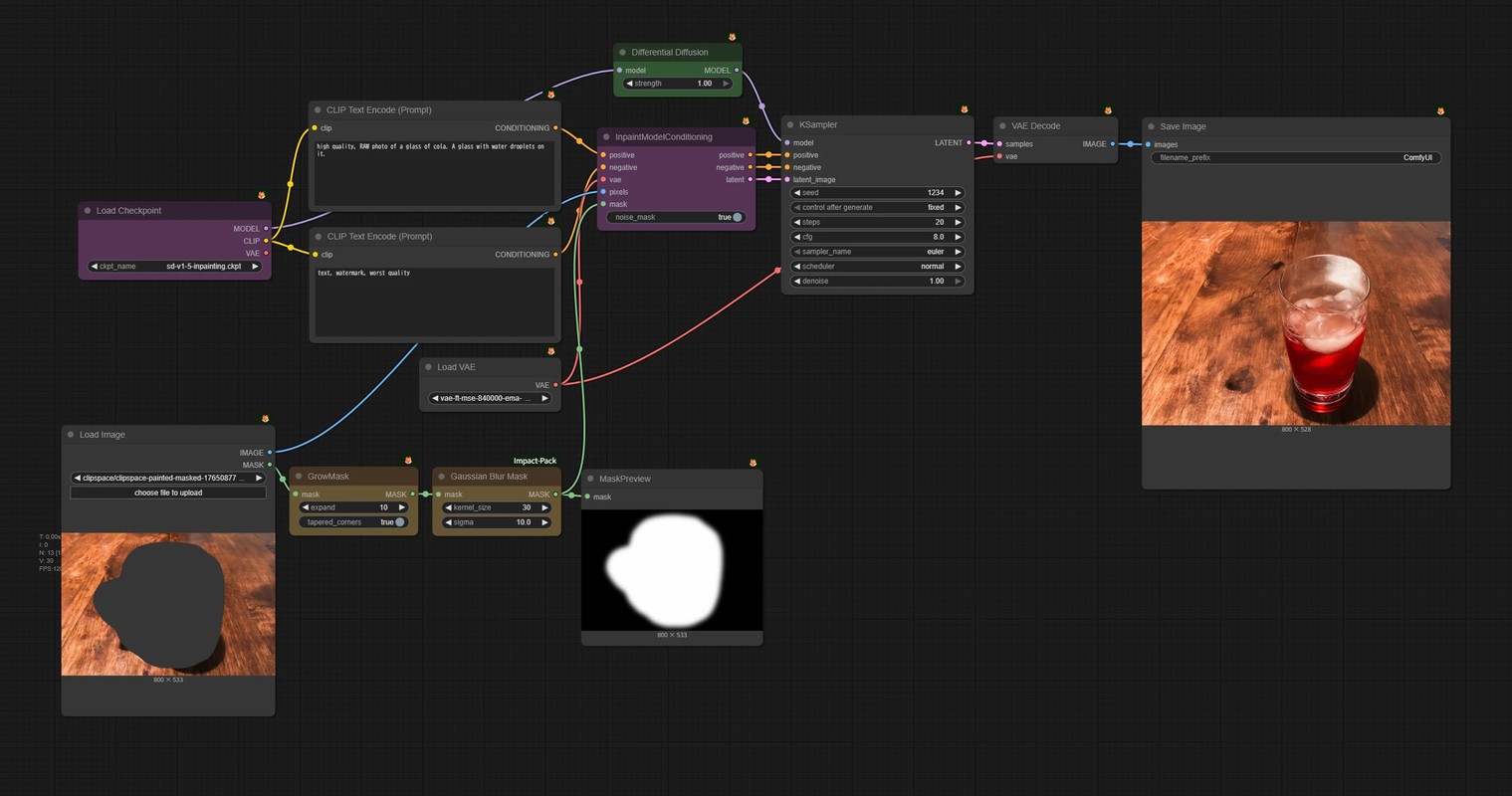
- 🟪 This time, incorporate it into a workflow using an inpainting model.
- 🟨 Blur the mask boundary with the
Gaussian Blur Masknode (ComfyUI-Impact-Pack)- Blurring effectively shrinks the mask, so enlarge it slightly beforehand.
Use a Depth Map as a Mask
A depth map is represented as a black-to-white gradient.
This means it can be used directly as a Differential Diffusion mask.
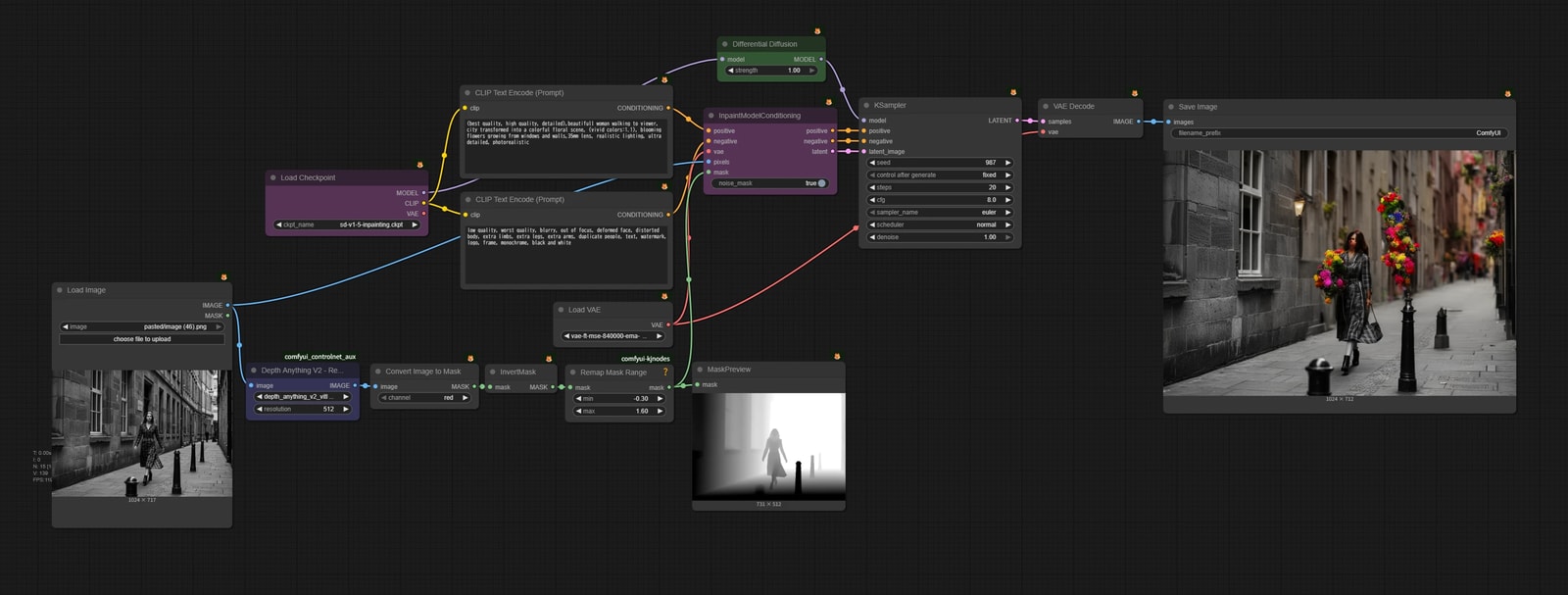
- 🟦 Create a depth map with Depth Anything V2 (comfyui_controlnet_aux)
- The output is an IMAGE, so convert it to a mask with the
Convert Image to Masknode.
- The output is an IMAGE, so convert it to a mask with the
- Adjust its range with
RemapMaskRange(ComfyUI-KJNodes)
Honestly, SD1.5 is not quite capable enough, but using a depth map as a mask is still one of my favorite methods.