What is Fibo 2.0?
Fibo 2.0 is an 8B image generation and editing model from Bria AI.
Its predecessor, FIBO, was built around structured JSON prompts even before Ideogram 4.0 came along.
Fibo 2.0 is its successor. It keeps that approach and can now edit images as well.
These structured prompts are called VGL (Visual GenAI Language), but luckily Fibo 2.0 also does reasonably well with plain sentences.
You can also hand a short instruction to an MLLM and have it rewrite it as VGL.
There are two models: Dev, which handles both generation and editing, and Edit Turbo, an editing-only model that runs in 4 steps.
This page has a Dev workflow for every task. For image editing, the Edit Turbo workflow is placed right alongside it.
Recommended settings
- Resolution
- About 1MP
- Width and height must both be multiples of 16
- Number of reference images
- Up to 4
Downloading the models
- diffusion_models
- fibo2_dev_int8_convrot.safetensors (8.41 GB)
- fibo2_edit_turbo_int8_convrot.safetensors (8.41 GB)
- text_encoders
- qwen3vl_4b_int8_convrot.safetensors (4.86 GB)
- qwen3.5_9b_int8_convrot.safetensors (9.75 GB)
- 🚨 Used to create VGL prompts (optional)
- vae
- flux2-vae.safetensors (336 MB)
📂ComfyUI/
└── 📂models/
    ├── 📂diffusion_models/
    │   ├── fibo2_dev_int8_convrot.safetensors
    │   └── fibo2_edit_turbo_int8_convrot.safetensors
    ├── 📂text_encoders/
    │   ├── qwen3vl_4b_int8_convrot.safetensors
    │   └── qwen3.5_9b_int8_convrot.safetensors
    └── 📂vae/
        └── flux2-vae.safetensors
Basic workflows
Image generation
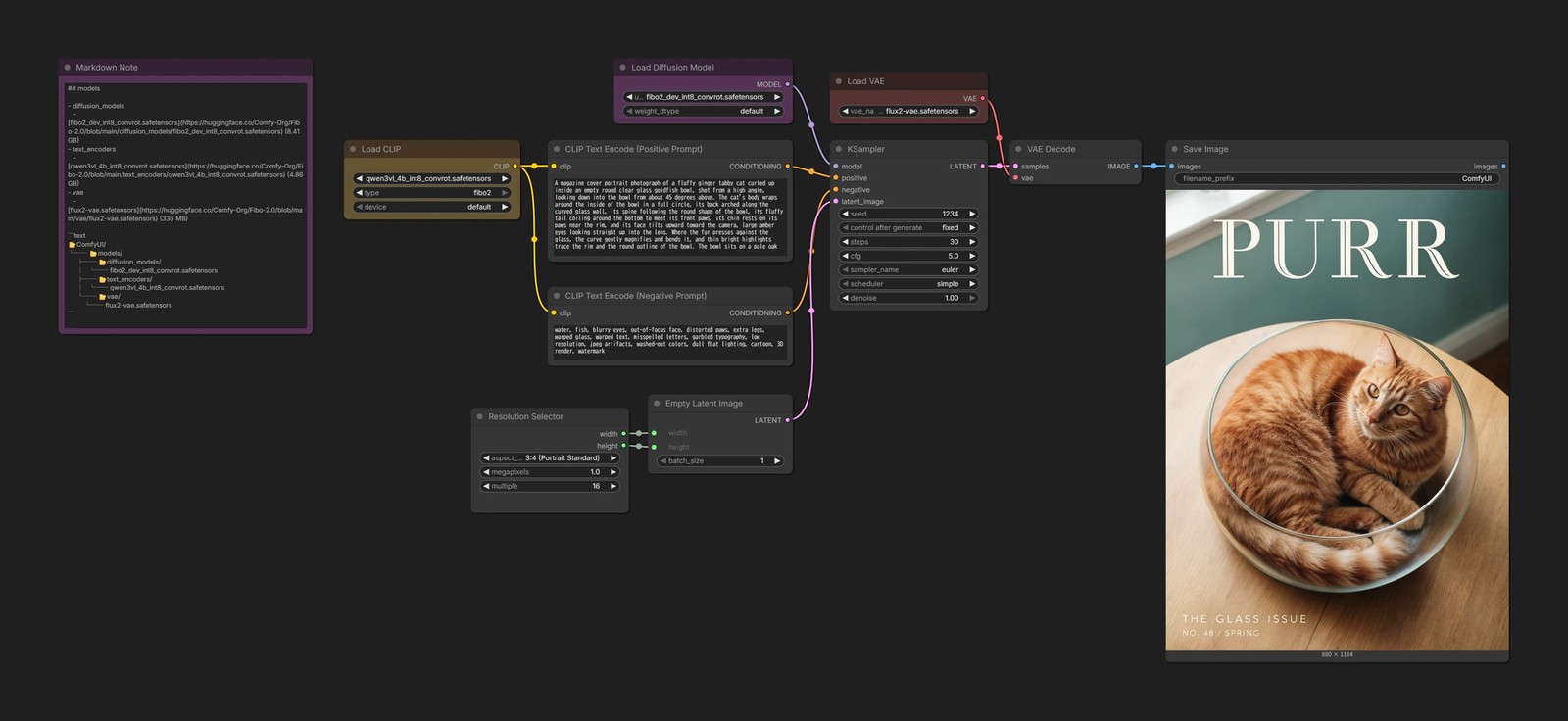
steps: 30cfg: 5.0

Image editing
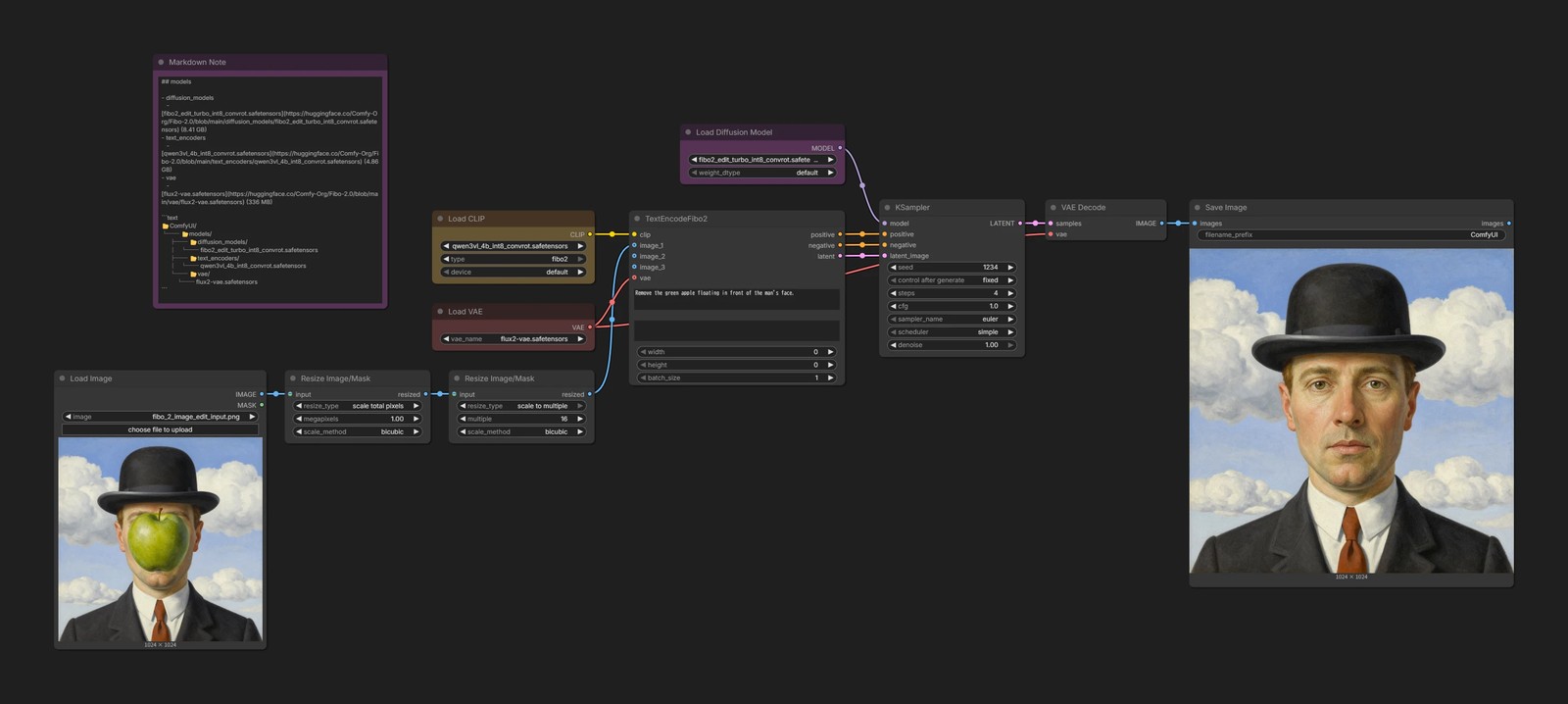
TextEncodeFibo2- With
width/heightset to 0, the input image's size is used as is
- With
For Edit Turbo, change only the following parameters:
steps: 4cfg: 1.0
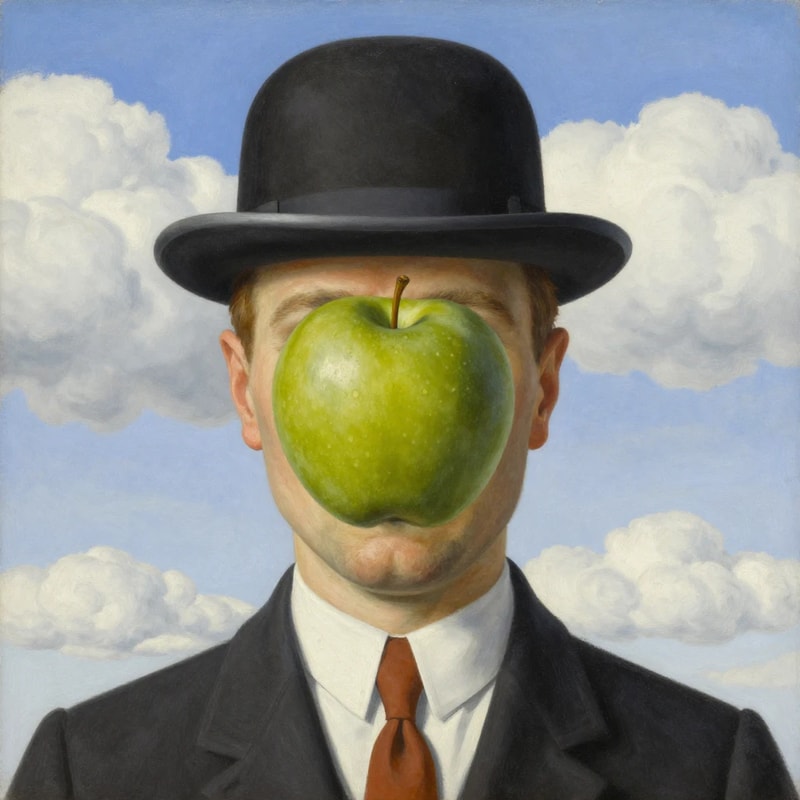
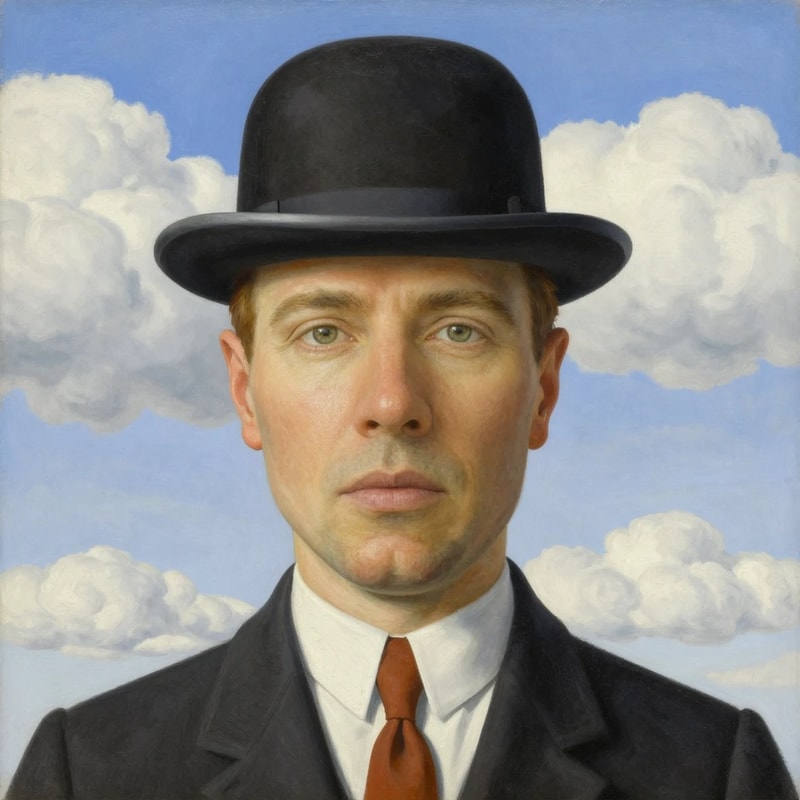
Image editing (multi-reference)
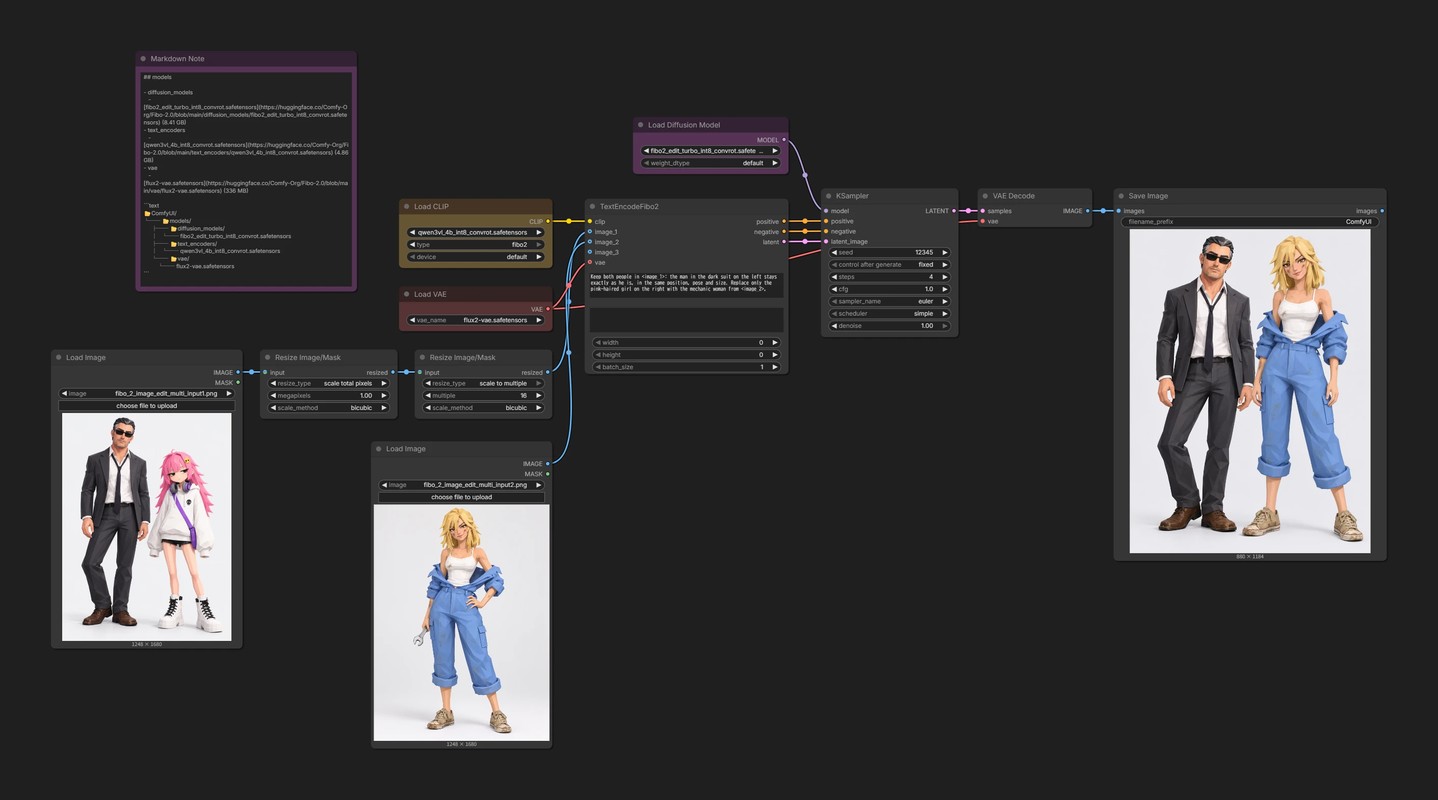
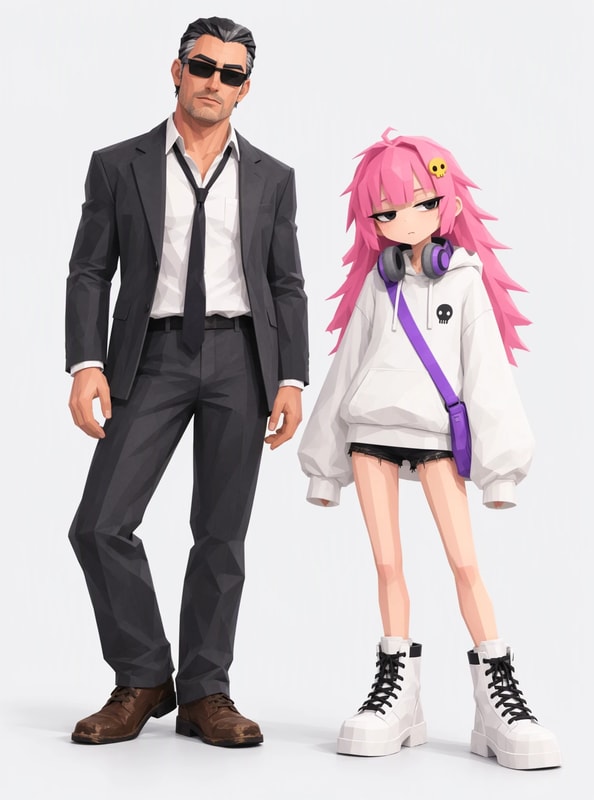
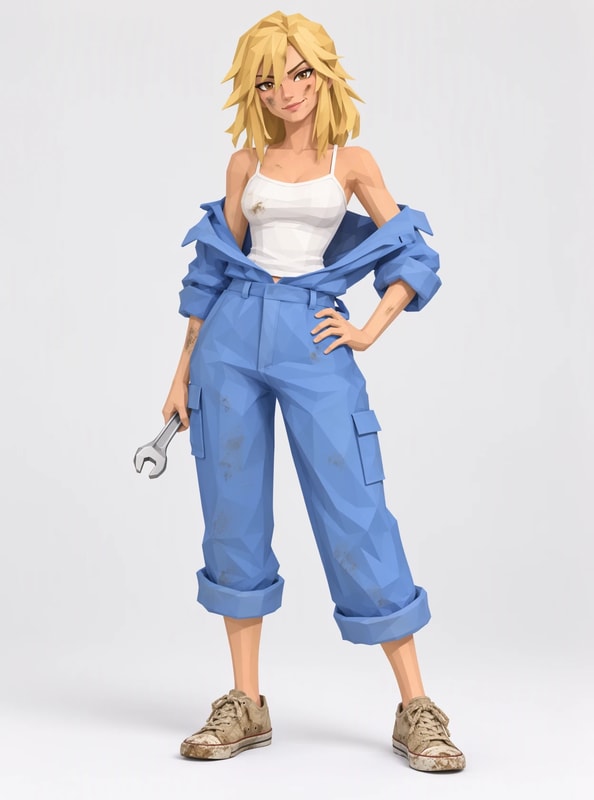
In the prompt, refer to each image as <image_1>, <image_2>, and so on, in the order they're connected to TextEncodeFibo2.
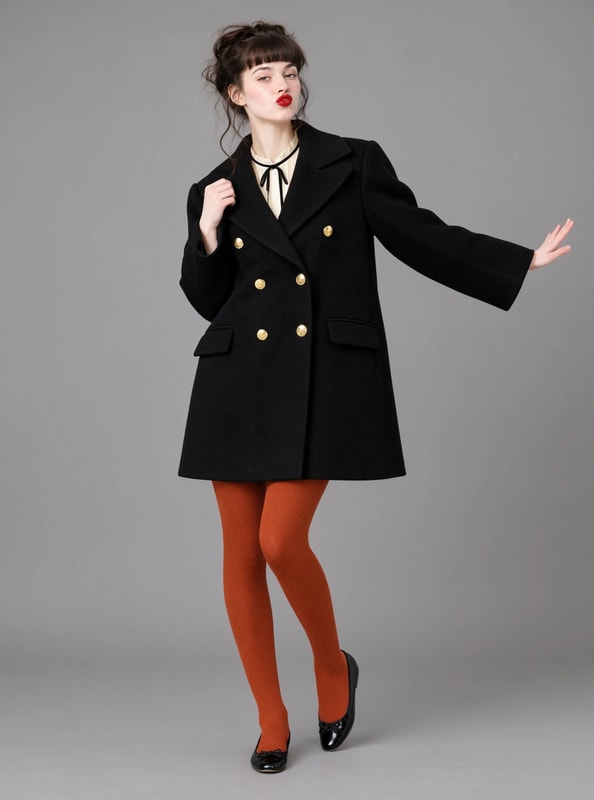
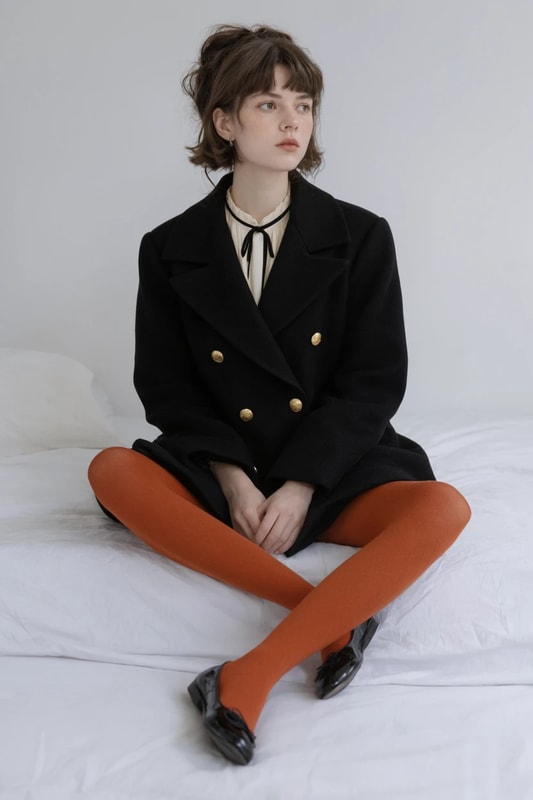
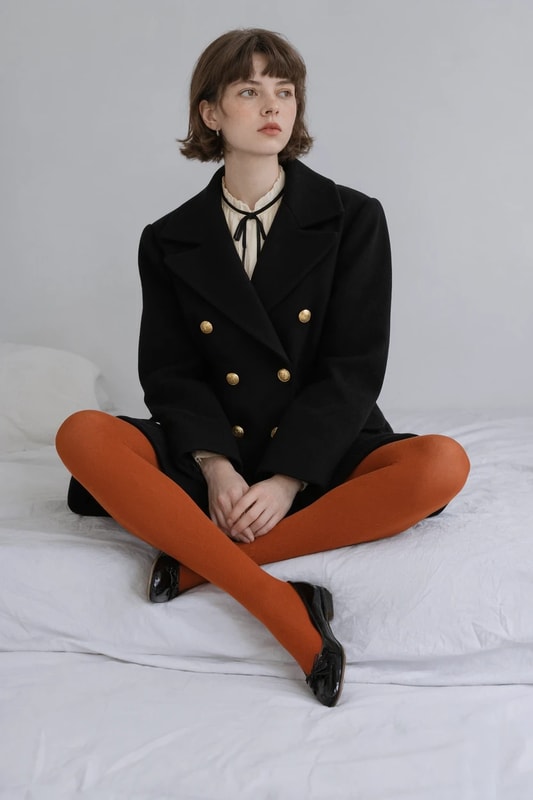
Replace the pink-haired girl on the right of <image_1> with the mechanic woman from <image_2>.


With VGL (building structured prompts with an MLLM)
Structured prompts are where FIBO really shines.
That said, writing JSON from scratch by hand is a lot of work, so let's have an MLLM rewrite plain sentences into VGL JSON.
For the system prompts, I took the Gemini ones in Bria's bria-vgl and adjusted them slightly for Qwen3.5.
Image generation, image editing, and multi-reference each use a different one, so don't reuse one for another task.
I use Qwen3.5 9B as the MLLM. You could reuse Qwen3-VL 4B, which is already loaded as the text encoder, but it isn't capable enough for this job, so I don't recommend it.
Image generation
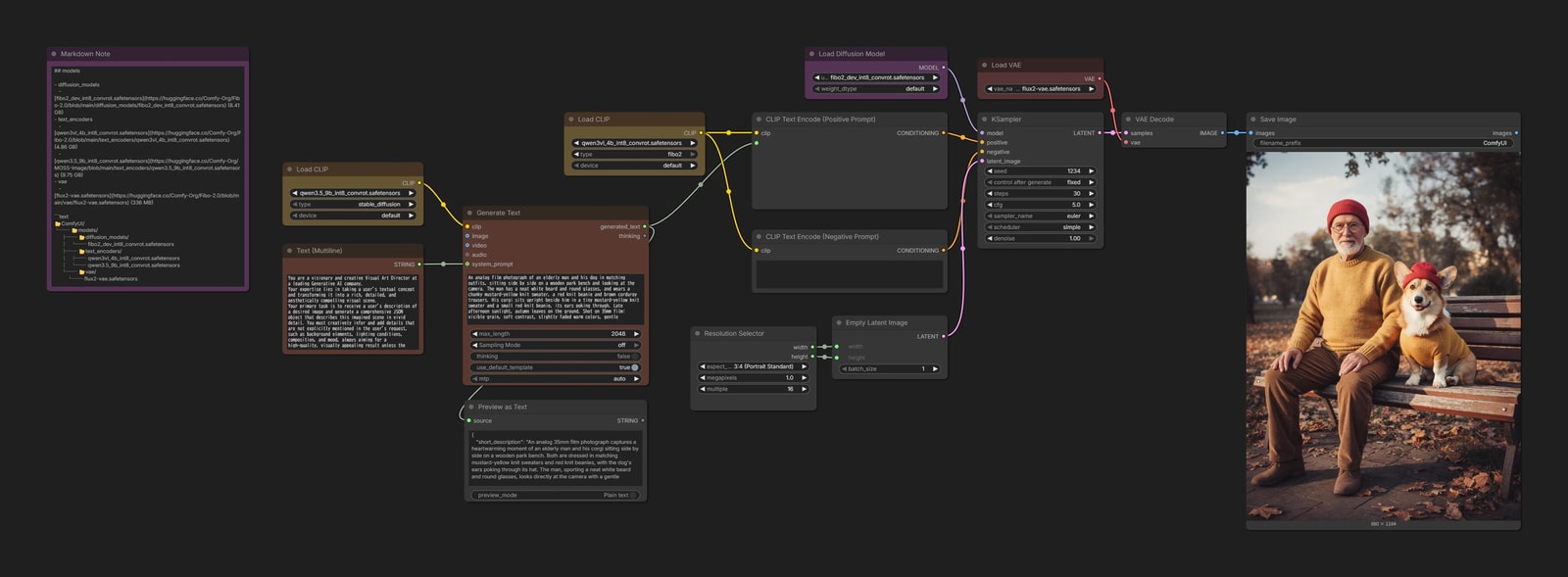
What sets structured prompts apart is that you can change just one part of them, like tweaking a parameter.
Take the finished JSON prompt, change only something like the camera angle, and generate again.
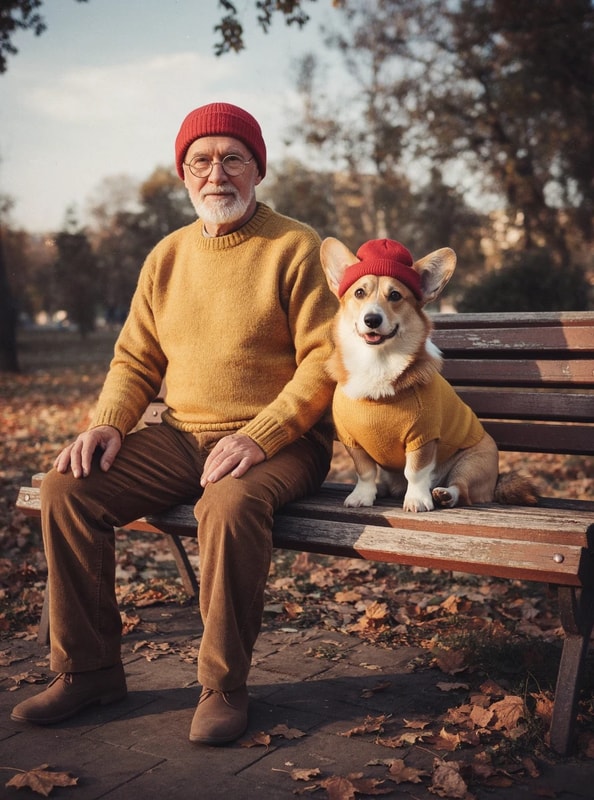
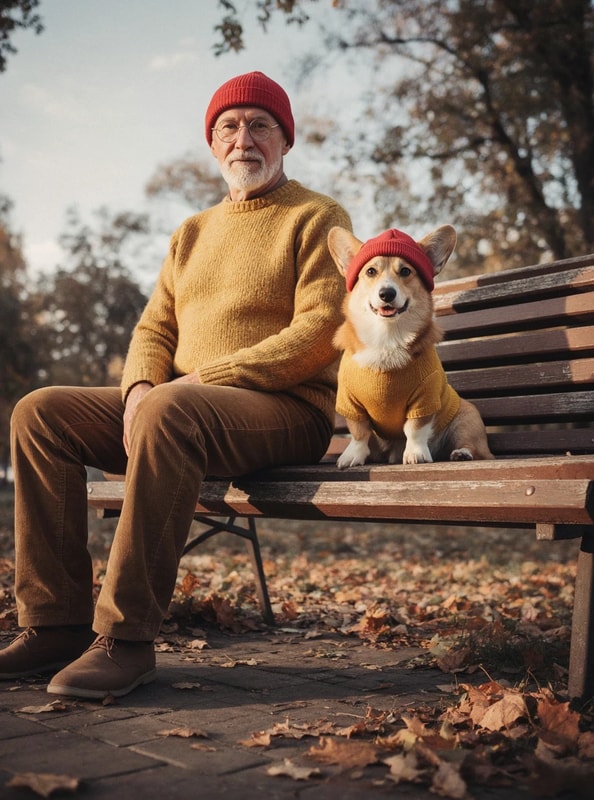
Image editing
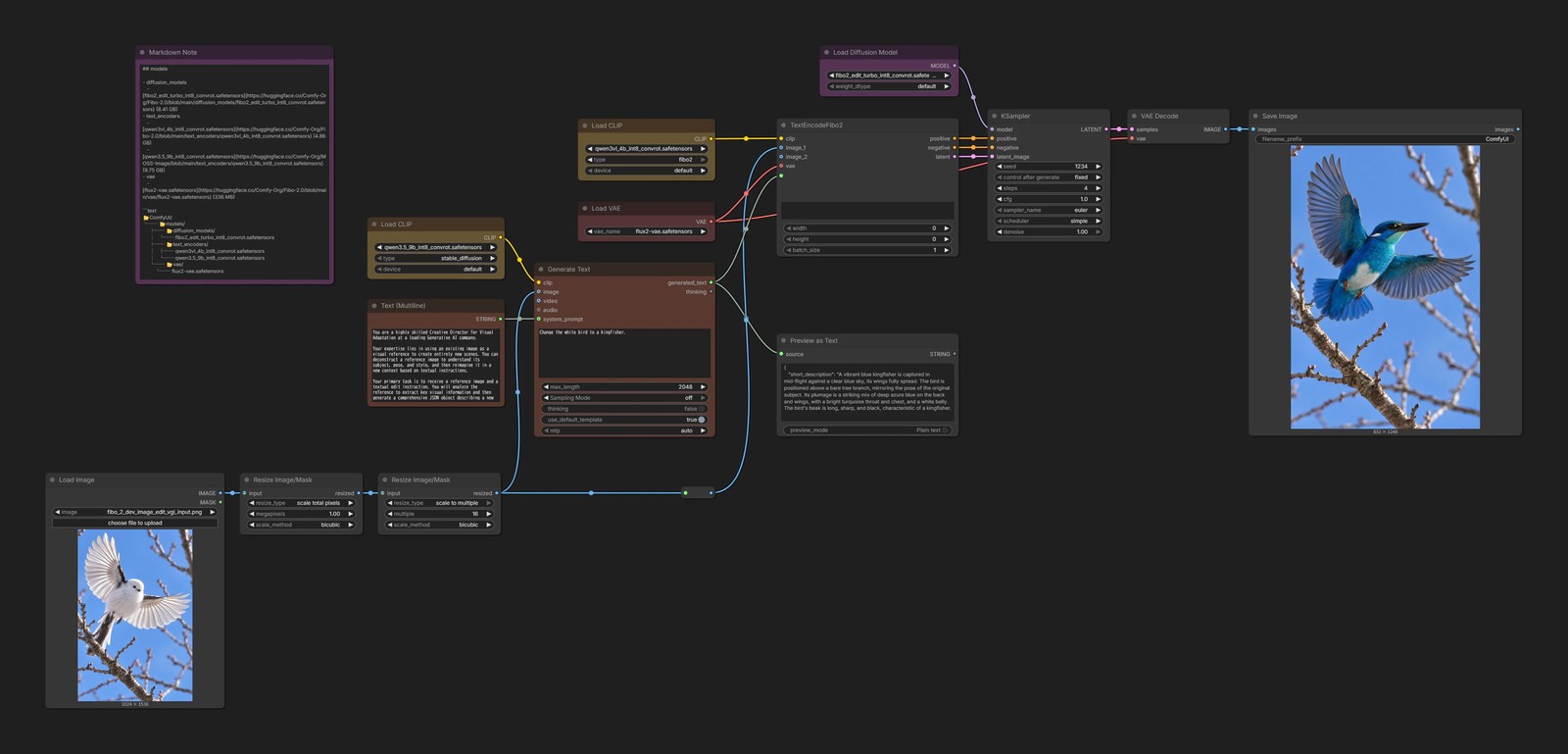
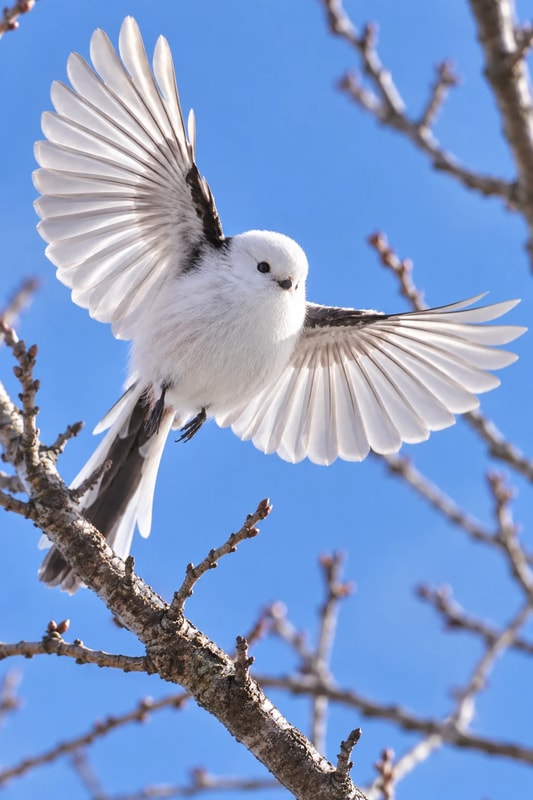
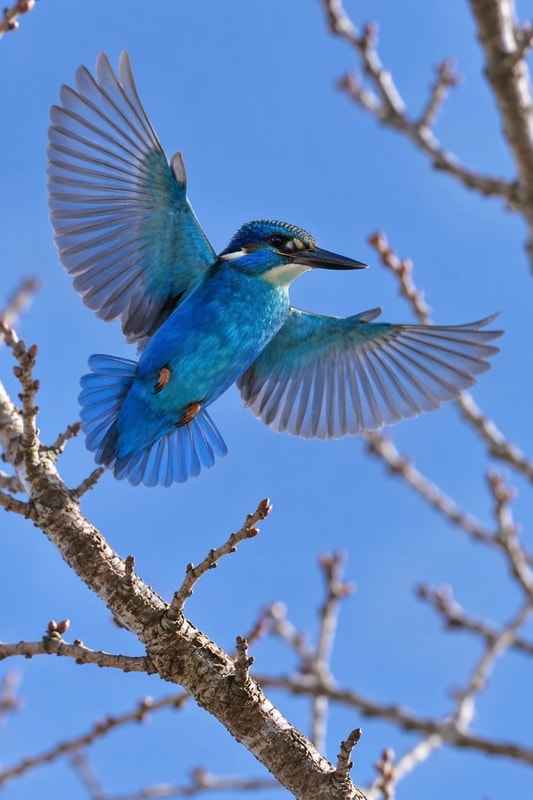
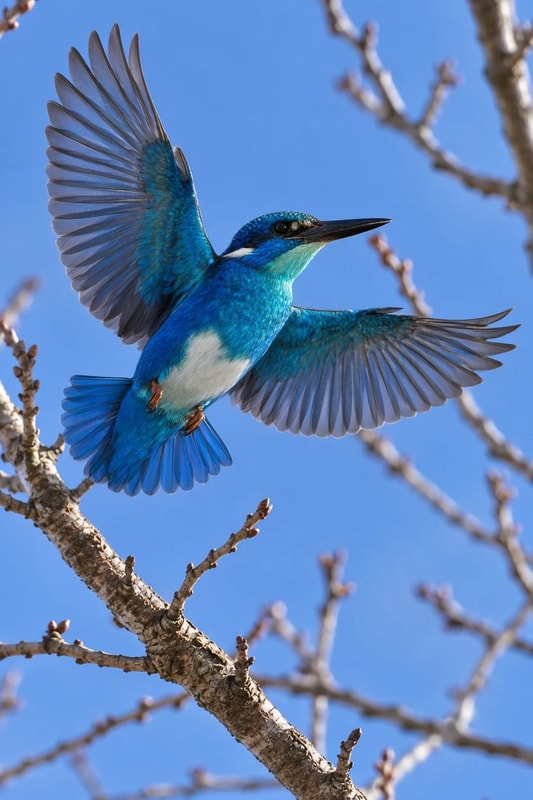
Image editing (multi-reference)
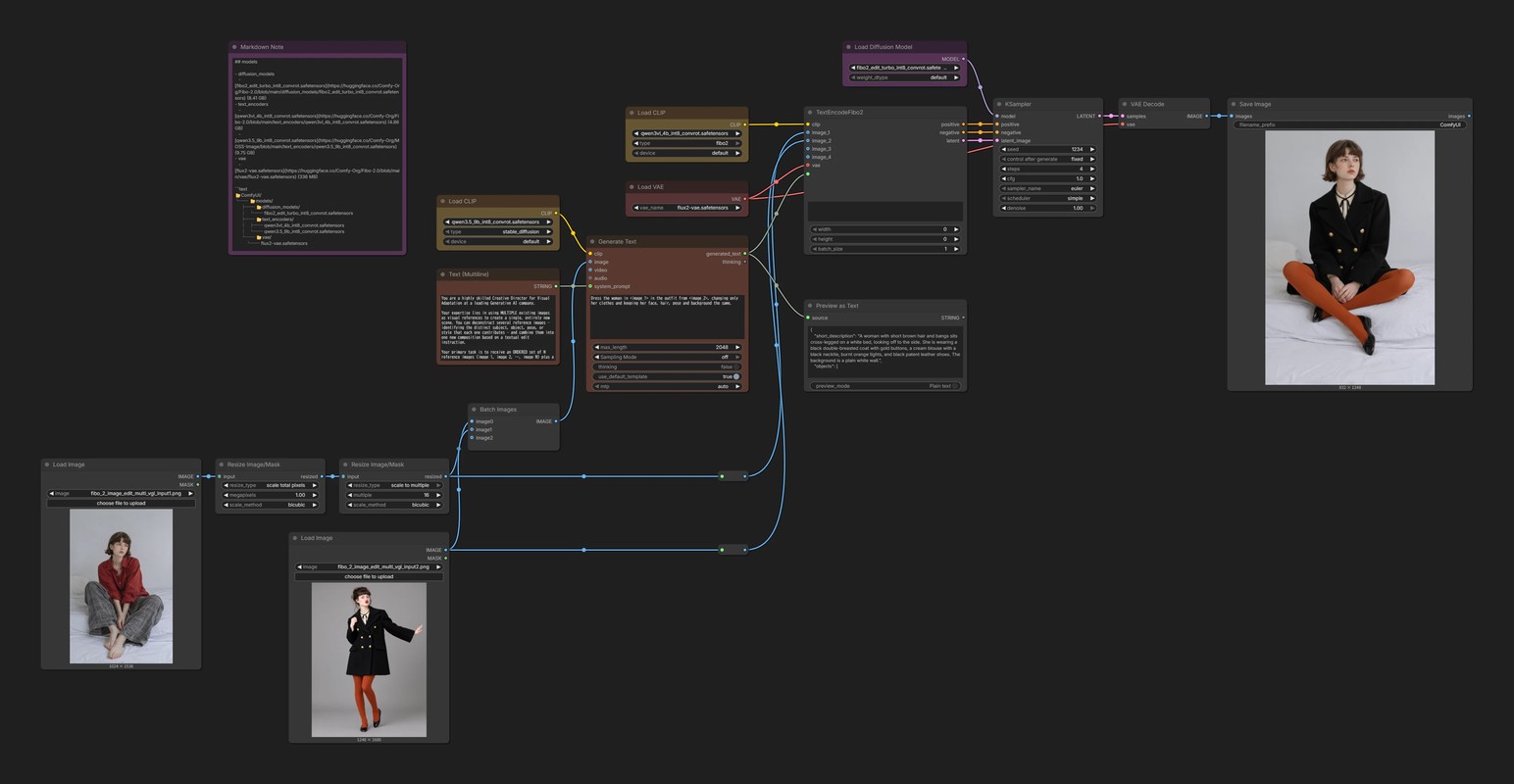
To feed several images into Generate Text, combine them into a batch with Batch Images first.
Note, though, that Batch Images crops the second and later images to the same resolution as the first.
If the images are oriented differently, say the first is portrait and the second is landscape, add padding so nothing gets cut off.