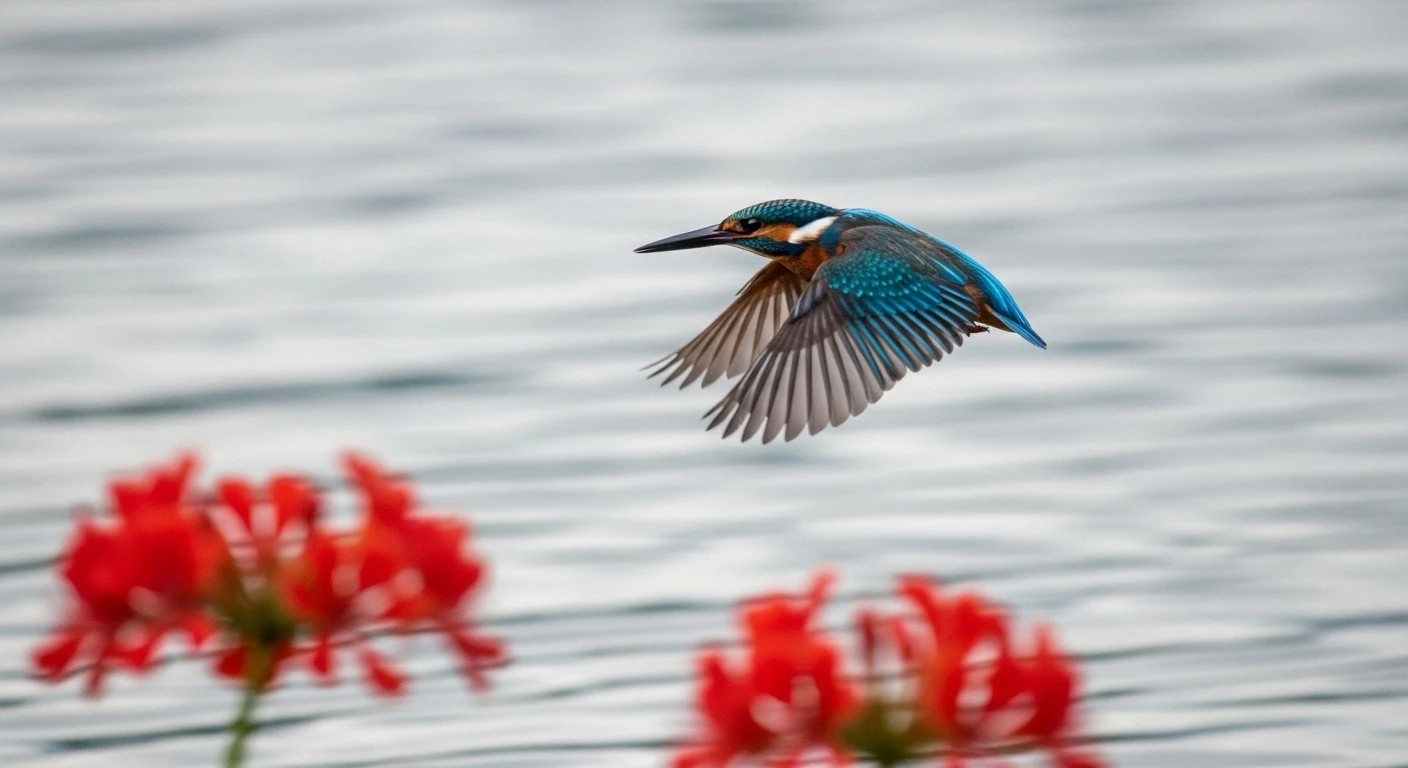
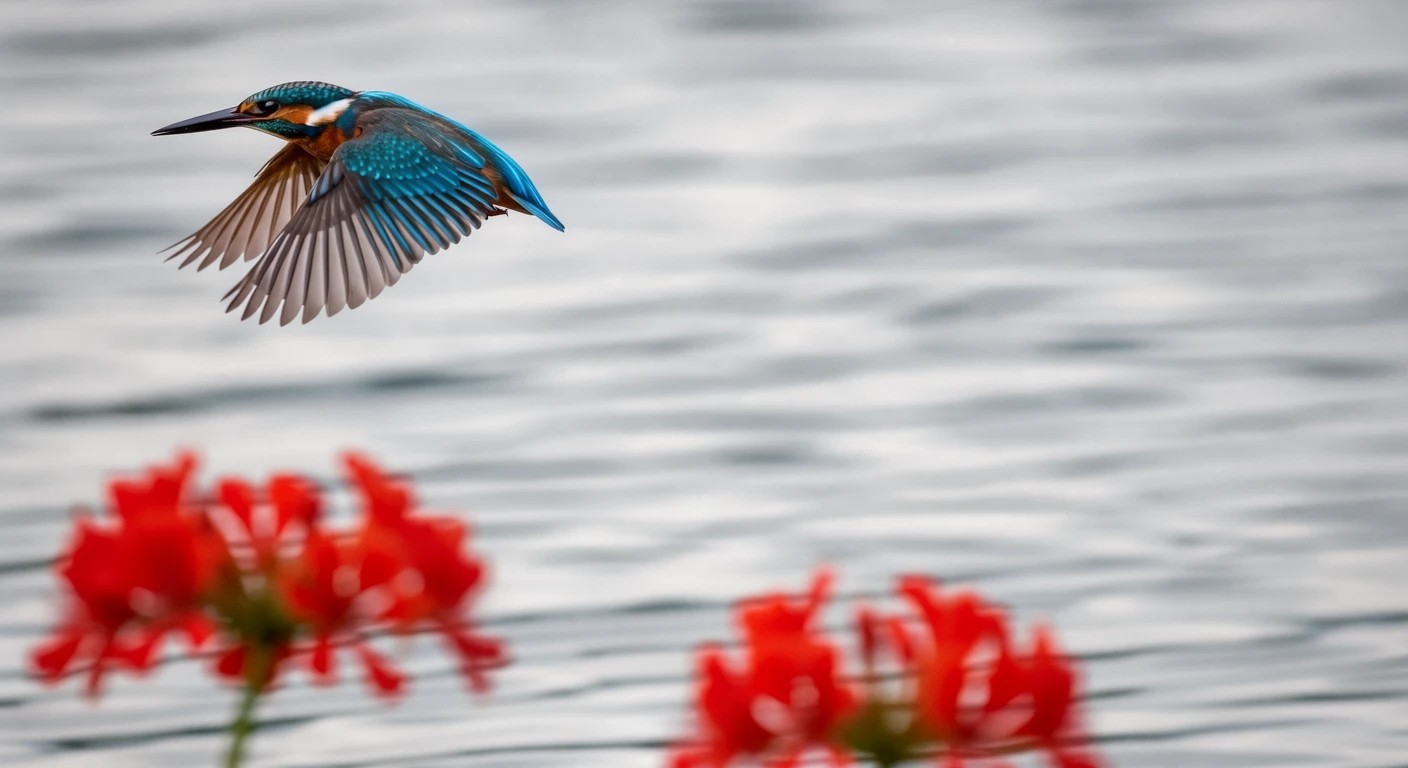
FLUX 3 Image Klein is an image generation model from Black Forest Labs.
It is the next generation after FLUX.2 [klein], and one model handles image generation, image editing, and Ref2Image.
Another fun part is that you can use BBOX to set where things go, or which area to edit. It works much like Ideogram 4.0.
It isn't a model with exceptional expressive power, but it's fast, and it feels great to casually churn out image after image.
Recommended settings
Resolution
Up to 4K
Width and height must be multiples of 16
Reference images
Up to 10
Downloading the models
FLUX 3 Image Klein models cannot be downloaded without authentication. Log in with your Hugging Face account and accept the terms on the flux-3-image-klein-comfy page.
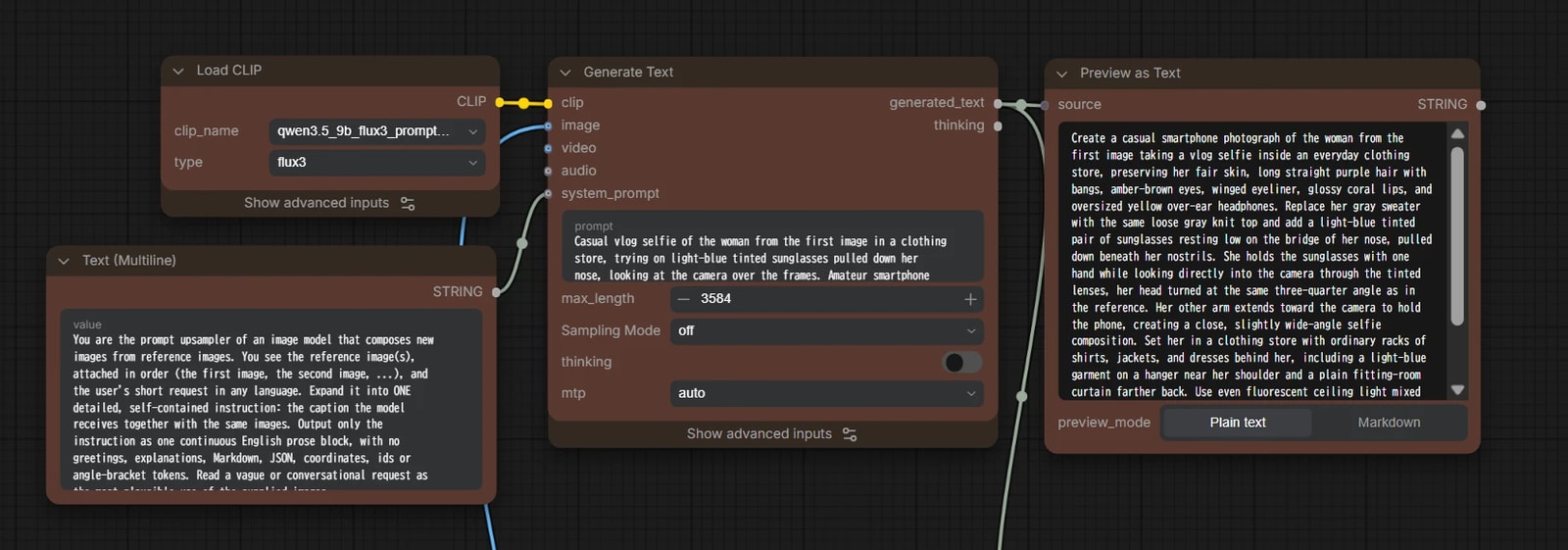
FLUX 3 Image Klein comes with a Prompt Upsampler (a so-called prompt enhancer).
It's an LLM based on Qwen3.5-9B that rewrites a short instruction into a detailed prompt.
That said, it isn't very expressive, so I don't recommend it for text2image.
Even when you use BBOX, you're better off handing the job to ChatGPT or similar and having it write the prompt.
For Ref2Image / image editing, on the other hand, results are not stable at all without it, so I use it by default.
The Prompt Upsampler itself is 9B, but the diffusion model is light, so it shouldn't be much of a burden… probably…
Ref2Image / image editing, with and without BBOX, each need different instructions, so each uses its own system prompt (this differs from the official workflow).
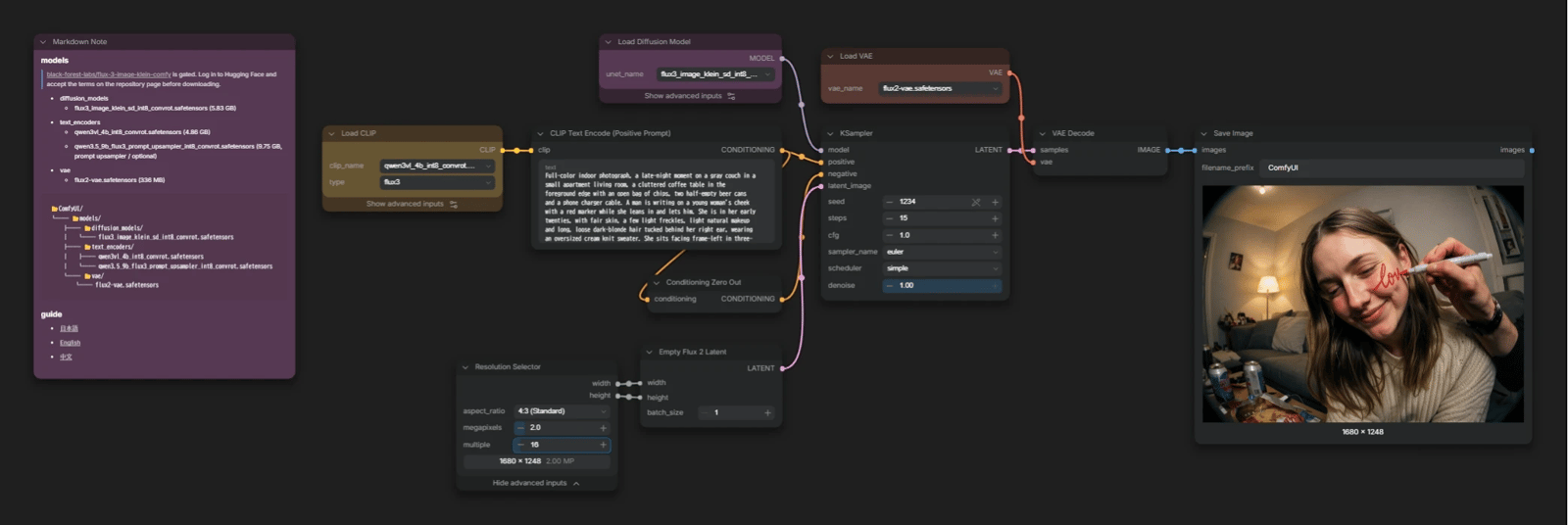
text2image
flux_3_image_klein_text2image.json
steps: 15
CFG: 1.0
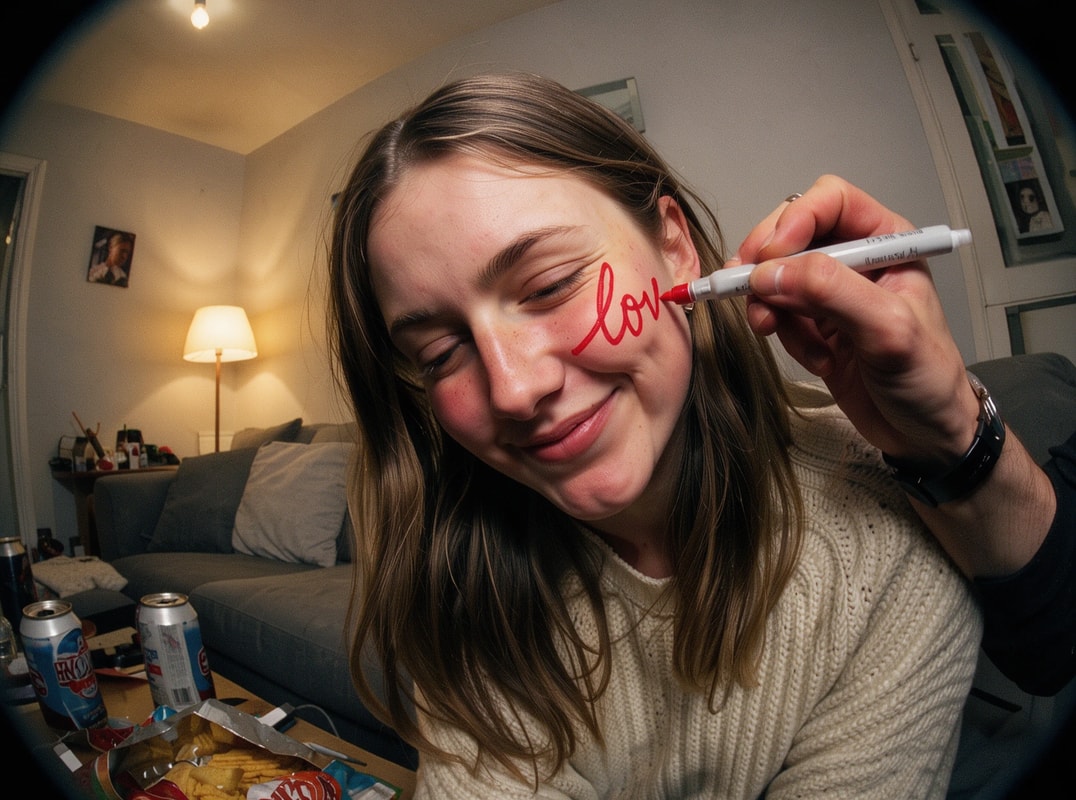
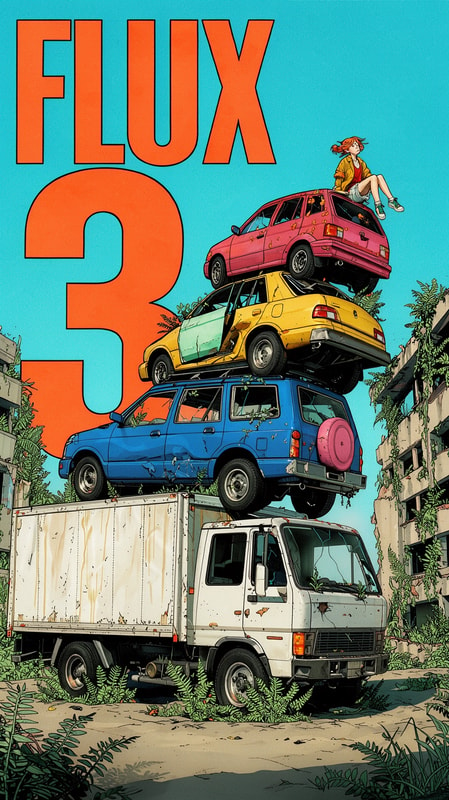
Outputs
output
text2image with BBOX
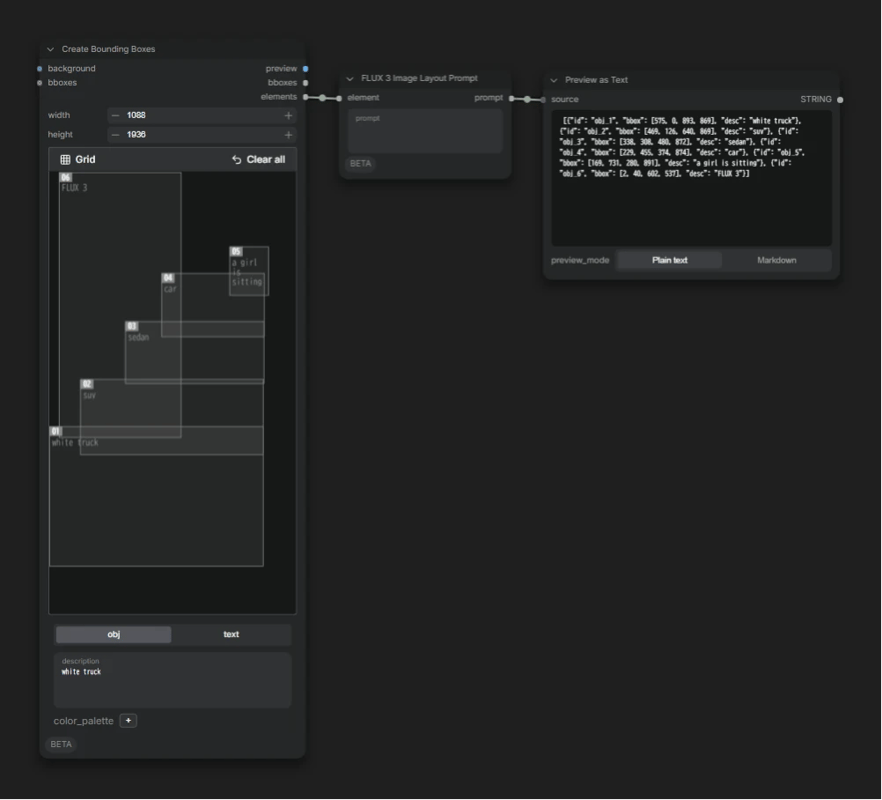
By including coordinates in the prompt, you can intuitively tell the model what goes where.
flux_3_image_klein_text2image_bbox.json
Create Bounding Boxes
A core node for drawing BBOXes. Drag to add a box, then describe what you want to place there.
You can also set colors with color_palette, but FLUX 3 Image Klein doesn't understand it, so there's no point in using it.
FLUX 3 Image Layout Prompt
Write a prompt for the whole image here.
It pulls out only what FLUX 3 needs from the box data (ID, coordinates, description) and outputs it together with the prompt.
I leave this empty, hand the resulting coordinate list to Claude, and have it write the prompt.
Outputs
output
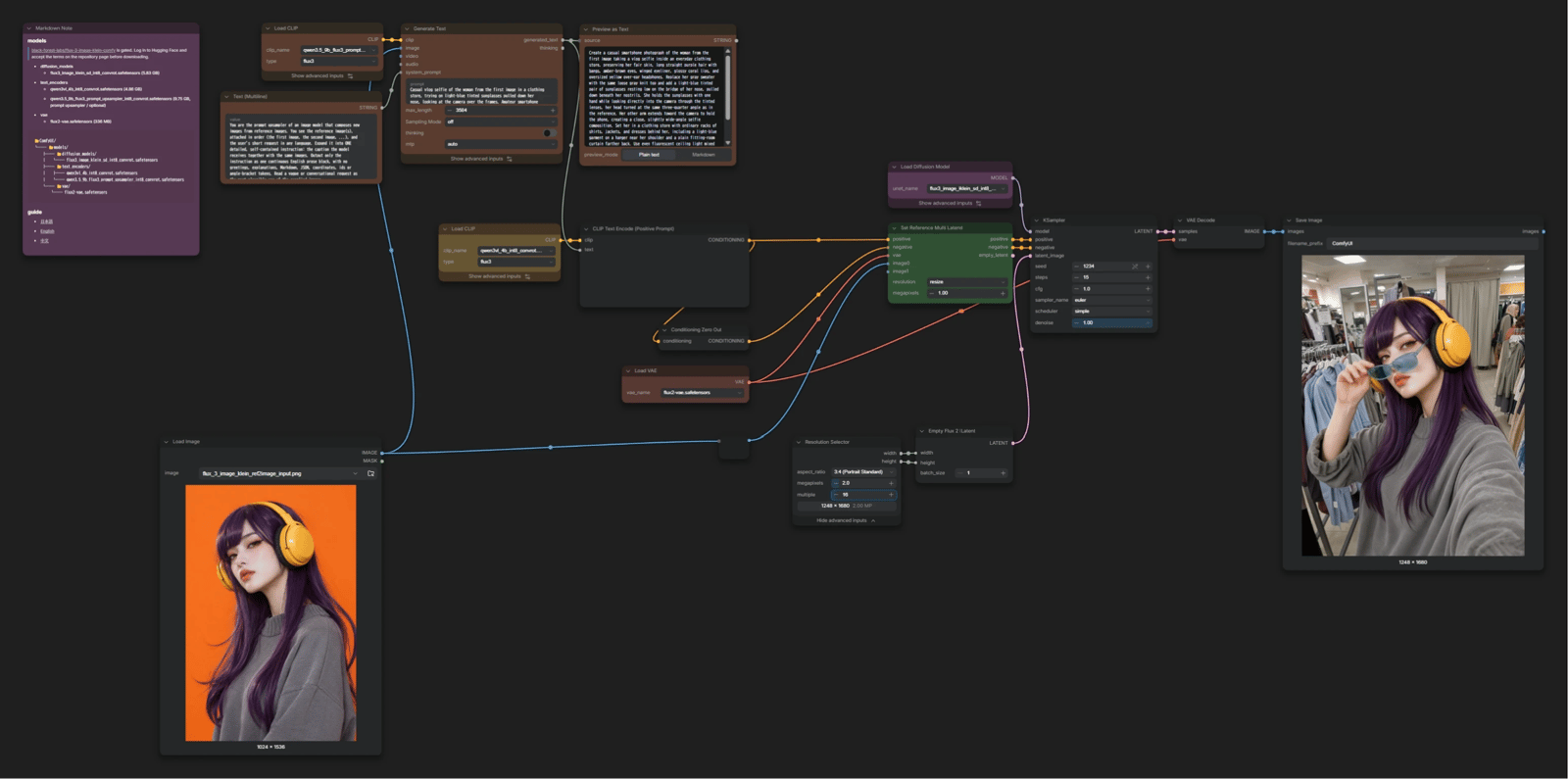
Ref2Image
Generates a new image based on reference images.
flux_3_image_klein_ref2image.json
Write your instruction in the Prompt Upsampler (Generate Text).
If you use the empty_latent output of Set Reference Multi Latent, the output has the same size as the first image.
For Ref2Image I want to choose the output size freely, so I connect a separate Empty Flux 2 Latent.
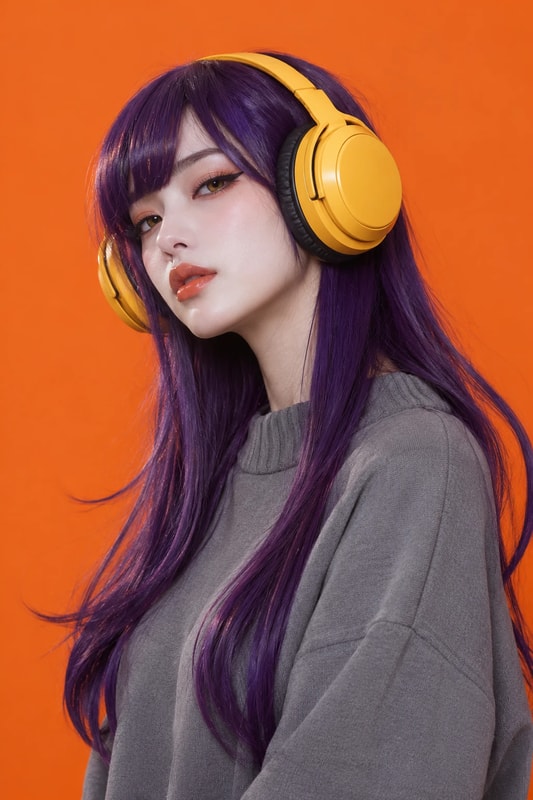
Outputs
input
output
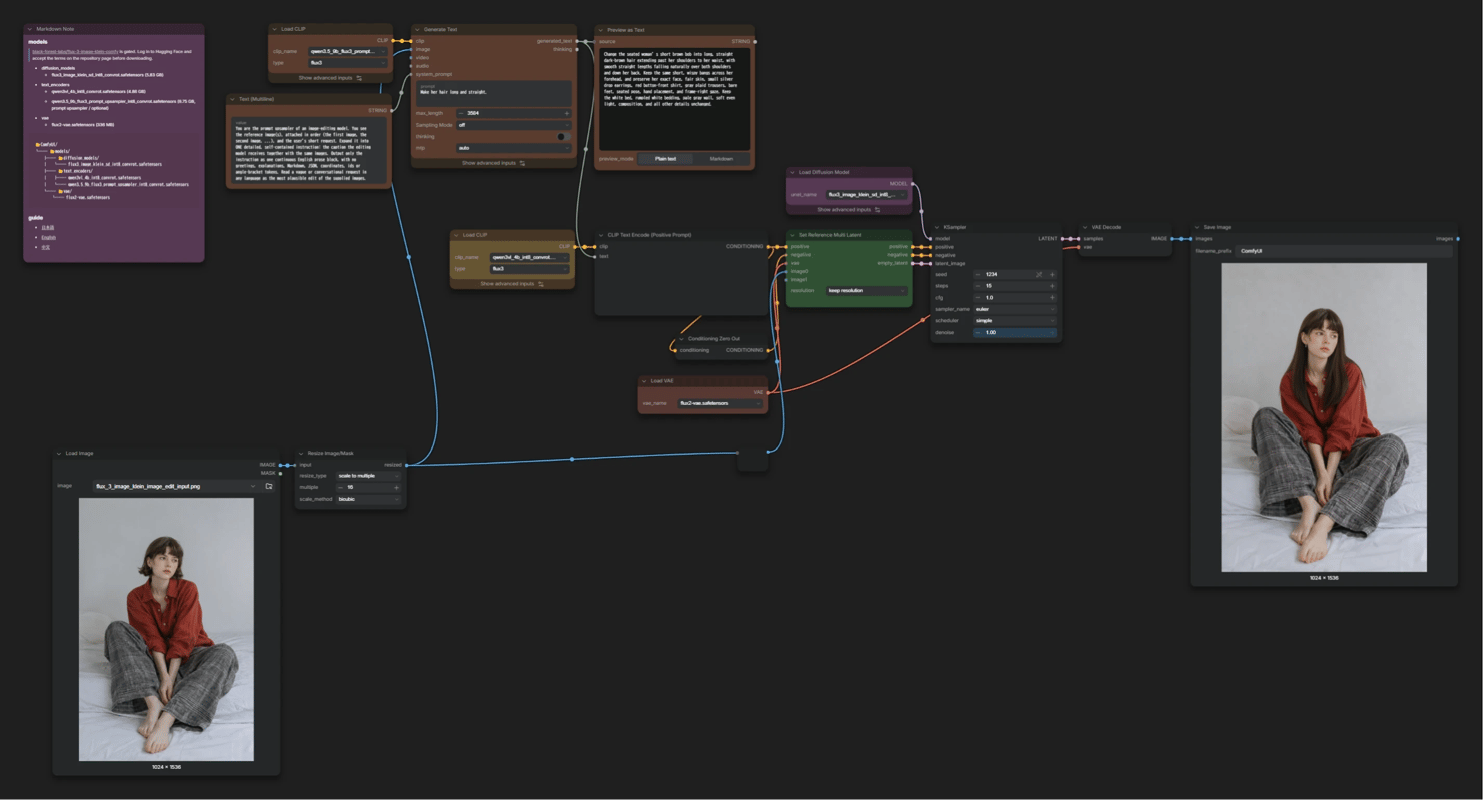
Image editing
flux_3_image_klein_image_edit.json
Almost the same as Ref2Image, but the output size follows the input image, so this one uses the empty_latent of Set Reference Multi Latent.
The Prompt Upsampler looks at the input image and your edit instruction, and rewrites them into a suitable form.
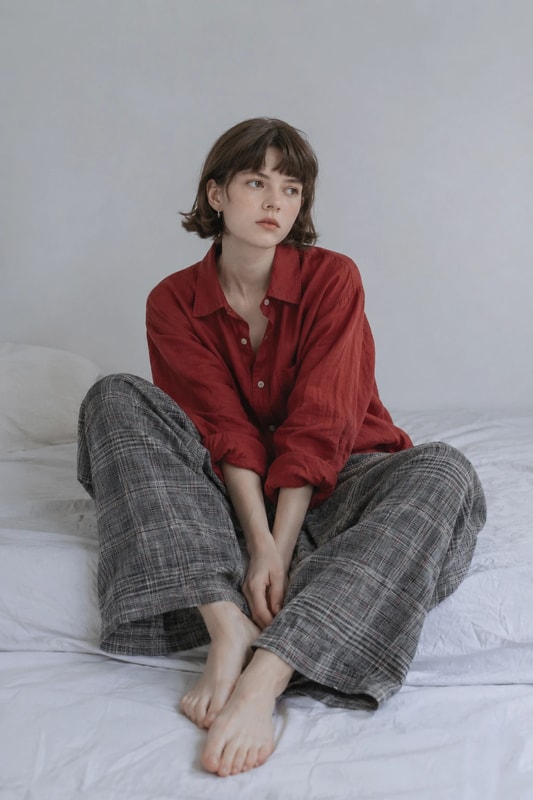
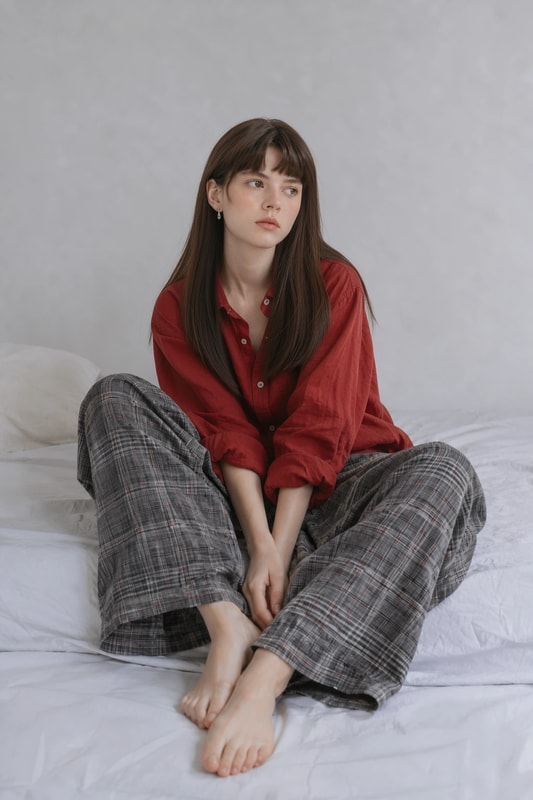
Outputs
input
output
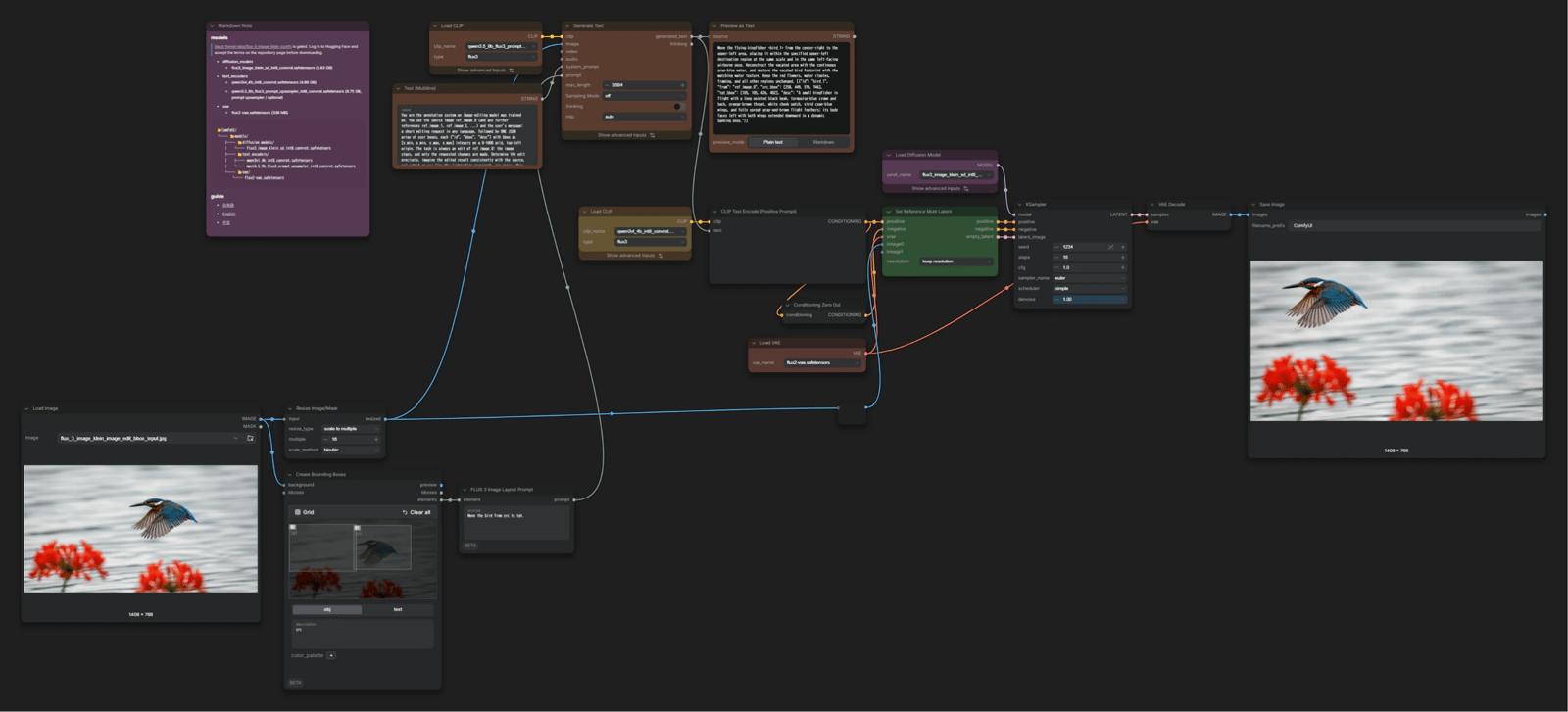
Image editing with BBOX
With BBOX, you can specify where to edit.
You can use it like "add ○○ here", or even "move the thing at A to B".
flux_3_image_klein_image_edit_bbox.json
Create Bounding Boxes
Connect the input image to background, and the resolution automatically matches that image.
This time I want to move the bird, so the source box is labeled src and the destination box tgt.
FLUX 3 Image Layout Prompt
Write your edit instruction here. You can use the labels you gave the boxes directly in the instruction.